
How to back up your Samsung phone easily?
TL;DR: To back up on Samsung, use Samsung Cloud (Settings > Accounts and backup > Back up data); choose what to save (photos, apps,…
Read article: How to back up your Samsung phone easily?Reviews, comparisons and guides on Samsung Galaxy, tablets and smartwatches. Tips for choosing the best Samsung at the best price.
TL;DR: To back up on Samsung, use Samsung Cloud (Settings > Accounts and backup > Back up data); choose what to save (photos, apps,…
Read article: How to back up your Samsung phone easily?
TL;DR: To split the screen in two on a Samsung: open the desired apps, tap the recent apps button, press the app icon, choose…
Read article: How to split the screen in two on Samsung easily? How to split a Samsung S9 screen easily. See tips, setup, multitasking and split screen troubleshooting.
Read article: How to split the Samsung S9 screen to use two apps together
How to unlock Samsung Galaxy s3 mini safely, step by step, tips, alternatives and expert support for your device
Read article: How to unlock a Samsung Galaxy S3 Mini step by step
TL;DR: To unlock a forgotten Galaxy J5 password, restore to factory settings: turn off the phone, press Volume +, Home and Power until the…
Read article: How to unlock Samsung Galaxy J5 simply?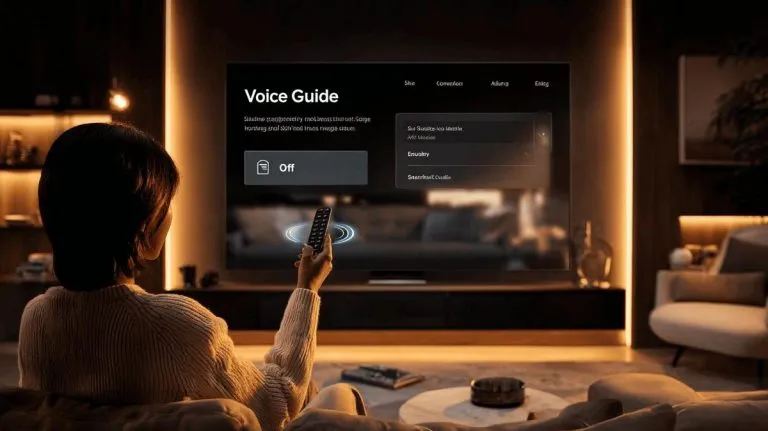
How to turn off Samsung TV voice guide quickly on older or newer models and improve your accessible experience in a few steps
Read article: How to turn off the voice guide on a Samsung TV on any model
How to copy contacts from phone to SIM card on Samsung: step-by-step guide and tips for exporting, moving and saving contacts safely.
Read article: How to copy contacts from your phone to a Samsung SIM card
How to set up a Samsung remote on your phone? Here are the requirements, step-by-step instructions in the SmartThings app and solutions for possible…
Read article: How to set up a Samsung remote control on your phone and does it work
How to set a timer on a Samsung TV? Follow the step-by-step guide to schedule the auto shut-off and use sleep mode easily.
Read article: How to set a timer on a Samsung TV to turn off by itself
How to block a Samsung device and protect your data with Galaxy Lock, IMEI and support. See safe tips to ensure your security.
Read article: How to block a Samsung device in case of loss or theft
How to get the Play Store on a Samsung TV? See compatible models, fixes for errors and safe sources for downloading apps.
Read article: How to download the Play Store on a Samsung TV easily
How to increase the font size on Samsung and customise the look of your device for easier reading and accessible menus in seconds.
Read article: How to increase the font size on different Samsung models
Step-by-step guide to setting your Samsung watch: automatic methods, manual adjustment, time zone and extra functions on your device.
Read article: How to set your Samsung clock quickly and easily
TL;DR: Samsung is a South Korean company, not Chinese. Founded in 1938 by Lee Byung-chul, in Su-dong (present-day South Korea). It initially sold rice,…
Read article: Is Samsung Korean or Chinese? Find out which country it comes from
TL;DR: To enable mobile data sharing on Samsung: Settings > Connections > Mobile Hotspot and Tethering > Mobile Hotspot > Turn on. To change…
Read article: How to share mobile data on Samsung in a few simple steps?
How to locate a Samsung mobile phone with effective methods, apps and tips to track, block or recover your Galaxy quickly.
Read article: How to find your lost Samsung phone easily
Samsung Smart TVs run Tizen instead of Android, so the Google Play Store can't be installed: here's what to use instead.
Read article: Can You Install the Play Store on a Samsung Smart TV? (2026)
TL;DR: 6.7-inch AMOLED display with vibrant colours, high brightness and good sharpness. Snapdragon 675 processor and 6GB RAM provide smooth multitasking and common apps.…
Read article: Is the Samsung A70 good for daily use in 2025?
How to record calls on Samsung devices easily, set up automatic recording and find out where to save and access your conversations securely.
Read article: How to record calls on Samsung without a separate app
Formatting a Samsung is simple. Discover steps to keep your data safe and get tips for effective backups.
Read article: How to format a Samsung simply and quickly


