TL;DR:
- To turn off your Samsung TV automatically, go to Menu > System > Time > Sleep Timer on the remote.
- Set the desired time for the automatic switch-off (e.g. 30 minutes).
- If you cannot find 'Sleep Timer', look for 'Off Timer': the names can vary depending on the model.
- When the selected time is up, the TV turns off automatically, without any warning or noise.
- This feature is available on most newer Samsung models.
- You can also set daily on/off schedules using the On/Off Timer.
- Check the manual or Samsung's official website for more detailed information.
In this article
Do you want to know how to set a timer on your Samsung TV so it turns off by itself? I'll show you how. In this guide, you learn each step without any fuss. You also discover how to use sleep mode and adjust the timer safely. Follow along and make sure your TV never stays on longer than you want. Let's get started.
How to set a sleep timer on a Samsung TV so it turns off by itself
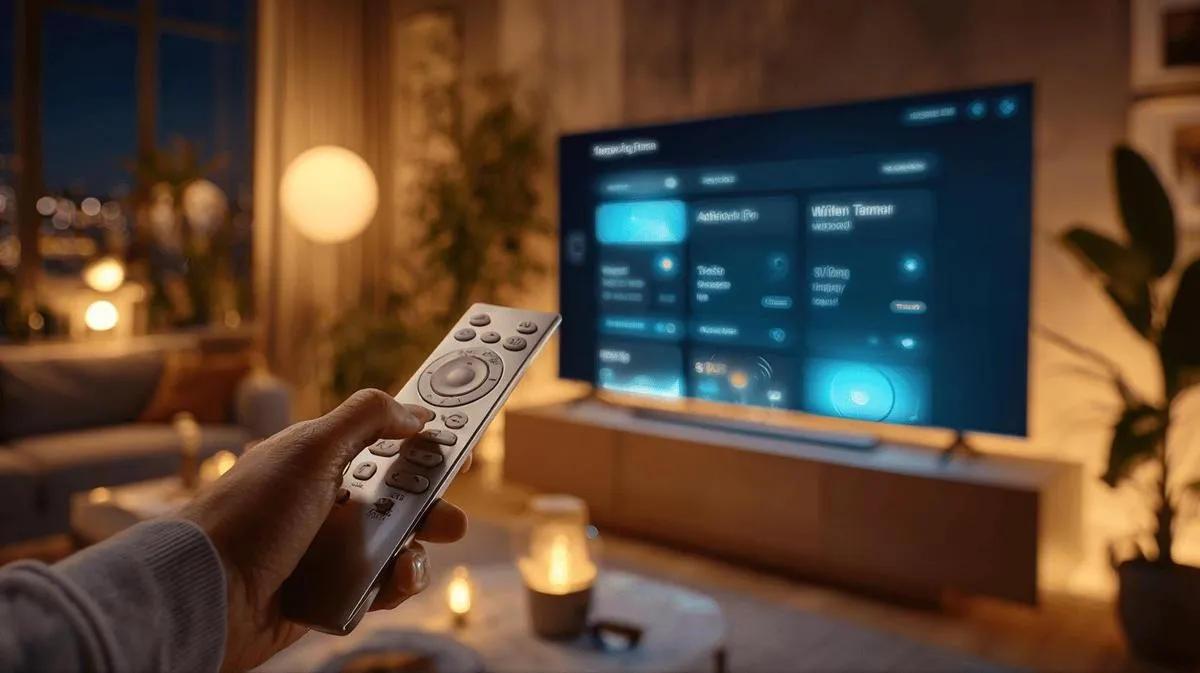
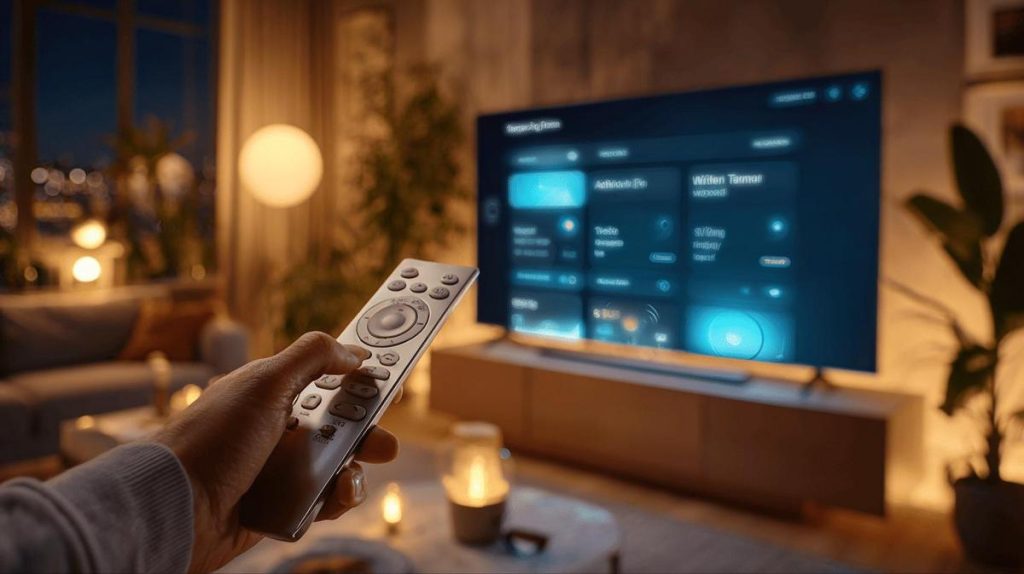
You want to know how to turn off your Samsung TV automatically using the timer. To do this, follow these steps: press the Menu button on the remote, go to System and then Time. There you will see an option called Sleep Timer. Select that option, choose how long you want the TV to stay on and confirm. That's it. Your TV will turn off by itself after the time you have chosen. This method works on almost all current Samsung models.
If you want, for example, a timer of 30 minutes, just adjust it in the menu options. I use this feature all the time when I go to sleep and do not want the TV to stay on all night. That way, I save energy and do not have to worry.
If you cannot find the Sleep Timer option, try looking for Off Timer. On some remotes and models, the name may change, but the function is the same. You can test the feature to check it is working as you want. When the time is up, the TV turns off without any noise or warning.
In your Samsung TV menu, other timer options may appear. The On/Off Timer lets the TV turn on or off at specific times every day. You can set these times to suit your routine. That makes everything very convenient.
If you are unsure, the manual is always helpful. For more details, check the official Samsung page about the timer. I have already helped many friends follow this method. Your Samsung TV will turn off by itself in just a few clicks.
Conclusion
Today, you saw how to access the timer menu and activate the automatic switch-off on your Samsung TV. I also gave you tips for adjusting the timer as you wish and explained what to do if the timer does not appear in the menu. With this feature, your TV turns off by itself and even helps you save energy. Your experience is now more convenient and reliable every day.
Also read
- How to install WhatsApp on a Samsung phone in 2025?
- How to unlock a Samsung phone without knowing the password?
- How to take a screenshot on a Samsung device the easy way
- See refurbished Samsung phones at iOutlet
Samsung at iOutlet
Samsung is the largest smartphone manufacturer in the world. At iOutlet, we offer refurbished Samsung Galaxy models: checked, with warranty and at affordable prices.
- Galaxy S series for premium performance
- Galaxy A series for best value for money
Discover refurbished Samsung phones at iOutlet.
Diagnostic tools
Get more articles like this one.
Refurbished tech analysis + €5 with BEMVINDO5 on your first order.