TL;DR:
- To turn off the voice guide on Samsung TVs, go to Menu > Settings > Accessibility > Voice Guide > Off.
- If the options differ, look for Accessibility or Speech in General Settings.
- Without a remote, use the TV's buttons to get to Settings and follow the same steps.
- This feature helps people with low vision, but can be activated accidentally.
- You cannot disable it for specific channels only; it applies to the entire menu.
- Turning off the voice guide does not change any other settings.
- On older models, the option may be under Adjustments or the main Menu; look for "Voice Guide".
- Check the manual, Samsung's website or online support if needed.
In this article
Tired of unexpected narration on your Samsung TV? You are not alone. Turning off the voice guide can seem tricky, but it is easy once you know the right path. I will show you how to disable this feature on any Samsung model. Whether your TV is new or old, here are the simple, direct answers you need to watch in silence.
How to turn off the voice guide on any Samsung TV model
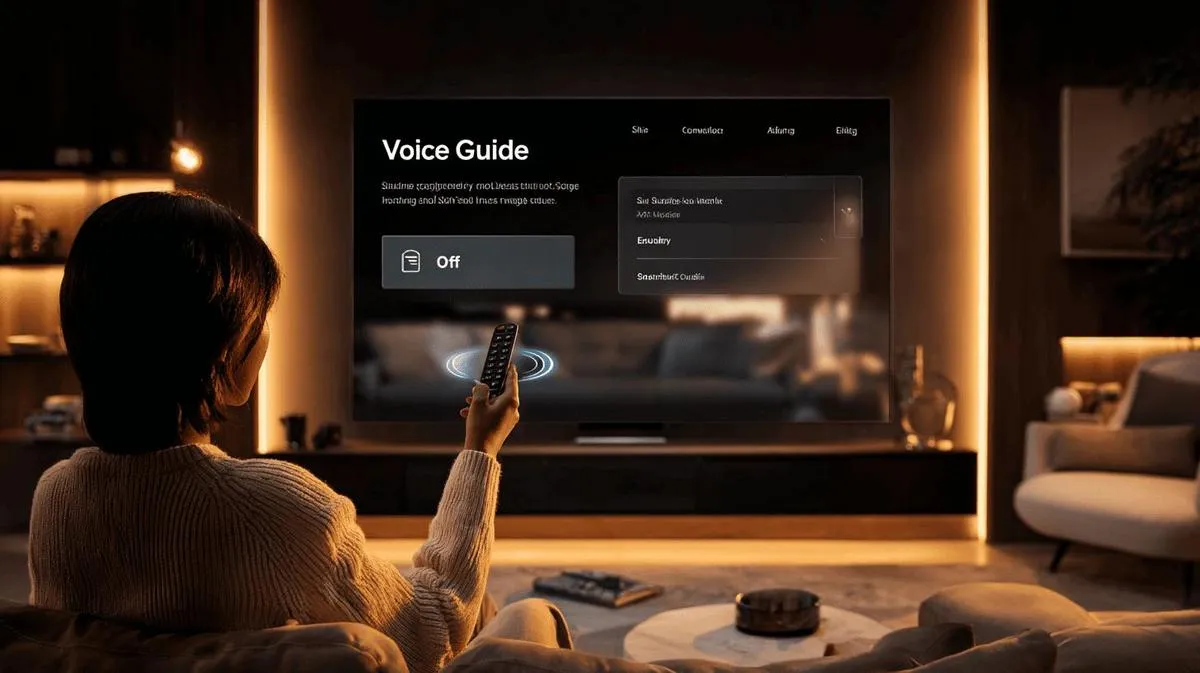
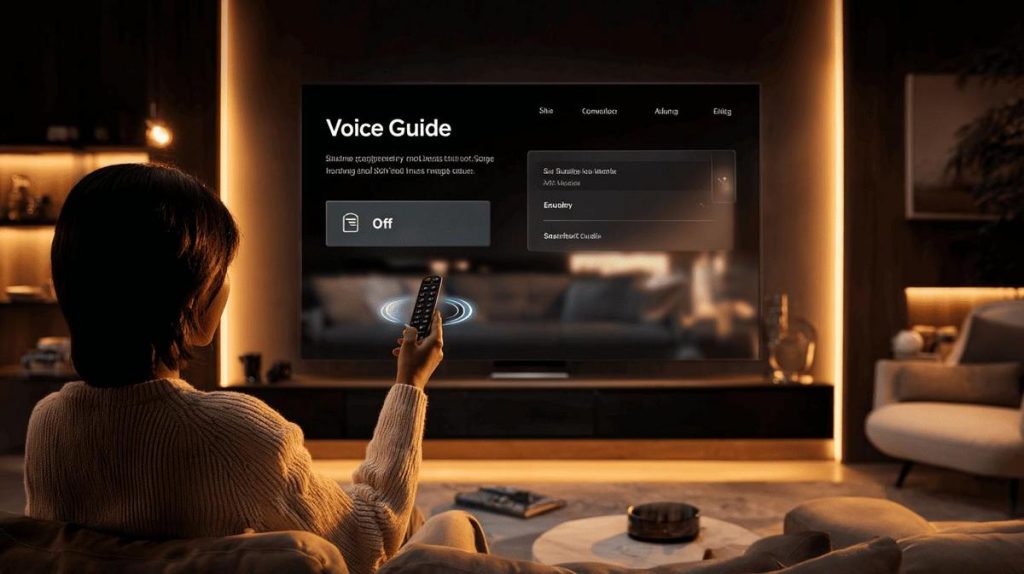
If you want to remove the voice that reads what is on the screen, follow this step. On the remote itself, press the Menu button. Choose Settings. Next, go to Accessibility. In that section, select Voice Guide. Now set it to Off. Done. This process works on most newer models.
If your TV shows different options, try entering General Settings. Look for Accessibility or Speech. The name may vary, but it always leads to the voice guide feature. If you do not have a remote, use the buttons on the TV. Look for Settings and follow the same logic.
Why does the TV activate this guide? It helps people with low vision. Sometimes, it turns on by accident. If this happened to you, do not worry. Go to the options above and disable the feature.
Many people ask: Can I turn it off for just some channels? No, the feature applies to the entire TV menu. Another common question: Does this change any other settings? No, it only affects the speech.
On older models, the option may be under the main Menu or Adjustments. If in doubt, search for the term Voice Guide on the TV screen.
If the menus do not help, check the manual for your model. You can also find step-by-step instructions on Samsung's official website. Use their online support if you need to.
Conclusion
You have seen how simple it is to turn off the voice guide on your Samsung TV. For each model, I have shown you the correct steps. Now you know how to adjust and remove this feature properly. Follow the menu path and sort it out now. If you need more help, check Samsung's support. Enjoy your TV without any extra voice getting in the way.
Read also
- How to install WhatsApp on a Samsung phone in 2025?
- How to unlock a Samsung phone without knowing the password?
- How to take a screenshot on a Samsung phone the easy way
- See refurbished Samsung phones at iOutlet
Samsung at iOutlet
Samsung is the largest smartphone maker in the world. At iOutlet, we offer refurbished Samsung Galaxy models: checked, with a warranty and at affordable prices.
- Galaxy S series for premium performance
- Galaxy A series for the best value for money
Discover the refurbished Samsung range at iOutlet.
Diagnostic tools
Get more articles like this one.
Refurbished tech analysis + €5 with BEMVINDO5 on your first order. Valid on your first order of €50 or more.