TL;DR:
- You cannot install the Play Store on a Samsung TV, because they use the Tizen operating system, not Android.
- You can only install apps available from the official Samsung store, called Smart Hub.
- To access the Smart Hub store: press the Home button on your remote, select the Apps icon and search for the app you want.
- Only Tizen-compatible apps appear in the store; apps such as YouTube, Netflix and Spotify are available.
- There is no simple, safe way to install apps from outside the official store; doing so could damage your TV.
- Keep your TV connected to the internet to ensure access to apps and updates.
In this article
Want to know how to download the Play Store on your Samsung TV? I understand the appeal of having all your favourite apps, just like on your phone. In this article, I will show you what is actually possible, step by step, and help you avoid falling for tricks. Follow this guide and find out whether your TV supports the Play Store, or other safe ways to install apps.
How to download the Play Store on your Samsung TV, the simple way
Can I download the Play Store directly on my Samsung TV? No. Samsung TVs use the Tizen operating system, not Android. You cannot install the Play Store the way you do on your phone. You can only install apps from Samsung's official store, called Smart Hub.
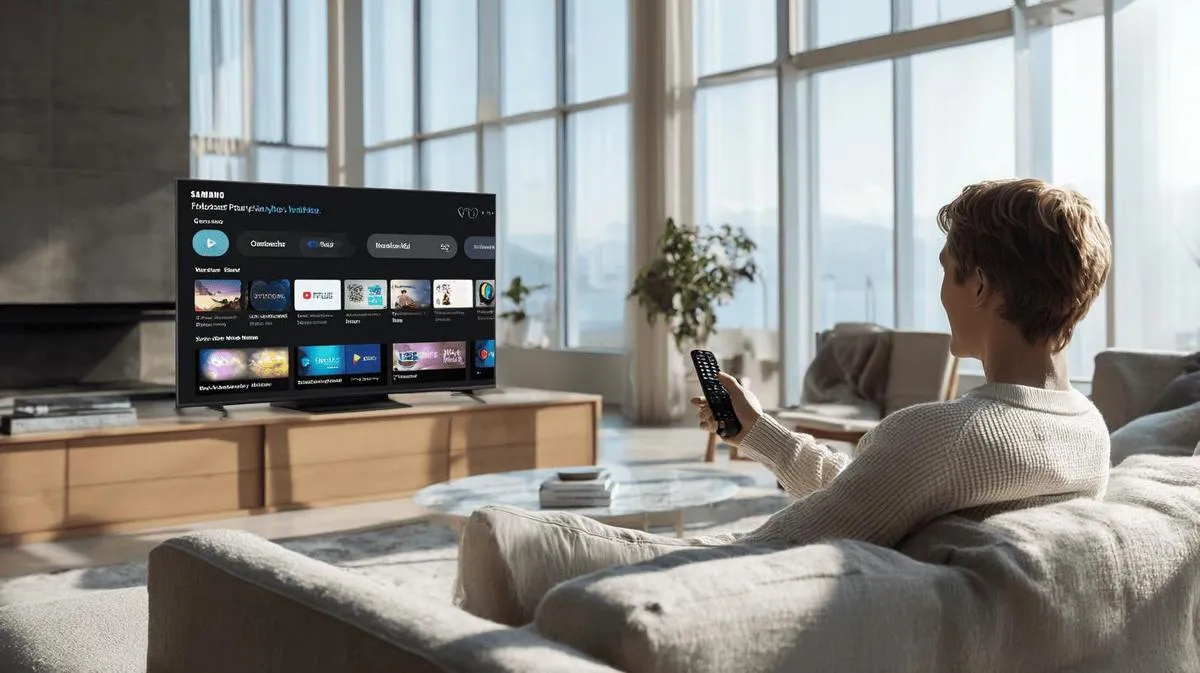
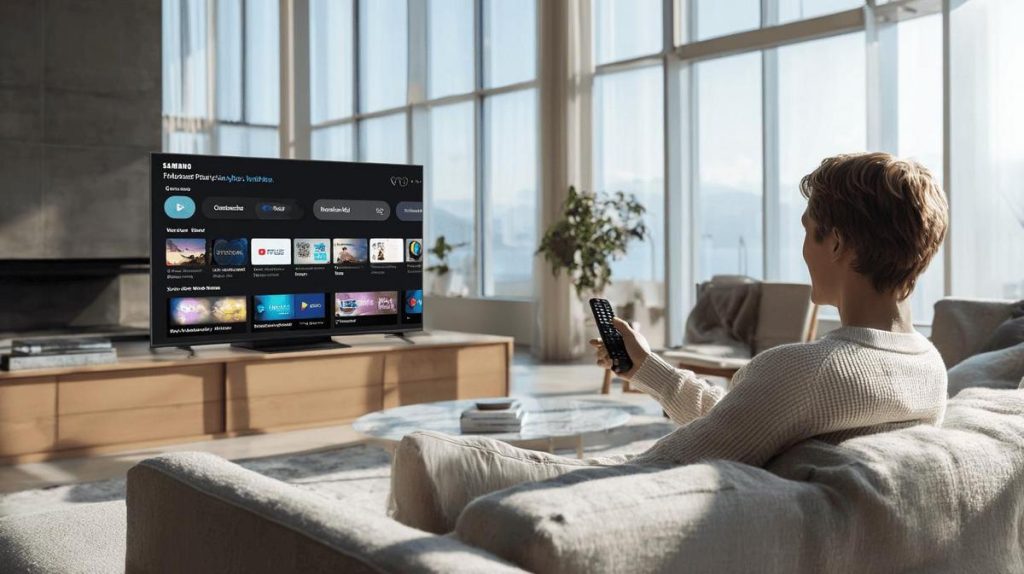
To access the Smart Hub store, pick up your remote and press the Home button. Look for the Apps icon. Click it to open the apps menu. You will see several app options displayed on screen.
But what if you want the Play Store? The simplest method for downloading new apps is to use the Smart Hub store. There you will find many well-known apps, such as YouTube, Netflix and Spotify. If an app is not in the store, you will not be able to install it.
I have tested this and can confirm: there is no Play Store on Samsung TVs. If you need apps from outside the official store, search for apps that are compatible with Tizen. You can use a USB stick to install some apps, but that process is not safe. It could even damage your TV.
The trick is always to look for the app you want in the TV's apps menu. If it is not there, check whether the app's manufacturer offers a Tizen version on its website.
Always keep your TV connected to the internet. This gives you access to the app store and keeps everything up to date. If you have never used Smart Hub before, I recommend a straightforward guide like this one: How to install apps on a Samsung Smart TV. That way, you can be sure you are downloading the right apps without any errors.
How to download the Play Store on your Samsung TV, the simple way
So, how do you download the Play Store on your Samsung TV? You cannot install the Play Store on a Samsung TV, because they do not use Android TV. You can only install apps available from the official Samsung store, called Smart Hub.
Some people think they can download the Play Store just like they do on their phone. That is not possible on Samsung TVs, because they use the Tizen operating system, not Android. That is why not every Google app will work on your TV.
To search for or install an app on your TV, use the remote control. Press the Home button. This will open your TV's menu. Navigate to the Apps icon in the menu. There you will see the Smart Hub store. Search for the name of the app you want to download. If it appears, select it and then choose Install. The store only shows apps that are compatible with your TV's system.
Many users ask why they cannot find the Play Store. The reason is simple: the Play Store only exists for Android devices. Samsung TVs work differently. If you want apps such as YouTube, Netflix or Prime Video, they are already in the Samsung store.
If an app is not in the Smart Hub, there is no way to install it using the usual method. Some people try to download files from elsewhere, but that can cause errors or simply not work. The best approach is always to look for the app directly through your TV's app store.
Conclusion
Not every Samsung TV lets you install the Play Store. You have seen which models support it. I have also shown you how to install apps using other stores or trustworthy APK files. If you cannot find the Play Store, explore safe alternatives and always check whether your TV supports new apps. Pay attention to your TV's requirements before attempting an installation. That way, you get the most out of your Smart TV without any risks or complications.
Read also
- How to install WhatsApp on a Samsung phone in 2025?
- How to unlock a Samsung phone without knowing the password?
- How to take a screenshot on a Samsung the simple way?
- View refurbished Samsung phones at iOutlet
Diagnostic tools
Get more articles like this one.
Refurbished tech analysis + €5 with BEMVINDO5 on your first order. Valid on your first order of €50 or more.