
 Notícias e Atualizações
Blog iOutlet™
Notícias e Atualizações
 Notícias e Atualizações
Samsung Galaxy A56 vs Galaxy A36: performance and camera differences
The Samsung Galaxy A56 vs Galaxy A36 is a close fight in the mid-range segment: the A56 delivers better build, performance, cameras and battery life, while the A36 makes up for it with a lower price. The choice depends on how much you value smoothness and photography over saving money.
 Notícias e Atualizações
Xiaomi Pad 7 vs iPad 2025: performance, screen and battery life in focus
Xiaomi Pad 7 vs iPad 2025: the iPad tends to win in performance and content creation, whereas the Xiaomi focuses on the display and battery life. The best choice depends on your use: creative productivity vs media consumption and multitasking.
 Notícias e Atualizações
How to clear iPad cache: Safari, Chrome and system restart
To clear iPad cache, start with Safari (Settings > Apps > Safari > Clear History and Website Data), repeat in Chrome in the privacy settings, and finish with an iPad restart. This frees up space and resolves slowness and login issues.
 Notícias e Atualizações
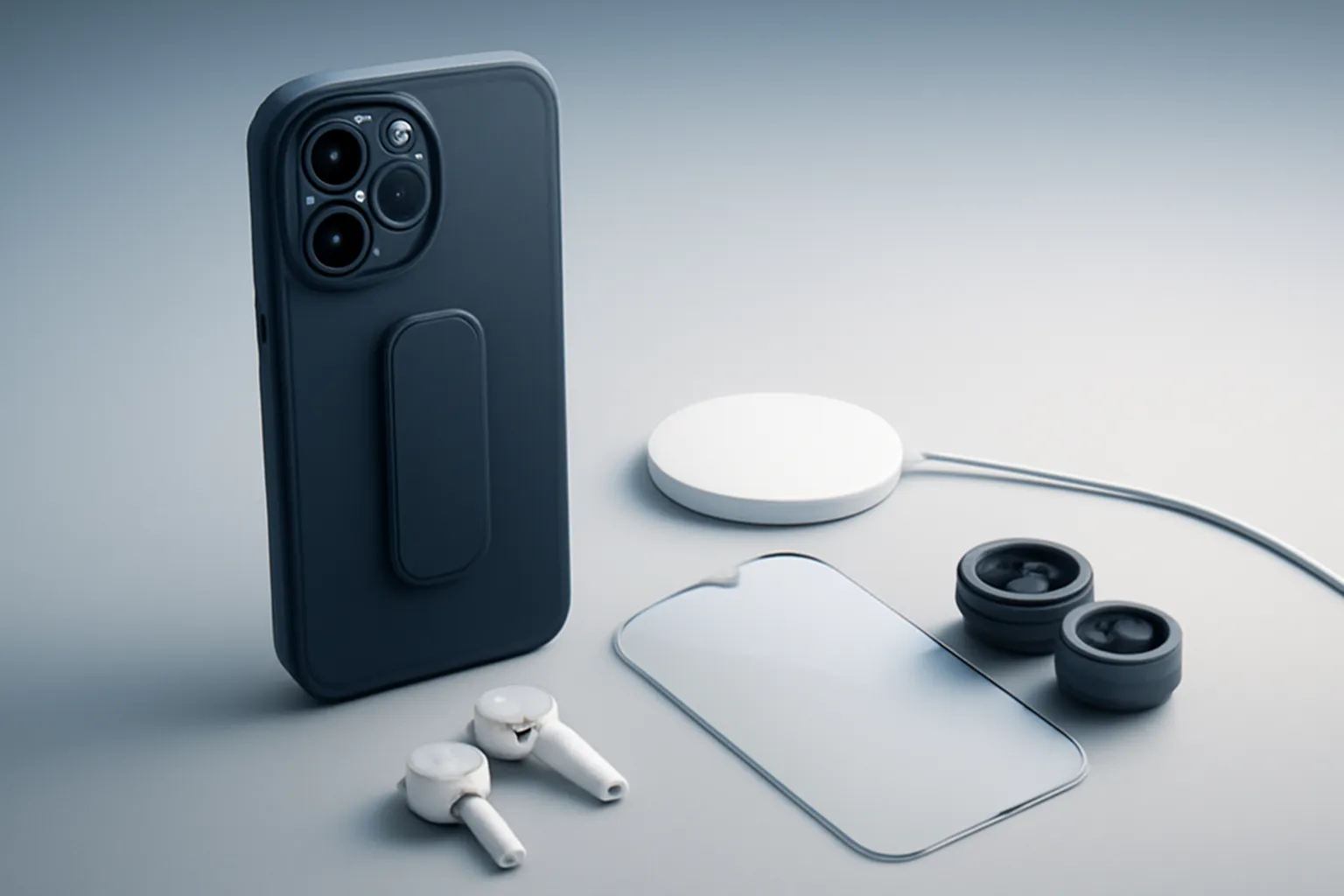
iPhone 17 Pro vs Galaxy S25 Ultra: photography and selfie differences
In the iPhone 17 Pro vs Galaxy S25 Ultra comparison, there is no universal winner: the iPhone tends to have more natural colours and better selfies; the Galaxy responds with more sharpness at night and a more saturated look. The choice depends on your photography style.
 Notícias e Atualizações
 Notícias e Atualizações
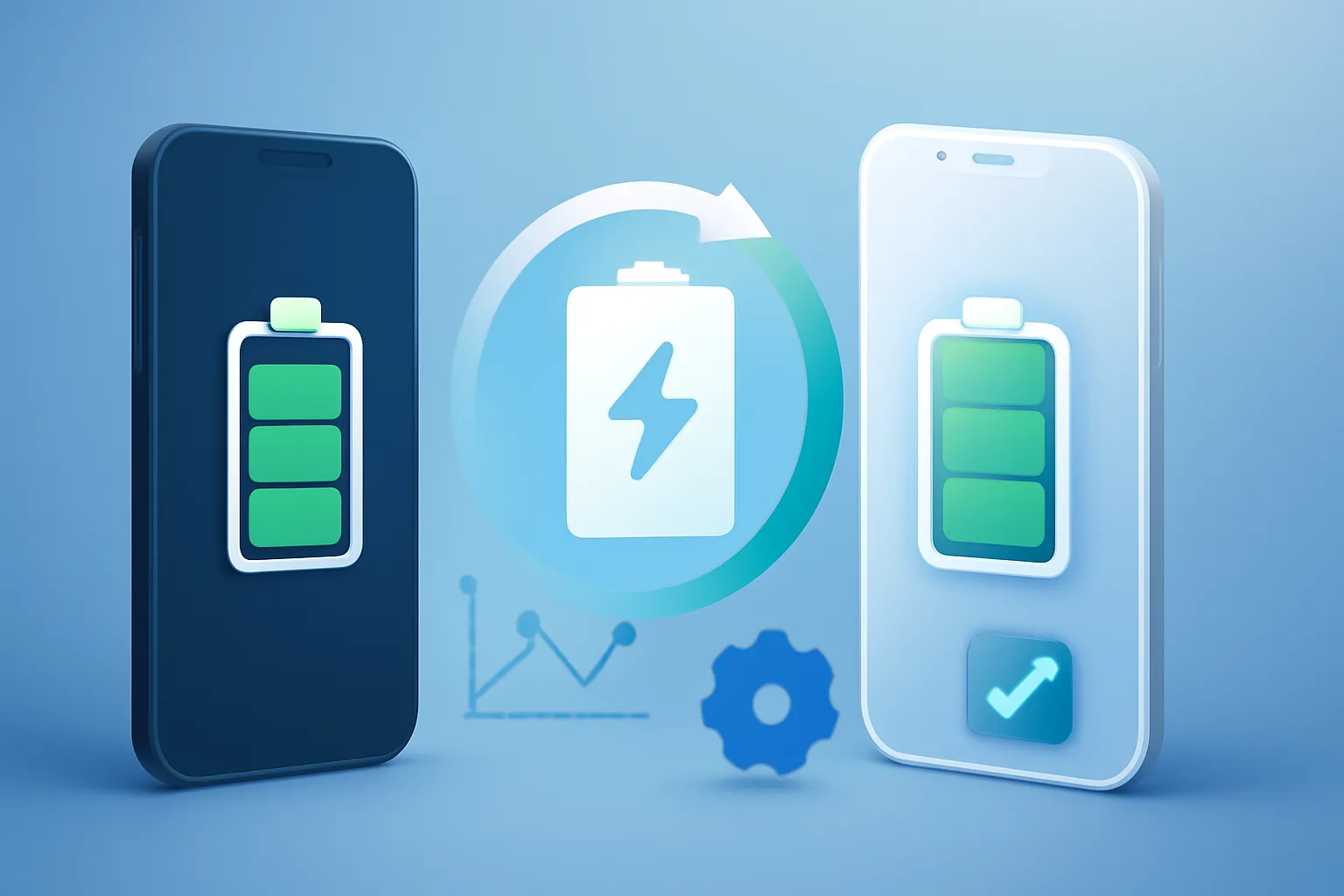
Android vs iPhone battery management: software, charging and apps
The way Android and iPhone manage battery power differs less in raw capacity and more in software, charging and app control. Android tends to favour speed and choice; iPhone focuses on integration and consistency, with a direct impact on battery life, heat and longevity.
 Notícias e Atualizações
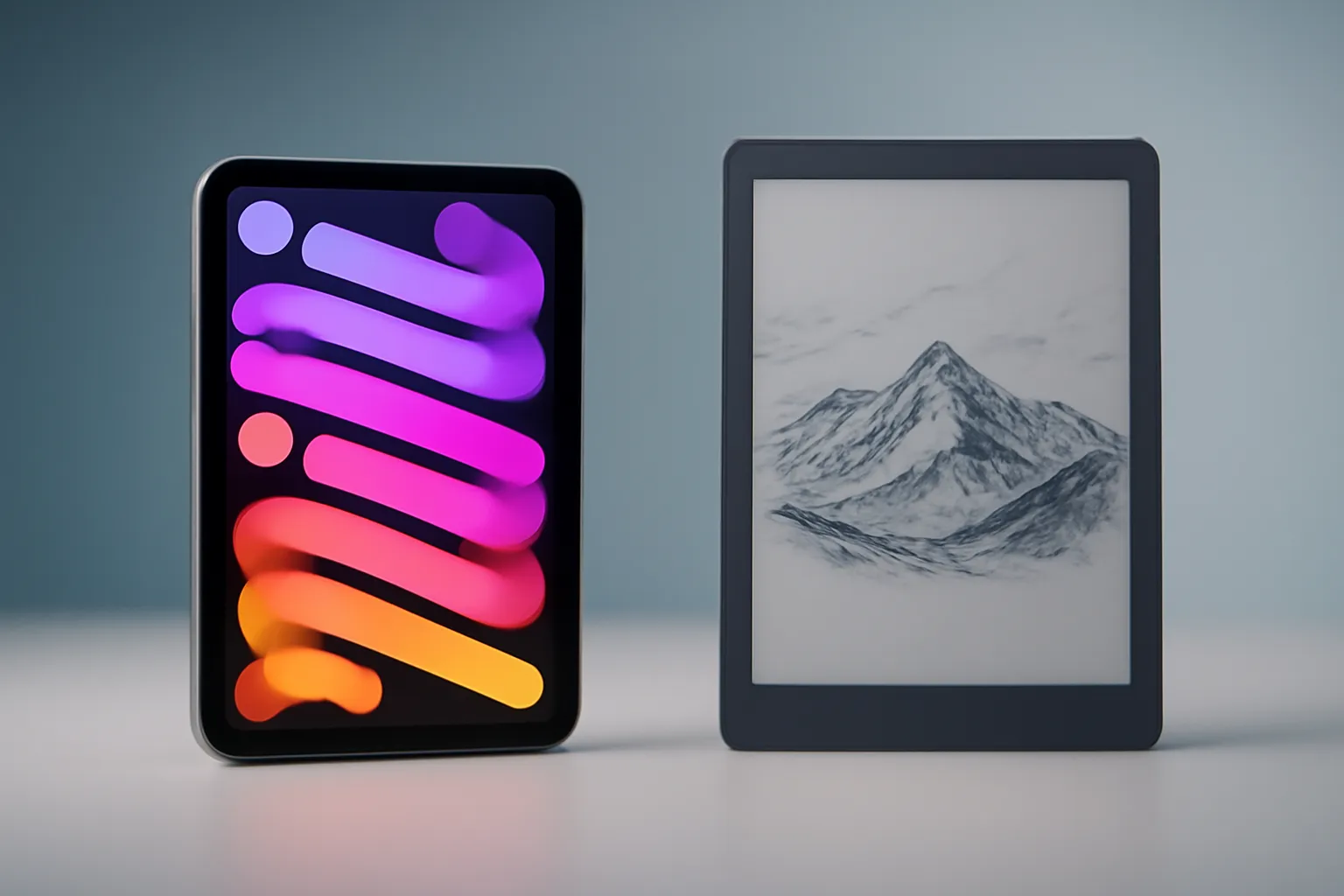
iPad Mini vs reMarkable Paper Pro Move: full tablet or distraction-free E-Ink
iPad Mini vs reMarkable Paper Pro Move: the choice depends on whether you want an all-purpose tablet (apps, multimedia and multitasking) or a dedicated tool for reading and writing without distractions, with an E-ink screen and a feel closer to paper.
 Notícias e Atualizações
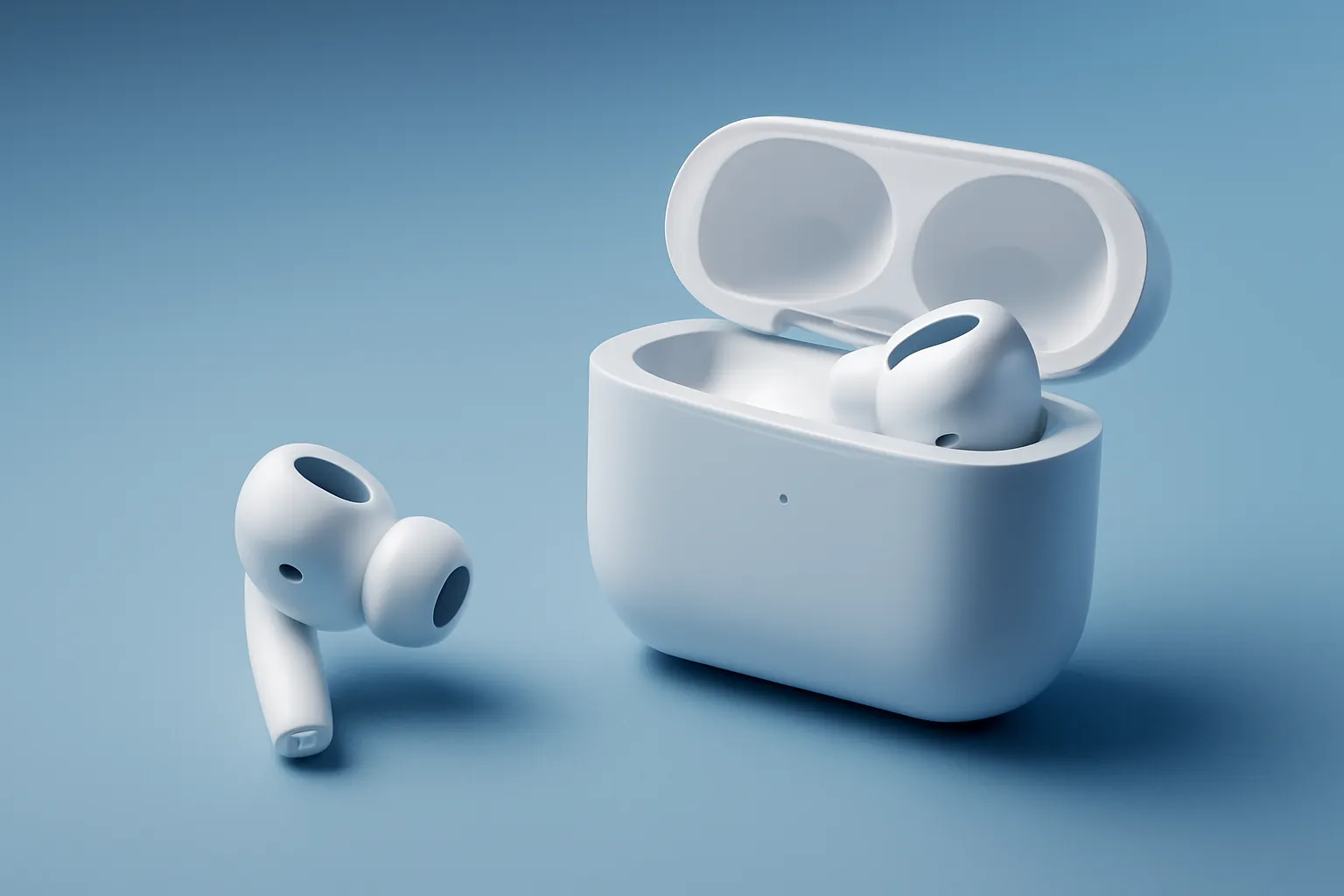
AirPods Pro 3 review: better sound and ANC, but less battery life in the case
The AirPods Pro 3 refine the essentials: more open and detailed sound, more effective ANC, and a nearly frictionless iOS experience. The trade-off is in total battery life with the case, which drops, even though the earbuds themselves last longer per charge.
 Notícias e Atualizações
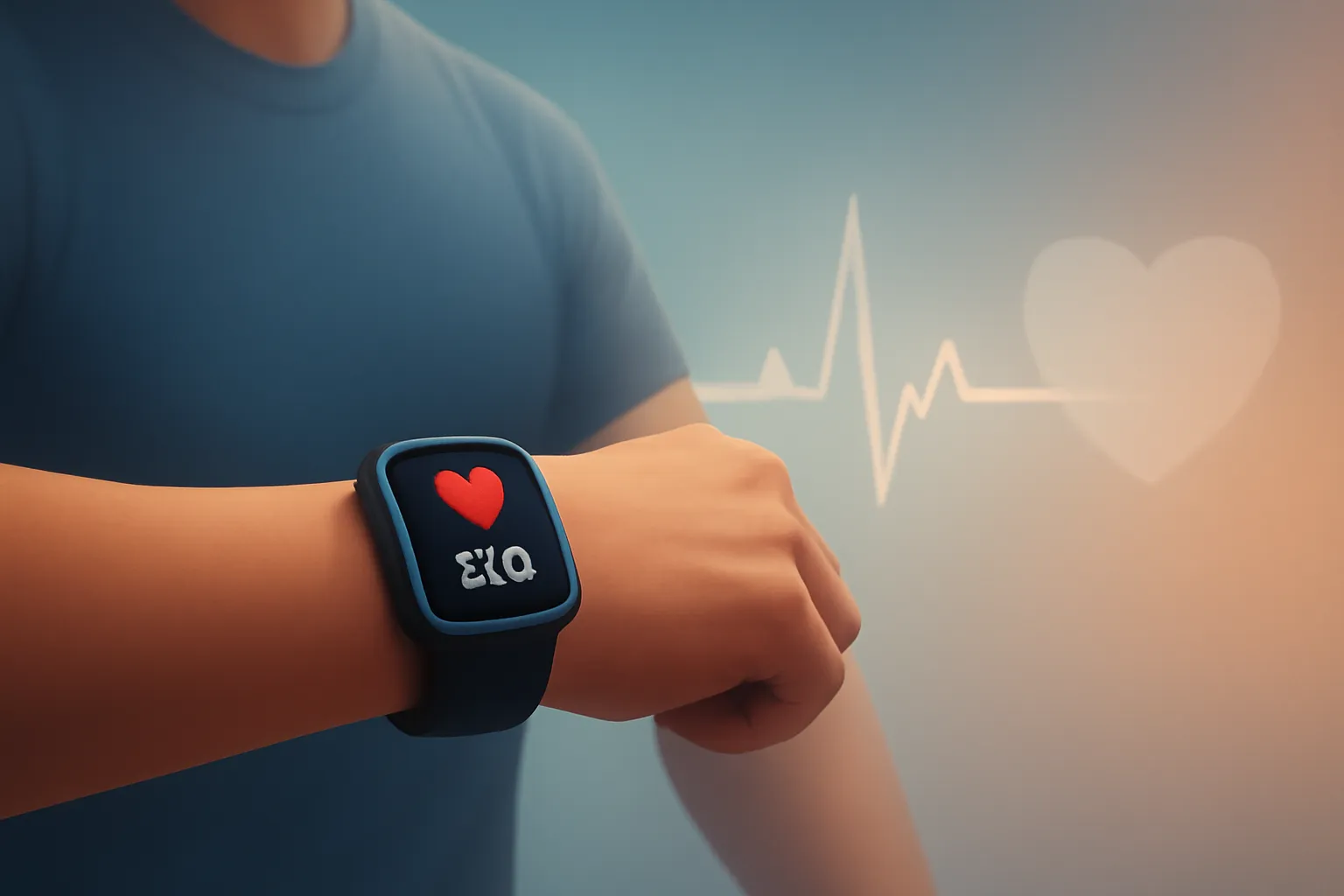
The accuracy of Apple Watch heart rate monitoring in training and wellness
Apple Watch heart rate monitoring accuracy: what’s reliable, where it falls short, and how to improve The accuracy of Apple Watch heart rate monitoring is, in practice, sufficient for most training sessions and for tracking…
 Notícias e Atualizações
"Staying on iOS 18.7: predictability in the face of iOS 26 with AI"
Staying on iOS 18.7 is becoming a conscious decision: more predictability, fewer interface changes and less background process overhead, while Apple pushes iOS 26 into a more AI-focused era. The choice depends on your profile and your iPhone.
 Notícias e Atualizações
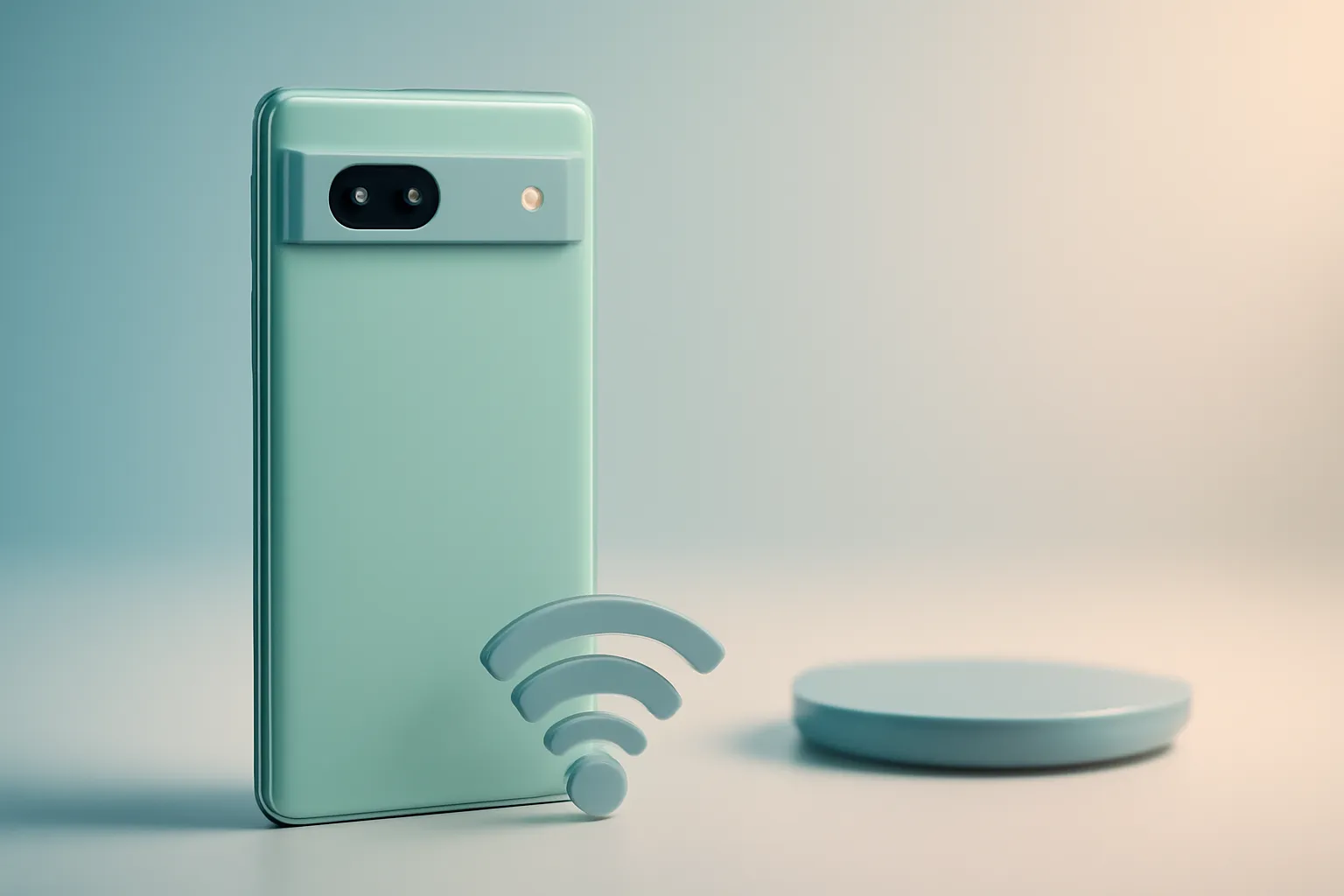
Google Pixel 7a Review: Mid-range Android with Premium Photography and Extras
Google Pixel 7a Review: the “a” that looks like a flagship in photography and software Google Pixel 7a Review: the most affordable Pixel from Google tries to solve a simple problem: paying too much for…
 Notícias e Atualizações
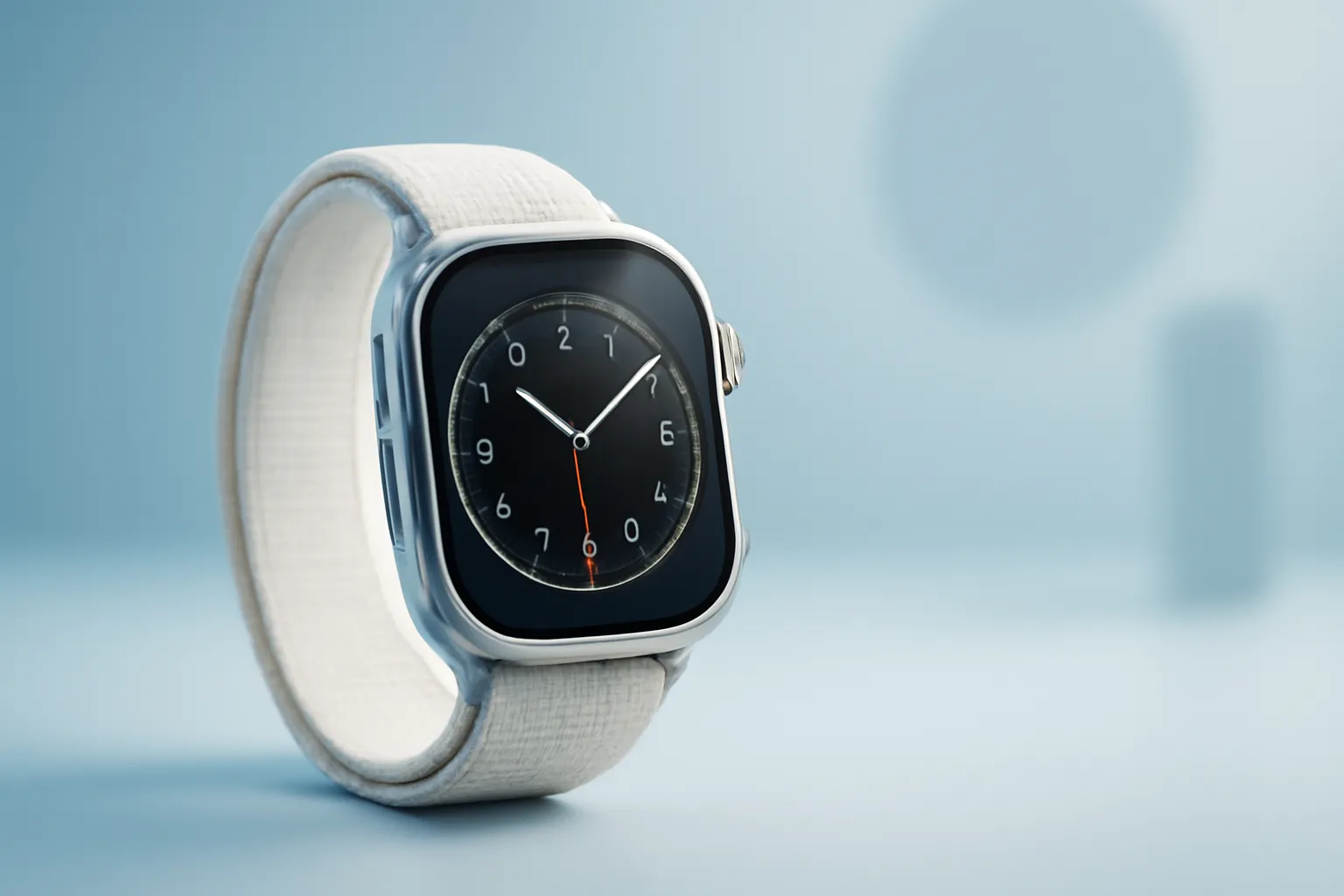
Apple Watch Ultra 2 review: brighter display and S9 chip
The Apple Watch Ultra 2 review shows a watch built for those who demand readability in sunlight, more reassuring battery life, and serious tools for training and adventure. The leap is mainly one of refinement: a brighter screen, S9 chip, and faster interactions.
 Notícias e Atualizações
 Notícias e Atualizações
iPad Air for most people: balance between price and performance
The iPad Air for most people is gaining status as the ‘right choice’ because it balances portability, performance and price without falling into the extremes of the basic iPad or the iPad Pro. It is especially relevant for students, mobile professionals and light creators.
 Notícias e Atualizações
Buy a Mac now or wait for 2026: what to expect from the 2026 models
It depends on your profile: for most people, buying a Mac now or waiting 2026 only pays off if you’re expecting clear gains in GPU/AI (MacBook Pro/Studio) or a new budget MacBook. For Air, mini and iMac, 2026 seems mostly a chip refresh.
 Notícias e Atualizações
 Notícias e Atualizações
Motorola Razr Fold and Galaxy Z TriFold: more affordable foldable book-style phones
Motorola Razr Fold and Galaxy Z TriFold reposition the book-style foldables with two distinct promises: lowering the price barrier and finally getting closer to a tablet and productivity experience. If you use a flip for portability, these two could change your next purchase.
 Notícias e Atualizações
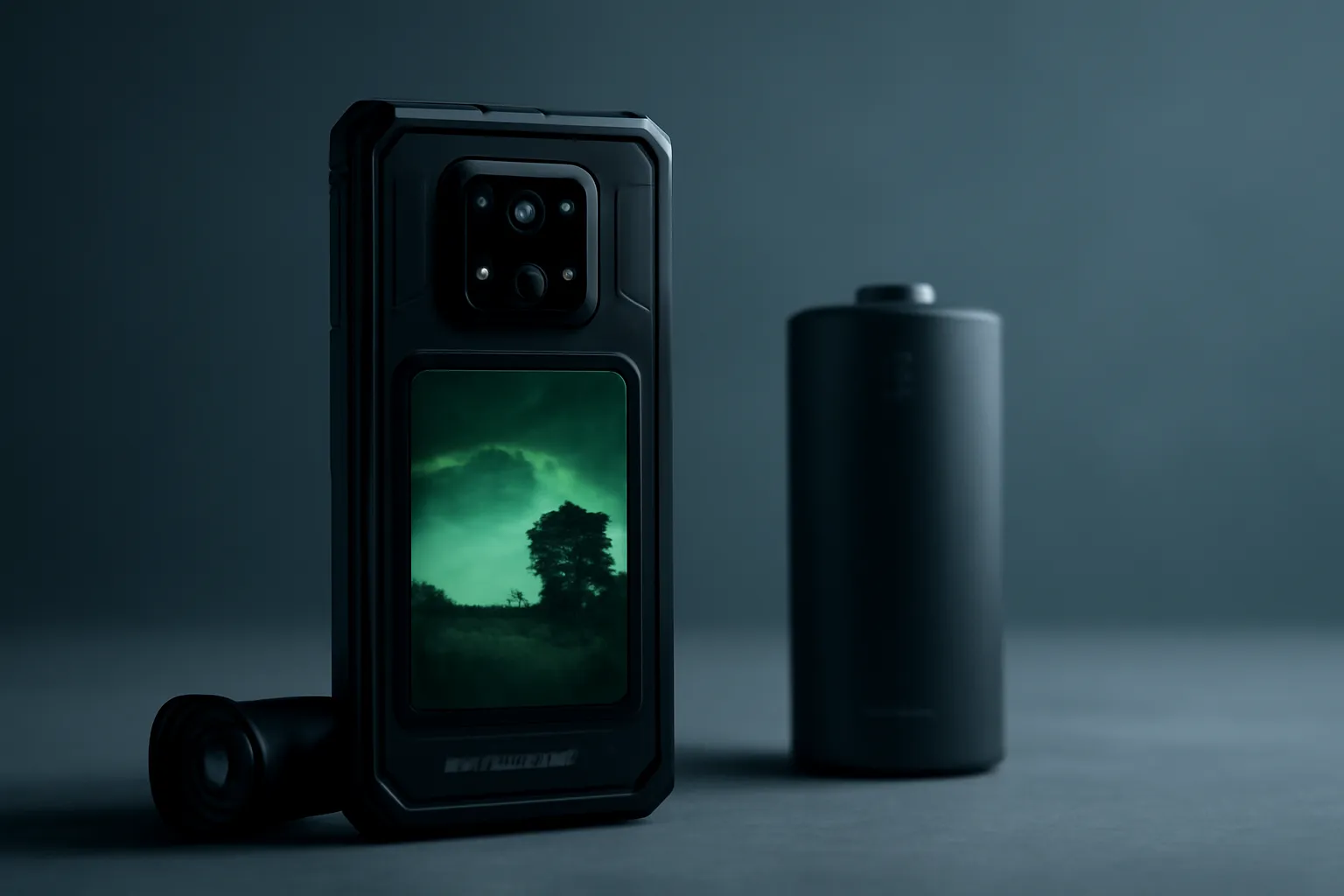
Smartphone night vision FOSSIBOT F113: robustness and IR camera
The night-vision smartphone FOSSIBOT F113 combines an infrared camera, robust build and high-capacity battery. The offering appeals to professionals and adventurers who work in the dark and away from power points, but raises questions about real usefulness, privacy and expectations in “night” photography.
 Notícias e Atualizações
iPhone battery health: habits and tweaks to reduce wear
Your iPhone’s battery health depends less on luck and more on habits: heat, time at 100%, deep discharges and background processes all accelerate wear. With optimised charging, charge limits and screen/software adjustments, you can slow degradation and keep performance stable.


