
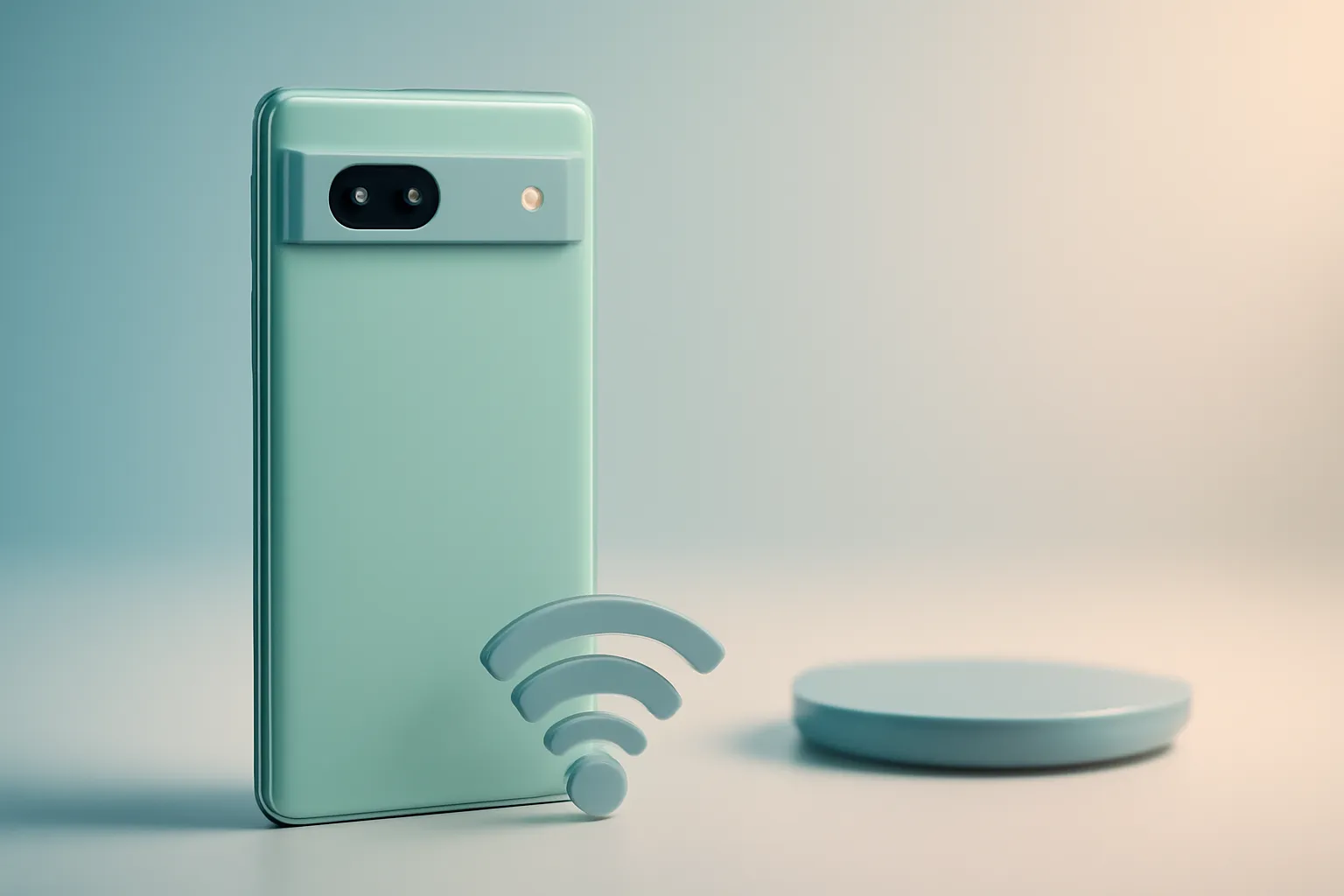
Google Pixel 7a Review: the "a" that looks like a flagship in photography and software
In this article
- Why This Google Pixel 7a Review Matters to Anyone Buying in 2026
- Architecture & Specifications: What the Tensor G2 Changes (and What It Doesn't)
- Real-World Use Cases: Computational Photography That Solves Common Problems
- Limitations & Challenges: Where the Pixel 7a Asks for Compromises
- Competition & Choices: When It Makes Sense to Look at Other Options
- What to Do Now: Quick Checklist Before Deciding
- FAQ
Google Pixel 7a Review: the most affordable Pixel from Google tries to solve a simple problem: paying too much for a phone that ages poorly. The 7a bets on the Tensor G2 chip (the same as the Pixel 7 family), in an Android experience without heavy "skins" and in camera tools guided by AI that make a difference in everyday life. The result is a device that feels more "premium" than the mid-range label suggests, but with clear limitations: battery life only solid, heating during intensive use and storage without expansion.

Why This Google Pixel 7a Review Matters to Anyone Buying in 2026
The Google Pixel 7a remains relevant for a practical reason: the proposition doesn't depend on benchmark numbers, but on consistency. Instead of competing on raw power, Google optimises the "full path": from image processing to calls, through local features (on-device) that reduce friction in daily life.
For those coming from Androids with heavy interfaces, the difference is noticeable in more coherent menus, fewer duplicate apps and a sense of fluidity that doesn't require top-tier hardware. For those coming from iPhone, the transition tends to be smoother when the system is predictable and updates arrive without manufacturer delays.
There's also a longevity factor: Google has used the policy of updates and "feature drops" as a central argument. The exact duration of support varies by model and region, so it's worth confirming with official Google support before deciding.
Architecture & Specifications: What the Tensor G2 Changes (and What It Doesn't)
In this Google Pixel 7a review, the Tensor G2 is the piece that explains much of the experience. "Tensor" is the name of Google's custom silicon, designed to accelerate AI tasks and machine learning on the phone: for example, improving photos, cleaning up audio and interpreting voice: rather than to win performance races in synthetic benchmarks.
In practice, this translates into features that seem "invisible" until they fail on other phones: consistent image processing, tools like object removal and call optimisations. On the other hand, there's a known pattern in Pixels with Tensor: under prolonged and heavy use (demanding games, continuous GPS navigation, long camera sessions), some users report heating. It's not necessarily a problem for normal use, but it's a data point to consider if your profile is intensive.
The up-to-90Hz OLED display is another point with direct impact. "90 Hz" means the panel refreshes the image up to 90 times per second, which improves the perception of fluidity in scrolling and animations. It doesn't make the phone "faster" in everything, but it makes it more pleasant on social networks, web browsing and system transitions.
Finally, wireless charging is a rare convenience at this price point. It doesn't speed up life like fast cable charging, but it reduces port wear and simplifies routines (place and forget). IP67 resistance adds peace of mind against rain and accidents: without turning the device into a "fully waterproof" device.

Real-World Use Cases: Computational Photography That Solves Common Problems
If there's one axis where the Google Pixel 7a review becomes more obvious, it's the camera. Google plays with computational photography: instead of relying solely on larger sensors, it uses processing to recover detail, control noise and preserve skin tones.
In daylight, the Pixel tends to produce sharp images with pleasant contrast without falling into an artificial look. Indoors and at night, Night Sight (night mode) is the type of tool that "saves" dinners, poorly lit streets and mixed-light environments. Super Res Zoom tries to compensate for optical zoom limitations with cropping and detail reconstruction; it works better at moderate magnification than at extremes.
There are also features with direct social impact: Face Unblur (to reduce blur on faces) and Magic Eraser (to remove unwanted elements). It's worth framing: they're powerful tools, but not infallible. In complex scenes, they can create artefacts; the rule is to always confirm the result before sharing.
For those who record a lot of audio, transcription and real-time captions can be decisive. "On-device" means that part of the processing can happen locally, reducing latency and, in some cases, network dependence: although exact availability depends on language and configuration.
Limitations & Challenges: Where the Pixel 7a Asks for Compromises
An honest Google Pixel 7a review has to separate "good" from "perfect". Battery life is often described as sufficient for a typical day, but not as a market benchmark. If your use includes constant 5G, high brightness, frequent camera use and navigation, it's plausible you'll need an extra charge by late afternoon.
Heating under load, already mentioned, can affect comfort and, in some cases, sustained performance. It's not a universal scenario, but it's more likely in long games, prolonged video recording and intensive mobile data use.
Fixed storage is a structural limitation: without microSD, you buy today the capacity you'll live with. To minimise pain, it makes sense to adopt a routine of backups and media cleanup. If you need help with data management and recovery, Google's help centre usually has practical guides by app.
Finally, "clean software" doesn't mean "software without Google's decisions". Some features depend on services and permissions; it's worth reviewing privacy settings, location history and microphone/camera permissions to align the phone with your comfort.
Competition & Choices: When It Makes Sense to Look at Other Options
In this Google Pixel 7a review, the recommendation depends on what you value. If you want consistent photography, Android without heavy layers and integrated smart features, the 7a is strong. If absolute priority is battery above all else, there are mid-range devices known for greater daily endurance: usually with compromises in night camera or software "polish".
Those considering more recent models from the "a" line may gain refinements (for example, newer display and chip), but the decision is usually economic: if the 7a is at a relevant discount, it delivers a large slice of the Pixel experience. On the other hand, opting for older flagship models may bring better hardware in certain areas, but involves typical secondhand risks: battery degradation, drop history and support uncertainty.
If you're buying online, pay attention to delivery conditions and timelines. For editorial context, iOutlet maintains useful pages on shipping times, returns policy and warranty conditions: points that weigh as much as the technical sheet.

What to Do Now: Quick Checklist Before Deciding
If this Google Pixel 7a review fits your profile, validate three things before buying. First, storage capacity: choose thinking about photos/video two years ahead, not just this month. Second, charging routine: if your day is long and intense, plan cable charging at work or a wireless base at home. Third, performance expectations: for social networks, photography and productivity, the 7a is convincing; for prolonged heavy gaming, consider alternatives with better sustained performance and thermal management.
For editorial transparency, the source article that inspired this adaptation is available at Google Pixel 7a review (original source).
FAQ
- Does the Google Pixel 7a still make sense today, or is it better to jump to a newer model?
- It makes sense if the price is competitive and you value camera and software. A newer model tends to bring refinements, but the 7a can offer better value for money when discounted.
- What does "computational photography" mean in the context of this Google Pixel 7a review?
- It's the use of processing and AI to improve the image (noise, detail, dynamic range, skin tones) after capture. On Pixel, this is central to Night Sight, Magic Eraser and other features.
- Is heating in Pixels with Tensor a guaranteed problem?
- No. It's more likely in prolonged and heavy tasks (gaming, continuous GPS, long camera sessions). For normal use, many people don't feel significant impact.
- Does wireless charging replace cable charging?
- It depends on your routine. Wireless is more convenient for "top-ups" and overnight use, but cable remains preferable when you need to recover battery quickly.
- Without microSD, how do you avoid running out of space?
- Choose capacity with margin, enable backups and establish a routine for cleaning large files (video, downloads, rarely used apps). It also helps to review video quality settings and photo storage.
- How do you confirm update and feature support by region/language?
- Consult the documentation and help pages on official Google support, because policies and resource availability may vary by market and language.
Get more articles like this one.
Refurbished tech analysis + €5 with BEMVINDO5 on your first order. Valid on your first order of €50 or more.





