In this article

Overview
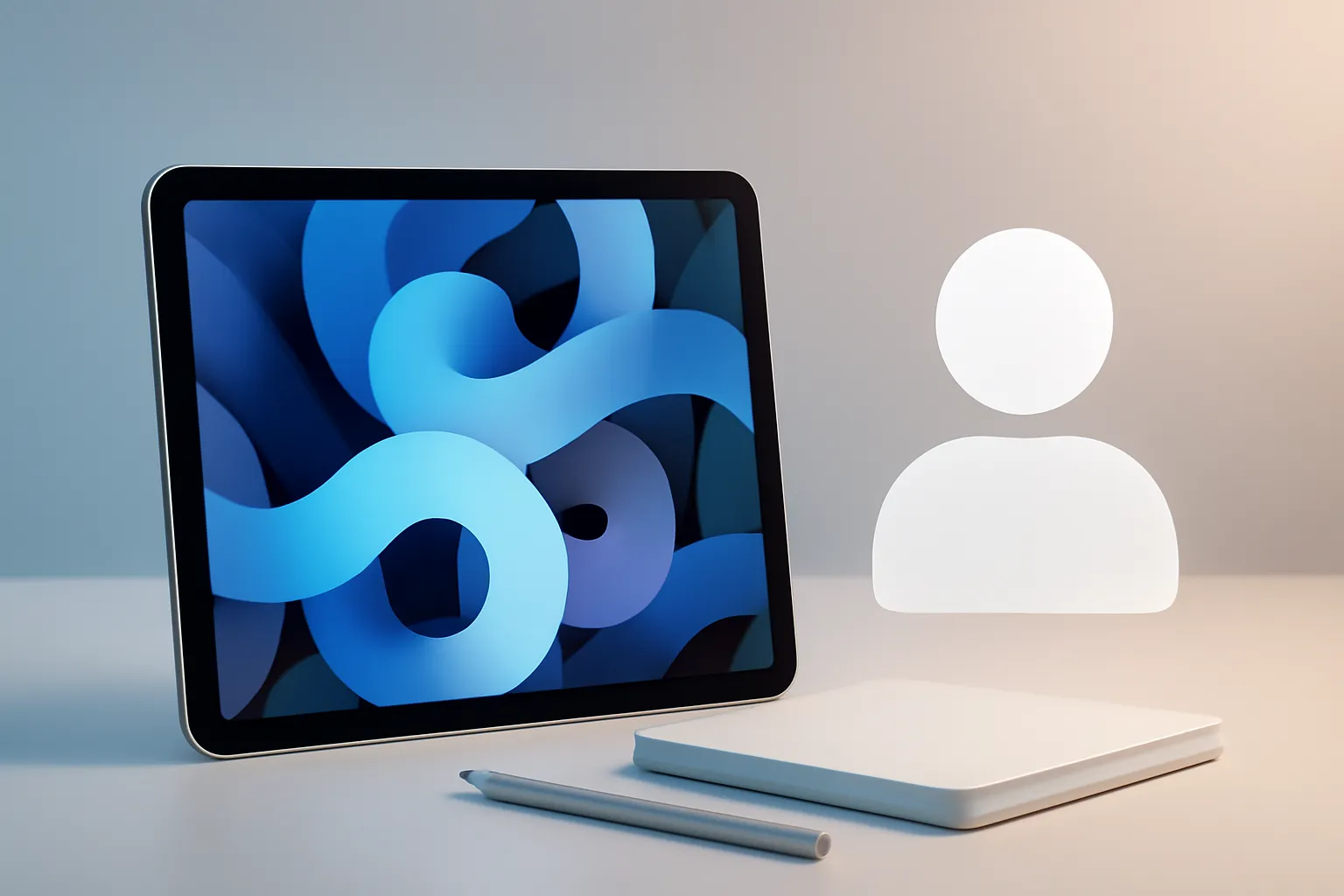
The iPad Air occupies a strategic position in Apple's tablet line-up: not the cheapest, not the most 'aspirational', but the one that tends to make most sense when you look at the whole picture. Rather than chasing top-end specs for niche uses (such as screens with very high refresh rates), the Air bets on a consistent experience: instant startup, good battery life, and a form factor that fits in a bag without feeling like 'yet another computer'. In practice, iPad Air for most people means swapping friction for fluidity. If you only want to reply to emails, read, watch series, make video calls, edit photos casually or study with digital notes, you rarely need the performance ceiling. What you need is a device that doesn't slow you down, and that doesn't apologise for being a tablet.Architecture & Specifications
The technical case for the iPad Air rests on a triangle: an Apple Silicon chip, a Liquid Retina display and a set of ports and accessories that bring it close to being a 'light computer'. Apple Silicon is the name for the family of processors designed by Apple for iPad and Mac, known for combining performance and energy efficiency on the same chip. The Liquid Retina display (with True Tone and wide colour support, depending on the generation) is a detail you feel every day: more comfortable extended reading, better colour reproduction in photos and video, and a more convincing experience for handwriting. True Tone is a system that adjusts the screen's colour temperature to ambient light, reducing the feeling of 'cold white' indoors. There are also design decisions that matter: USB‑C for charging and modern accessories, Touch ID in the top button for quick authentication, and a thin body that prioritises mobility. Taken together, iPad Air for most people becomes a platform capable of handling years of heavier applications without feeling dated after a short time. On the software side, iPadOS is the value multiplier. Split-screen multitasking and features such as Stage Manager (where supported) help bring the workflow closer to that of a laptop. Stage Manager is a window organisation mode that lets you group apps and switch between tasks with more visual context.
Real-World Use Cases
This is where the thesis proves itself. For study, the iPad Air with a compatible stylus becomes a notebook, a PDF scanner and an annotation tool. For mobile work, with a compatible keyboard, it handles writing, research, email management and meetings. For leisure, it is a quality screen that doesn't force you to open a laptop just to watch one episode. The key point is that iPad Air for most people does not depend on a single 'perfect' scenario. It works well in many common situations: commuting, the sofa, a desk, the classroom and travel. And when it enters the Apple ecosystem (iPhone, Mac, AirPods), task continuity and file sharing tend to reduce friction, though the real usefulness depends on how you already live within that ecosystem. If the question is 'tablet or laptop?', it pays to compare expectations. A laptop is still more direct for long writing tasks with multiple windows and advanced file management. The iPad Air wins when the priority is touch, stylus, camera and a device you can use in seconds. To frame this choice better, it can be useful to compare work habits and mobility with guides such as which MacBook is ideal and, for context on performance in hybrid workflows, see iPad Pro vs MacBook Pro.Limitations & Challenges
Not everything is 'balance' without cost. The first is storage: base models can be tight if you keep a lot of offline video, heavy games or creative projects. If longevity is the goal, the storage decision is one of the few you cannot fix later. The second is the total cost with accessories. The iPad Air gains a new life with a stylus and keyboard, but this can bring the investment close to that of a laptop. iPad Air for most people remains a good bet when those accessories are desired, but it is worth running the numbers on the full package and the type of work you actually do. The third is the difference from the iPad Pro on specific points: users sensitive to animation smoothness or who draw extensively may miss a screen with a higher refresh rate. For most, it is a detail; for some, it is the reason to buy the Pro. Finally, there is the practical matter of purchases and after-sales: delivery times, returns and warranty weigh more than they seem when it comes to a daily-use device. If you are planning an informed purchase, it is worth reviewing delivery times, returns policy and warranty conditions.Competition & Prices
The entry-level iPad remains the route for basic use and a controlled budget, but it tends to age faster when demands increase (multitasking, creative apps, longevity). The iPad Pro is the tablet for those who know exactly what they want: top-tier screen, top-tier performance and premium features that make a difference in intensive creative work. On the Android side, there are tablets with OLED screens and different approaches to file management, but the iPad Air benefits from an ecosystem of apps optimised for tablet and historically long software support. That is why iPad Air for most people has become a recurring recommendation: not because it is 'the best at everything', but because it is the most predictable in daily use.What changes for the user
The most relevant change is psychological and practical: stop thinking of the tablet as 'secondary'. When performance does not get in the way and battery life lasts a typical day, the device becomes the primary screen for many tasks. This cuts down time lost to startups, updates and fans kicking in for simple tasks. It also changes how you work on the move. A well-configured iPad Air (right apps, adequate storage, a keyboard if it makes sense) replaces a laptop in many routines. iPad Air for most people is, ultimately, the choice for those who want flexibility without turning every task into a configuration project.
FAQ
- Can the iPad Air replace a laptop?
- In many routines, yes: email, writing, research, meetings, study and light editing. If you depend on specific desktop software, intensive multi-monitor setups or advanced file management, a laptop is still more straightforward.
- How much storage should I choose?
- It depends on what you store locally. If you use many heavy apps, games, offline video or creative files, the base model may be tight; for longevity, it makes sense to consider a capacity above the minimum.
- Is it worth buying a stylus and keyboard?
- It is worth it when your routine includes handwritten notes, drawing, marking up PDFs or frequent writing. The iPad Air works well without accessories, but the total cost can increase significantly when you add them.
- Is the iPad Air screen good enough for drawing?
- For drawing and handwriting in academic and light creative contexts, it is generally convincing. Very demanding artists may prefer specific features of Pro models, especially if they value maximum stroke fluidity.
- What is True Tone and should I turn it on?
- True Tone automatically adjusts the screen tint to the ambient light. For reading and extended use, it usually improves comfort; for critical colour work, you may prefer to turn it off to maintain consistency.
- Is iPad Air for most people better than an Android tablet?
- It depends on the ecosystem and the apps you use. The iPad Air stands out in apps optimised for tablet and integration with iPhone and Mac; some Android tablets may offer advantages in OLED screens or greater flexibility in certain file workflows.
Get more articles like this one.
Refurbished tech analysis + €5 with BEMVINDO5 on your first order.