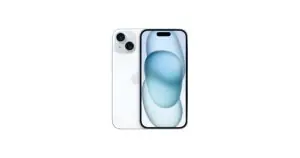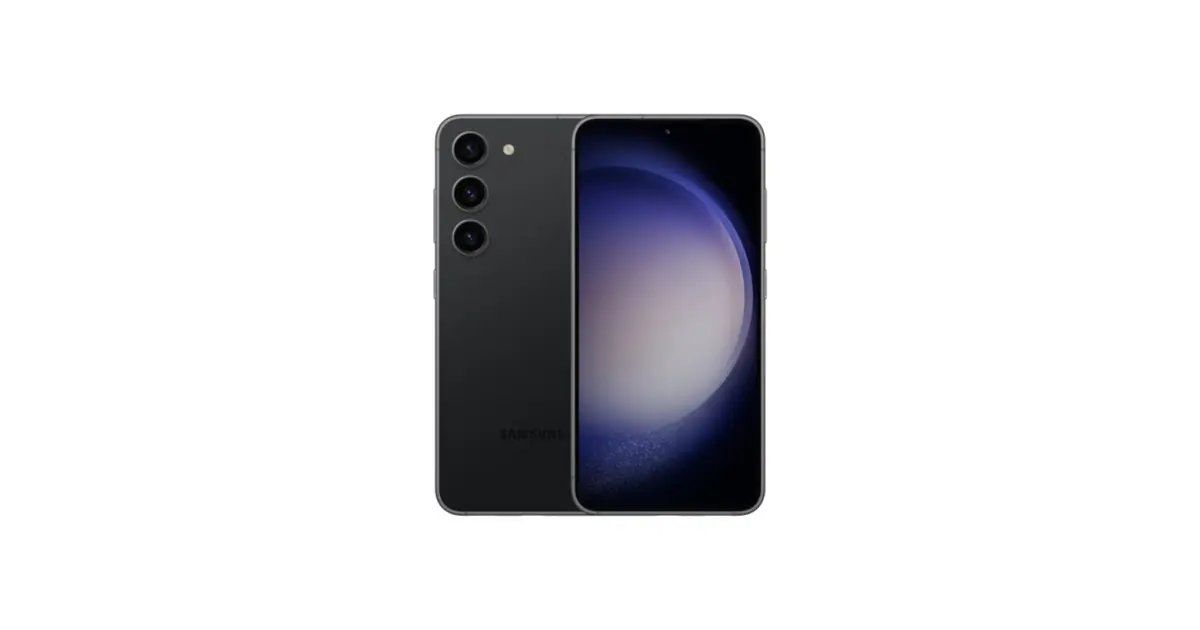
When your refurbished device arrives, start by checking that it matches your order and testing the functions you need. This checklist helps organise first use; it is not a condition for exercising your rights.
In this article
1. Confirm the device and order contents
Compare the model, capacity, colour, configuration and condition with the purchase confirmation. On laptops, also check the keyboard and charger. On watches, confirm the strap and elements indicated in the offer. The box contents guide explains what to look for.
Inspect the packaging and device in good light. If you find damage or a difference, record what you see and contact support via the store's official contacts. Photos can help explain the situation, but filming the unboxing is not a requirement of this checklist.
2. Test essential functions
| Area | Simple check |
|---|---|
| Screen | Display light and dark backgrounds, adjust the brightness and, if the device has a touchscreen, test its response in different areas. |
| Sound and cameras | Record and play a short video with sound. Test the available cameras and a normal call. |
| Connections | Connect to Wi-Fi and pair a Bluetooth accessory you know works. Test the mobile network with a compatible plan. |
| Buttons and keyboard | Test the buttons, keyboard, trackpad and necessary ports for your work. |
| Charging | Use a compatible charger, check the connection and observe if the system indicates charging. |
Do not submerge the device to test water resistance, do not open the casing and do not run tests that could damage it. If there is swelling, unusual smell or intense heating, stop use and charging and seek guidance from support.
3. Set up your accounts securely
Back up your previous device before transferring your data. Install available updates, choose an unlock code and enable two-factor authentication on important accounts. Check calls, messages, photos and essential apps before erasing the old device.
If the device asks for another person's account or shows management by an organisation you do not recognise, stop setup and contact the store. Do not buy unlock services or share passwords or authentication codes with third parties.
4. Observe the battery in normal use
Initial setup, file transfers and updates may temporarily increase power consumption. Assess battery life during normal use, with the apps and connections you actually use. The cosmetic grade does not determine battery life or replace the information about the individual device.
If something does not match the purchase
State the order number, model and an objective description of the problem via the official support channel. Keep copies of messages. Before returning a device, request the applicable instructions and protect your data; do not post serial numbers, IMEI or order data in public comments.
Check the return and warranty conditions stated in your purchase and the applicable rights in your country. This checklist does not shorten legal deadlines, does not require the original packaging as a warranty condition and does not substitute rights for lack of conformity. For consumer purchases in the European Union, consult the official warranty information.
Get more articles like this one.
Refurbished tech analysis + €5 with BEMVINDO5 on your first order. Valid on your first order of €50 or more.