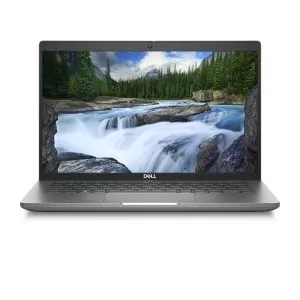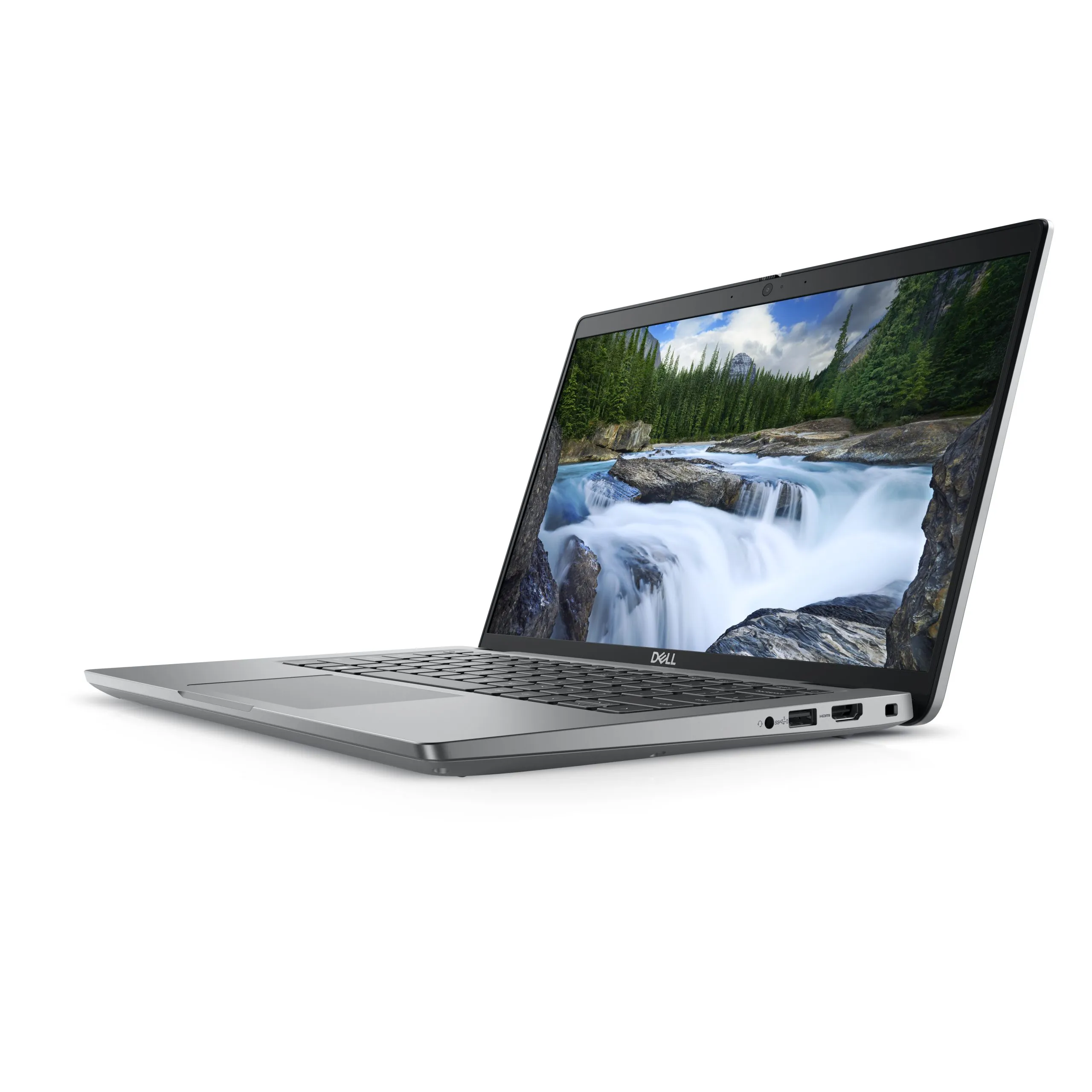
A laptop with a Spanish, French or German keyboard can type Portuguese. What changes is the physical layout and the symbols printed on the keys. You can configure text input in Windows, but this does not turn the keys into a Portuguese keyboard.
In this article
- Physical layout and system language are different things
- The differences you will notice first
- How to type Portuguese on a foreign keyboard
- Configuring the keyboard in Windows
- Stickers and external keyboard: when do they make sense?
- How to decide before ordering
- Frequently asked questions
- Does a German keyboard prevent typing with accents?
- Does setting Windows to Portuguese solve everything?
- Does a higher cosmetic grade mean a PT keyboard?
When buying a refurbished laptop, confirm the layout of the selected unit. A catalogue photo may show a different version from the one for sale; the configuration indication is essential.
Physical layout and system language are different things
The physical layout is the organisation of the keys and symbols. The layout configured in the system determines the character that appears when you press a key. The system language, meanwhile, changes the menus and messages.
You can have Windows in Portuguese and use the Spanish layout. You can also select the Portuguese layout on a German keyboard. In the latter case, some characters you type will no longer match the inscriptions you see, which requires adaptation.
The differences you will notice first
| Common layout | Visible characteristic | Before choosing |
|---|---|---|
| Portuguese of Portugal | QWERTY, with the c-cedilla and dedicated accent keys | Confirm it is PT and not another Portuguese variant |
| Spanish of Spain | QWERTY, with the n-tilde and different symbol arrangement | Confirm how you will type the c-cedilla and frequent punctuation |
| Traditional French | AZERTY | A and Q, Z and W and several punctuation keys change position |
| German | QWERTZ, with letters like ä, ö and ü | Y and Z swap position relative to the usual QWERTY |
The table describes common layouts. There are national variants, revised versions and differences between manufacturers. The Enter key format, the presence of a numeric keypad and the position of some keys also vary. Confirm the specific unit rather than choosing only by country.
The Apple shows examples of layouts by country and region for its keyboards. The images help recognise layouts, but do not identify the keyboard of a specific Windows unit.
How to type Portuguese on a foreign keyboard
You have two main options. The first is to keep the layout that matches the physical keys and learn the combinations for Portuguese characters. The second is to configure the Portuguese layout and type as on a PT keyboard, accepting that some inscriptions no longer match the result.
Those who type without looking at the keys can adapt well to the second option. Those who rely on the printed symbols may prefer a PT keyboard or a layout that matches the keys. For frequent work with numbers, code or shortcuts, also try the symbols you use every day.
Configuring the keyboard in Windows
The Microsoft documentation explains how to add a layout in the language settings. In Windows 11, start in Settings, Time and language, Language and region. Open the language options and add the desired keyboard. Menu names may vary with version and installed language.
Then open a document and test accented letters, the c-cedilla, at sign, quotes and punctuation marks. If you keep more than one layout, confirm the active one before typing a password. A different symbol may seem like an authentication failure when it is only a layout switch.
Stickers and external keyboard: when do they make sense?
Stickers can help identify characters, but they do not change the physical position or shape of the keys. They may also cover the backlight or wear out. An external keyboard with the desired layout can be more comfortable at a desk; confirm the connection and compatibility before buying one separately.
Replacing the internal keyboard is not a universal solution. The cost and feasibility depend on the model, construction and available parts. Do not buy a laptop counting on a simple swap without technical confirmation.
How to decide before ordering
- Read the keyboard indication of the selected configuration.
- Confirm you know that layout and the symbols you need.
- Decide whether you will use the physical keys or configure another layout.
- If you always work at a desk, consider your usual external keyboard.
- In case of doubt, ask for clarification via the purchase support before ordering.
Frequently asked questions
Does a German keyboard prevent typing with accents?
No. Text input can be configured for Portuguese. The adaptation is in the layout and the printed symbols.
Does setting Windows to Portuguese solve everything?
No. The menu language and the keyboard layout are distinct settings. Confirm both.
Does a higher cosmetic grade mean a PT keyboard?
No. The equipment grade and the keyboard language are different features. Read both indications.
Get more articles like this one.
Refurbished tech analysis + €5 with BEMVINDO5 on your first order. Valid on your first order of €50 or more.