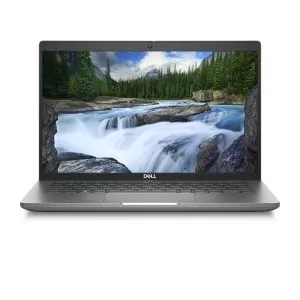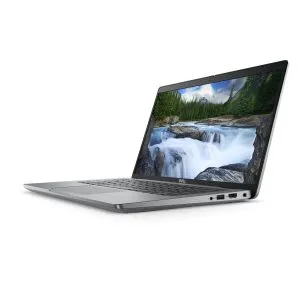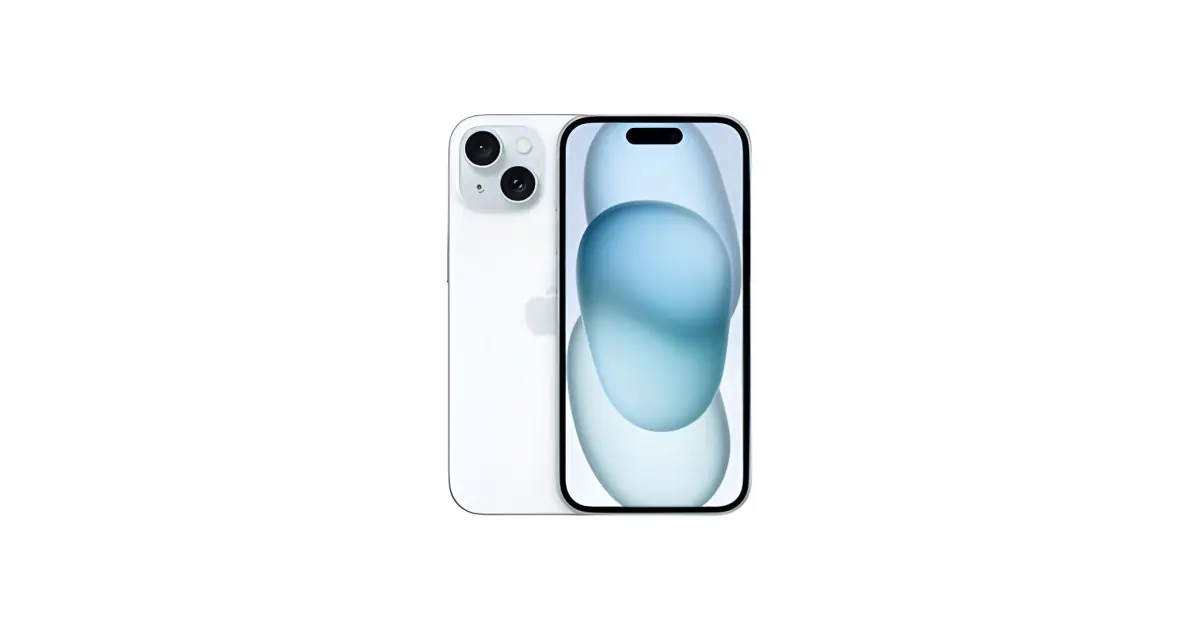
Choose storage based on what you need to keep and RAM based on the work you do with applications open. For a phone, 128 GB may suffice for moderate use; 256 GB offers more margin for videos, games and offline files. On a laptop, 8 GB of RAM can handle light tasks, while 16 GB is a more comfortable option for multitasking.
In this article
- Storage and RAM are not the same
- Phone: 128 GB or 256 GB?
- The best indicator is your current phone
- Laptop: 8 GB or 16 GB of RAM?
- SSD of 256 or 512 GB in the computer
- When does it pay to upgrade to the higher specification?
- Frequently asked questions
- Does 256 GB make the phone faster?
- Is 16 GB of RAM enough for any work?
- Can I choose less storage if I use the cloud?
These are editorial recommendations, not universal minimums. The system, applications and your habits affect your needs. Before paying more, start by measuring what you already use.
Storage and RAM are not the same
Storage holds photos, documents, applications and the operating system. RAM is the working memory the device uses while powered on. A phone with 256 GB does not necessarily have more RAM than the 128 GB version.
If the issue is lack of space to install an application, you need to manage files or choose more storage. If a laptop slows when switching between many programs, RAM may be a factor, alongside processor, disk and software. We explain the difference in the article what is RAM and how much do I need.
Phone: 128 GB or 256 GB?
| Your usage | Capacity to consider | Reason |
|---|---|---|
| Messages, calls, streaming and occasional photos | 128 GB | Can suffice with file management and backups |
| Many videos, large games and offline content | 256 GB | More margin for local files and updates |
| Frequent video recording and large local archive | 256 GB or more | The choice depends on volume and regular transfer to another medium |
The advertised capacity is not all free space. The system and applications occupy part of it. Also, there is no single number of photos that fits in 128 GB: format, resolution, video and editing alter file sizes.
The best indicator is your current phone
Open storage settings and observe how much is used and why. If you have plenty of free space and do not expect to change habits, you may not need to double capacity. If you constantly delete videos or uninstall games to update the system, upgrading is worth considering.
For example, someone using 60 GB on a 128 GB device has a different situation from someone already using 115 GB. These values are examples, not purchase limits. Consider expected growth and whether you will keep the next phone for several years.
Storing in the cloud can reduce the need for local files, but requires internet connection, setup and, sometimes, a subscription. Confirm what remains on the device and keep backups. Synchronisation and backup are not always the same.
Laptop: 8 GB or 16 GB of RAM?
For email, simple documents and moderate browsing, 8 GB may be sufficient. If you combine video meetings, spreadsheets, many open pages and work applications, 16 GB offers more margin. Demanding projects may need more, depending on software requirements.
Do not compare RAM numbers across different systems as if they were a direct ranking. Memory management and applications vary. This recommendation for laptops should not be automatically applied to the RAM of an iPhone or Android.
SSD of 256 or 512 GB in the computer
A 256 GB SSD may serve for documents and few applications. For photo libraries, large work files or projects needing local copies, 512 GB is a more comfortable starting point. Large video libraries or games may require more.
Check if the model allows RAM expansion and SSD replacement. Some devices have soldered memory or capacity limits. Expansion possibility must be confirmed for the exact reference, not assumed by brand.
When does it pay to upgrade to the higher specification?
- When you are already at the limit on your current device.
- When you plan to install more demanding programs or games.
- When you need to store files offline regularly.
- When RAM cannot be increased later and your usage will grow.
Compare equivalent configurations in refurbished phones or refurbished laptops. Also confirm model, condition and support: higher capacity does not automatically compensate for a less suitable device.
Frequently asked questions
Does 256 GB make the phone faster?
Capacity alone does not guarantee greater speed. Avoiding near-full storage helps usage, but performance depends on the whole device.
Is 16 GB of RAM enough for any work?
No. Modelling, virtual machines and heavy editing may require more. Check requirements and the size of your projects.
Can I choose less storage if I use the cloud?
You can, provided you accept the service terms and have margin for system, applications and offline files. Do not rely on a single copy of your data.
Get more articles like this one.
Refurbished tech analysis + €5 with BEMVINDO5 on your first order. Valid on your first order of €50 or more.