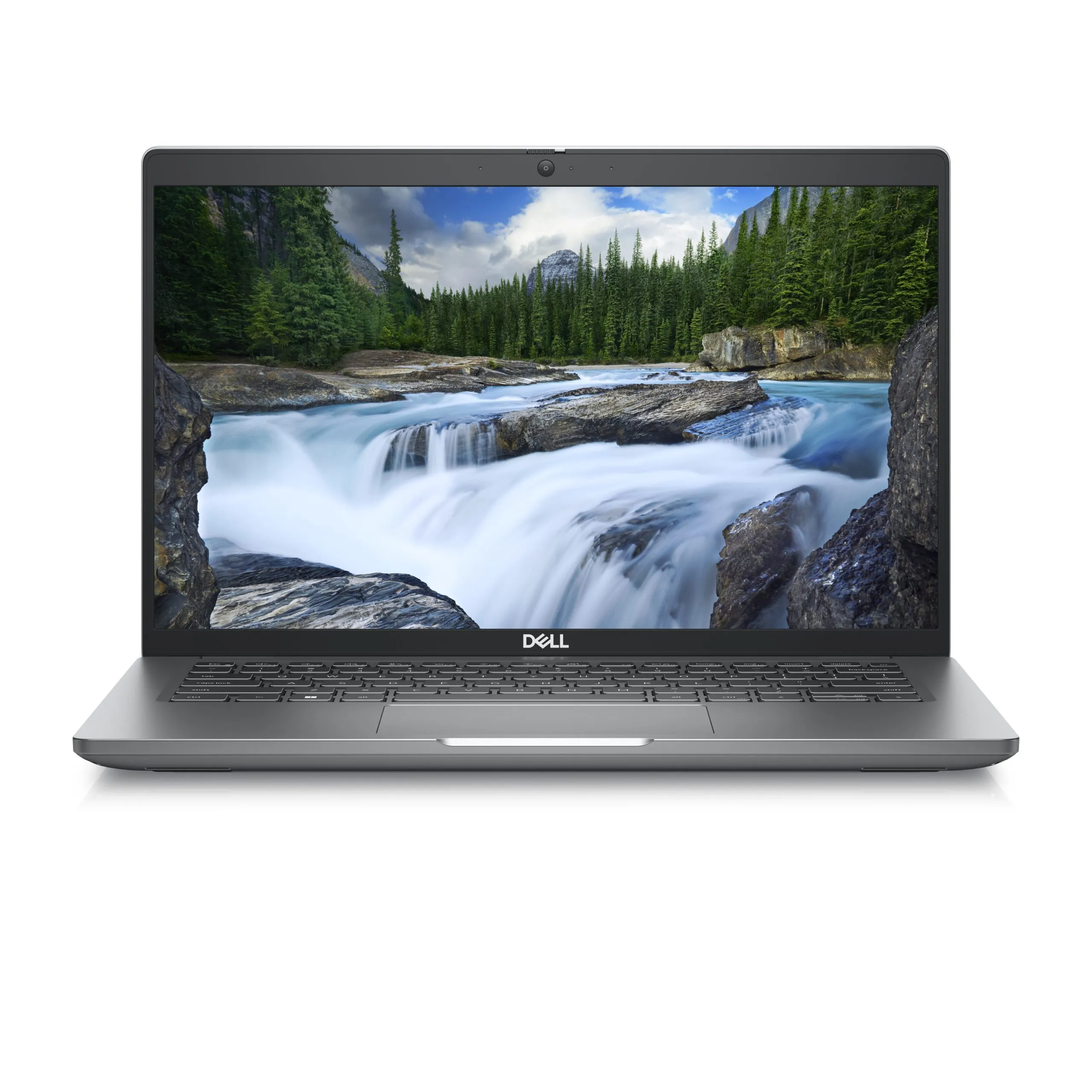
A refurbished computer with Windows 11 installed must be assessed on two fronts: official hardware compatibility and licence status. Being able to open the system does not prove that both are resolved. Before buying, confirm the equipment reference, processor and announced edition.
In this article
- What does Windows 11 require?
- Why isn't it enough to say it has a Core i5?
- How to check on equipment you already have
- Unsupported installation: what you need to know
- Checking Windows activation
- What if the computer has Windows 10?
- Pre-purchase checklist
- Frequently asked questions
- Does TPM 2.0 guarantee compatibility?
- Is Windows Pro faster than Home?
- Should I pay immediately for a licence if a warning appears?
What does Windows 11 require?
The Microsoft publishes the minimum requirements for Windows 11. These include a compatible 64-bit processor, TPM 2.0, UEFI firmware with Secure Boot capability, 4 GB of RAM and 64 GB of storage. There are also graphics and screen requirements.
These are installation requirements, not a recommendation for comfortable use. To choose a configuration for daily use, compare the refurbished laptops with the requirements of the programs you will use.
Why isn't it enough to say it has a Core i5?
Core i5 and Core i7 cover many generations. You need the full processor reference to check support. The apparent age of the computer, the brand and the amount of RAM also do not substitute this identification.
Confirm the model and consult the manufacturer's documentation and Microsoft's lists. Do not use a generic generation rule as sole proof: there are exceptions, variants and other hardware requirements.
How to check on equipment you already have
- Identify the full model and processor in the system information.
- Use the Microsoft-indicated compatibility checking tool, when applicable.
- Consult the manufacturer's documentation for TPM, UEFI and Secure Boot.
- Confirm that the edition and version of Windows remain supported.
- Check activation and complete the official updates available.
If a security setting is disabled, do not change the BIOS by trial. Boot or TPM changes can affect encryption and data access. Keep applicable recovery keys beforehand and follow the manufacturer's instructions or seek technical help.
Unsupported installation: what you need to know
It is possible to find equipment where the system was installed despite not meeting the requirements. Microsoft explains that installations on ineligible hardware do not receive the same support and update guarantees. Do not confuse this case with an officially compatible computer.
For a main computer for study, work or access to important accounts, prioritise a supported configuration. If the specification does not clarify the situation, use the purchase support before deciding.
Checking Windows activation
In Windows 11, Microsoft indicates Settings, System, Activation to check the status. The official page Activate Windows explains the forms of activation and troubleshooting.
Confirm the announced edition and included licence. A notice requiring connection to the previous organisation merits clarification. Do not introduce keys bought from strangers nor use activators. If the equipment was sold with Windows and there is a problem, contact the seller before buying an additional licence.
Windows and Office are different products. Having Windows activated does not mean a Microsoft 365 licence or another suite is included. Confirm separately what accompanies the purchase.
What if the computer has Windows 10?
Normal support for Windows 10 ended on 14 October 2025, according to the Microsoft. Extended security update programmes have their own conditions and do not equate to normal support. Consult current deadlines and criteria before relying on this solution.
If the hardware allows, check the official upgrade to Windows 11. If not, assess a supported and compatible alternative for your applications. Installing another operating system may make sense for some users, but requires confirming drivers and programs.
Pre-purchase checklist
- Model and processor identified without ambiguity.
- Official compatibility with Windows 11 confirmed.
- RAM and SSD adequate for work, beyond installation minimums.
- Edition and included licence clarified.
- Keyboard and accessories described in the configuration.
- Conditions of warranty and return read.
Frequently asked questions
Does TPM 2.0 guarantee compatibility?
No. It is one of the requirements. The processor and remaining components and settings also need to meet the conditions.
Is Windows Pro faster than Home?
The edition is not a sufficient criterion to predict performance. Choose the features you need and compare the hardware.
Should I pay immediately for a licence if a warning appears?
First identify the cause and confirm what was included in the purchase. Resolve the situation with the seller and through official mechanisms.
Get more articles like this one.
Refurbished tech analysis + €5 with BEMVINDO5 on your first order. Valid on your first order of €50 or more.