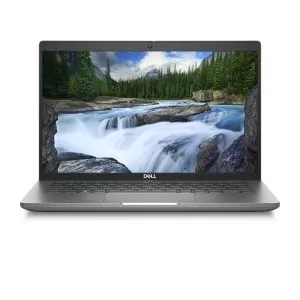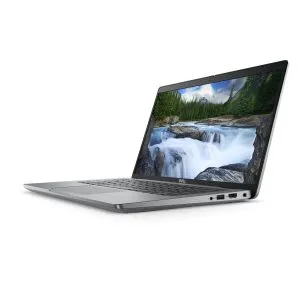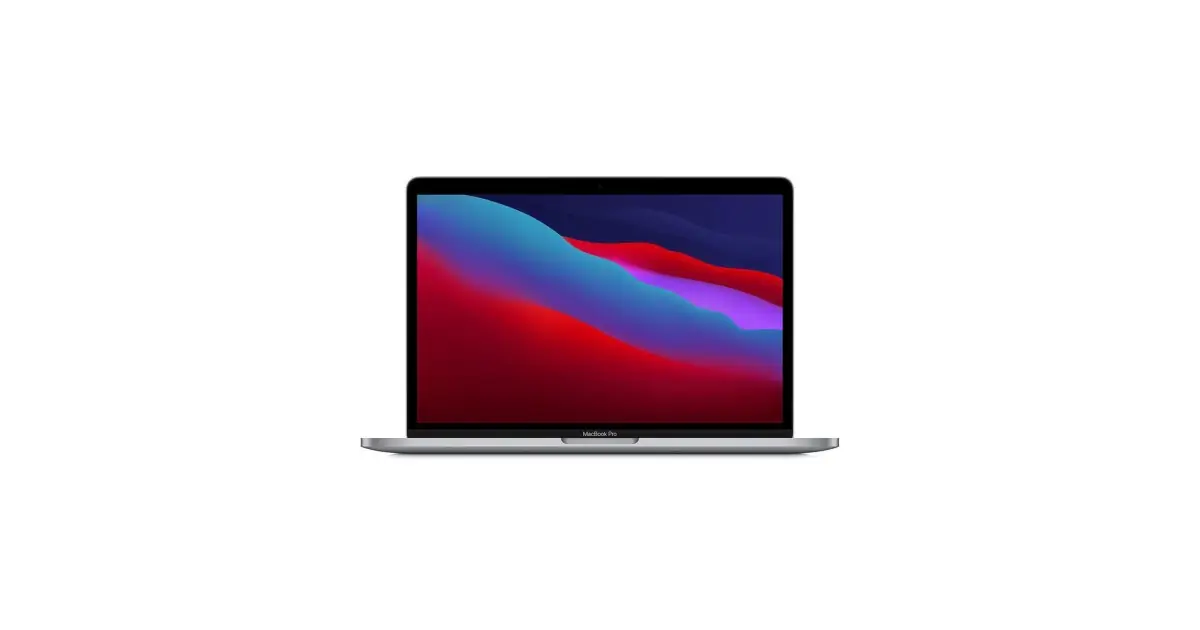
First choose by the applications you will use. A laptop suitable for writing reports may not serve for large spreadsheets, virtual machines or photo editing. In a refurbished device, compare the exact configuration of the offer, not just the commercial name.
In this article
Starting configurations by use
| Use | Suggested starting point | What weighs most in the choice |
|---|---|---|
| Study, documents and online lessons | 8 GB RAM for light tasks; 16 GB for more open applications. SSD of 256 GB or higher. | Weight, keyboard, webcam, comfortable screen and compatibility with course platforms. |
| Excel and administrative work | 16 GB RAM and 512 GB SSD as a comparison point. | File size, used add-ons, Excel version and connection to a monitor. |
| Programming | 16 GB RAM; consider 32 GB for several virtual machines or heavier loads. SSD of 512 GB or higher. | Processor architecture, tools, containers and required operating system. |
| Photo editing | 16 GB RAM; consider 32 GB for large files and simultaneous work. SSD of 512 GB or higher. | Screen, app compatibility, graphics acceleration and space for originals. |
These configurations are editorial recommendations, not universal requirements nor test results. Consult the requirements of the application versions you use. Larger projects may need more resources.
For university: confirm the course software
For reading, presentations and online lessons, daily comfort counts a lot. Check weight with charger, screen size and connections. In engineering, architecture or courses with specific programs, ask for the list of applications and supported systems before choosing between Windows and macOS.
Do not assume an application works on a Mac or ARM processor just because a computer version exists. Compatibility may depend on the edition, add-ons, drivers and external equipment.
For Excel: look at your most demanding file
A simple sheet and a model with large tables do not require the same resources. Confirm the add-ons, macros and data links you use, especially when changing systems. An external screen can ease reading; check resolution and number of monitors supported by the model and available ports.
For programming: choose the environment before the machine
List the editor, databases, emulators and containers you need to run simultaneously. Available memory and storage can limit work before the processor. For Apple applications, confirm current requirements of official tools. For remote work, confirm whether processing stays on the laptop or on a server.
For photography: the screen is also a tool
Do not choose only by resolution. Look for the exact panel specifications, colour coverage and calibration possibilities. If you use an external monitor, confirm the connection. Reserve space for originals, catalogues, exports and backups.
Before buying a refurbished laptop
- Check the exact processor model, RAM and SSD capacity.
- Check if RAM and SSD can be changed; do not assume they are expandable.
- Confirm the supported operating system and included licences in the offer.
- Consult the foreign keyboards guide and the indicated accessories.
- Compare the grade and functional description, besides the price.
See the current configurations of laptops, MacBook Air and MacBook Pro. Stock and prices must be checked in the available offers at the time of purchase.
Get more articles like this one.
Refurbished tech analysis + €5 with BEMVINDO5 on your first order. Valid on your first order of €50 or more.