
Best laptops 2026: 12 solid choices (and what changes with AI, battery life and prices)
In this article
- Overview: what defines the best laptops 2026
- Technical Details: local AI, ARM vs x86 and what to check before buying
- Competition & Prices: why 2026 could get more expensive (and how to work around it)
- Real Use Cases: which to choose among best laptops 2026
- Next Steps: buy now, wait, or bet on "last gen"?
- What to do now (in 5 minutes)
- FAQ
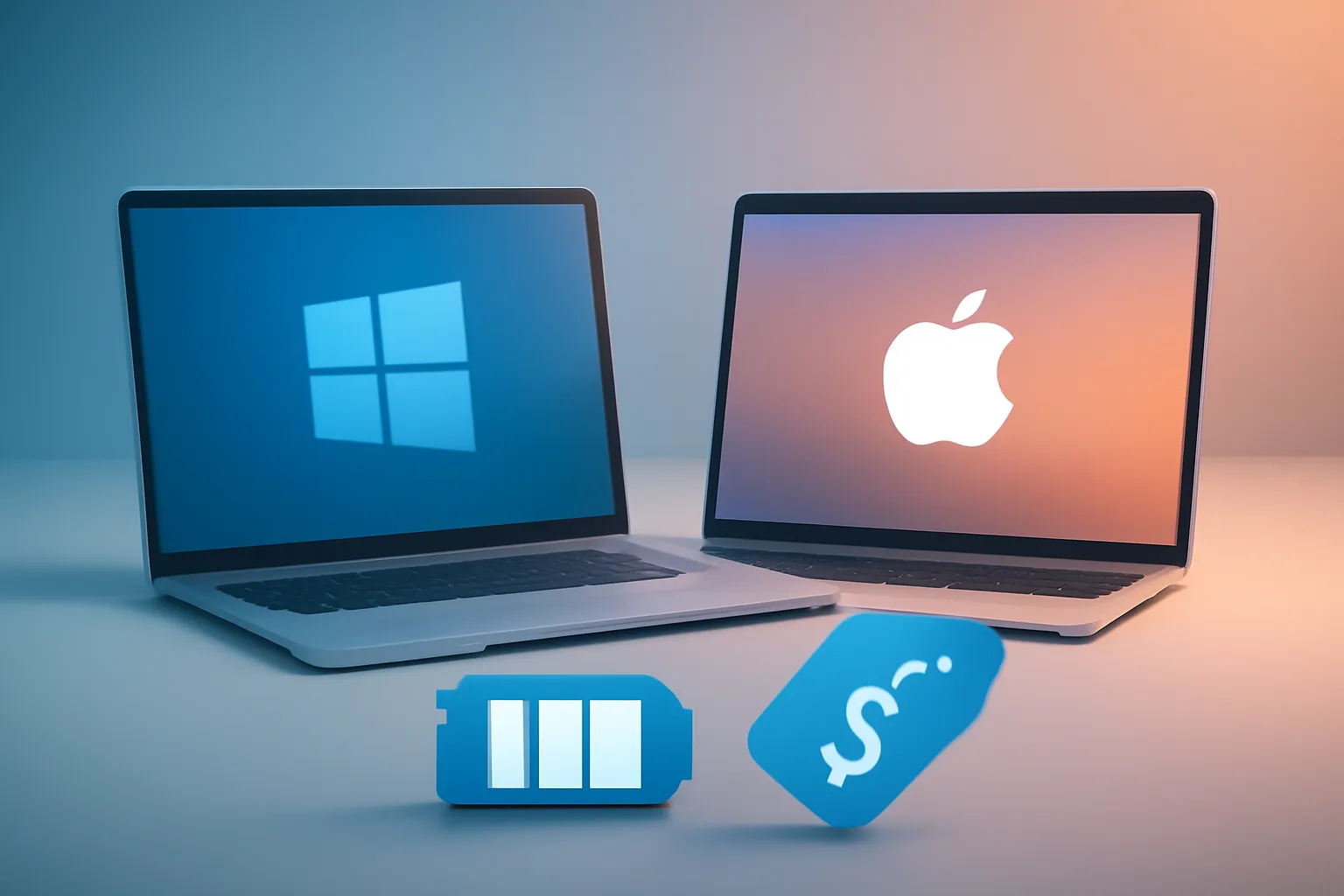
Best laptops 2026 is, in practice, a choice between macOS and Windows - and between buying now or waiting for new models with the risk of becoming more expensive. A recent selection of 12 laptops for 2026 points to the 15-inch MacBook Air (M4) as the "default" choice for most in the Apple ecosystem and the Surface Laptop 7 (13.8") as the most balanced Windows option, with excellent battery life. The detail that could shake up the market: pressure on DDR5 and SSDs, which could increase costs and limit upgrades. This guide translates what matters for those buying in Portugal.
Overview: what defines the best laptops 2026
There are three criteria that repeat in almost all best laptops 2026 choices: performance "sufficient" for real use (not just numbers), consistent build/keyboard/trackpad and a battery that lasts a full working day. In 2026, a fourth factor is added: acceleration of AI tasks on the device itself (local "AI"), which depends on the chip and software ecosystem.
There is also a clear segmentation pattern: ultralight for mobility, "mainstream" models for productivity, machines with OLED screens for those who value image and gaming laptops for graphics performance. The original list mixes these profiles, which is useful - as long as the reader doesn't confuse "best" with "most expensive".
Technical Details: local AI, ARM vs x86 and what to check before buying
On the Windows side, several recommendations rest on "Copilot+ PC", a designation for PCs with AI-oriented hardware (including NPU, a dedicated accelerator for AI models). In practice, this can improve efficiency and allow some AI functions without depending as much on the cloud, but it doesn't solve everything: application compatibility remains the sensitive point when we talk about Windows on ARM.
ARM vs x86 (short definition): ARM is a processor architecture focused on energy efficiency; x86 is the traditional PC architecture, with broader historical compatibility. If you depend on specific software (old plugins, enterprise tools, drivers or peripherals), confirm first whether there's a native version or if emulation is acceptable in your workflow. Otherwise, an Intel/AMD model might be the more predictable choice, even if it loses some battery life.
On macOS, the conversation is different: Apple Silicon chips (M4, M5) tend to deliver high performance with low noise and good battery life, and ecosystem compatibility is more straightforward for those already living in Mac apps. Still, it's worth looking at two practical details: support for external monitors (some models now allow two screens with the lid open) and memory/storage configuration, because later upgrades aren't always possible.
Quick checklist to compare best laptops 2026 without falling for marketing:
1) RAM: think on a 3-5 year horizon and avoid being at the minimum if you work with many tabs/apps.
2) SSD: more storage reduces "garbage management" and helps with photo/video libraries.
3) Screen: OLED gives superior blacks and contrast; mini-LED usually balances brightness and HDR with good efficiency.
4) Ports: confirm if you need HDMI, SD reader, 3.5 mm jack or Thunderbolt/USB4.
5) Webcam and microphones: for hybrid work, this weighs more than it seems.
Competition & Prices: why 2026 could get more expensive (and how to work around it)
One of the most relevant alerts in the analysis of best laptops 2026 is the possibility of price increases due to pressure on the component supply chain, particularly DDR5 and SSDs, driven by demand linked to AI infrastructure. The typical effect, when there's scarcity, isn't just "more expensive": it can translate into fewer configuration options and unwanted returns to low RAM levels in mid-range segments.
What to do with this information? If you're buying in 2026 and find a "previous generation" model with a good price and balanced specs, it could be a rational decision - especially if it's possible to choose more RAM/SSD at purchase time. The practical rule is simple: pay for memory and storage when it saves you changing machines sooner.
To dive deeper into the impact of memory costs and the logic behind "AI PCs", it's worth crossing with iOutlet's reading on memory costs and prices in 2026, which helps put what's trend and what's noise in context.
Real Use Cases: which to choose among best laptops 2026
Instead of a "one fits all" list, it makes more sense to map best laptops 2026 to your use:
General productivity (study, office, heavy browsing)
The 15-inch MacBook Air (M4) appears as the "for most" choice on macOS: strong performance, mature design and useful improvements (including camera and monitor support). On Windows, the Surface Laptop 7 (13.8") is pointed out as the equivalent in balance and battery life, with the caveat of ARM compatibility.
Controlled budget without "suffering"
The Acer Aspire 16 AI emerges as an entry option with ambition: large screen, modern touch and focus on efficiency. The important note is temporal: there are references to next-generation updates announced, but without final prices confirmed - so the price/performance ratio could change.
Extreme mobility
The Asus Zenbook A14 is described as ultralight and with strong battery, but with clear audio compromise. For those who live by calls and music without headphones, this isn't a detail.
Content creation and "serious" work while travelling
The MacBook Pro (M5) is highlighted for battery life and mini-LED screen, with focus on creators who need power without carrying a "brick". Already for those who want the absolute maximum, there's reference to a more powerful MacBook Pro (16" M4 Pro), but with price and weight to match.
Gaming
The Alienware 16X Aurora with RTX 5070 is pointed out as a "mid-range" powerful bet, with fast screen. Here, the practical recommendation is to look at two hidden costs: noise/temperatures and charger weight, which conditions real mobility.
2-in-1 and pen
The Lenovo Yoga 9i 2-in-1 Aura Edition appears as a premium hybrid with good battery life and pen included, but without vocation for heavy editing loads. If you're undecided between laptop and tablet, it can help compare with iOutlet's guide on tablets and 2‑in‑1 in 2026.
Next Steps: buy now, wait, or bet on "last gen"?
The best laptops 2026 dilemma isn't just "which model": it's "when". There are announcements of next-generation updates (new processors and design tweaks), but not always with firm dates and prices. If you need the laptop to work right away, the safest strategy is usually to buy a current, well-tested model and choose a configuration that doesn't strangle you on RAM/SSD.
If you can wait, it makes sense to follow the 2026 versions that promise newer chips (for example, new Snapdragon families and new Intel/AMD generations mentioned), but with a caveat: the first wave may arrive with higher prices and irregular availability.
For those in the Apple ecosystem and wanting to understand Air vs Pro logic (and where the M5 fits), complement with Air vs Pro and when to choose the M5. And, whatever the choice, confirm purchase policies to reduce risk: warranty conditions and return rules help you decide with less anxiety.
What to do now (in 5 minutes)
To close your shortlist of best laptops 2026 without wasting an afternoon: first choose the operating system (macOS vs Windows), define your "worst day" use (many tabs, meetings, editing, gaming), and only then filter by battery life and screen. If you're between two configurations, the most defensible bet in 2026 tends to be upgrading RAM/SSD - especially if the market tightens with component scarcity. For editorial transparency, the original list is at best laptops for 2026.
FAQ
- How much should I prioritise battery life when choosing best laptops 2026?
- Prioritise battery life if you work away from desk, have long classes or travel. For fixed use with power outlet nearby, sustained performance and screen may weigh more.
- Is Windows on ARM safe for "serious" work in 2026?
- It can be, but depends on your applications and peripherals. Before buying, confirm critical software and driver compatibility; if there's doubt, consider an x86 option (Intel/AMD).
- What is a Copilot+ PC and why does it appear in best laptops 2026 lists?
- It's a category of Windows PCs with AI-oriented hardware (including NPU) to speed up AI tasks and improve efficiency. The real benefit varies depending on available features and the apps you use.
- Is it worth buying a "previous generation" model instead of waiting for launches?
- Yes, if the price is good and the configuration (RAM/SSD) is aligned with 3-5 years of use. It's a way to reduce risk if new models arrive more expensive or with few options.
- Is OLED always better than mini-LED on a laptop?
- Not necessarily. OLED stands out in contrast and blacks; mini-LED usually offers high brightness and good HDR with lower risk of image retention. The choice depends on your use (work, cinema, editing, bright environments).
- Which spec should I "fix" first: RAM, SSD or processor?
- For most, RAM and SSD define longevity and daily comfort. The processor matters, but many current machines are already fast enough; being short on memory/storage ruins the experience sooner.
Get more articles like this one.
Refurbished tech analysis + €5 with BEMVINDO5 on your first order. Valid on your first order of €50 or more.





