
Best MacBooks 2026: which ones are genuinely worth it (Air vs Pro) and how to choose without overspending
In this article
- General Overview: what sets the best MacBooks 2026 apart
- Real-World Use Cases: Air 15 vs Pro 14 (and where each wins)
- Architecture & Specifications: M4 vs M5, and what really matters
- Limitations & Challenges: screens, games and longevity
- Rumours & Development: what may arrive later in 2026
- What to do now: a quick roadmap to choose
- FAQ
Best MacBooks 2026 is the right search if you want an Apple laptop that lasts several years without paying for power you won't use. The arrival of the first models with M5 chip reinforces the trend: fast and silent performance, good battery life and macOS integration: but with clear limitations (serious games, OLED/touch screens are still not standard). The real difference lies less in 'M4 vs M5' and more in the balance between size, ports, screen and thermal management. Below, I organise choices by user profile and explain what changes in practice.

General Overview: what sets the best MacBooks 2026 apart
There is a common pattern in the best MacBooks 2026: Apple continues to bet on energy efficiency (more hours away from the plug) and consistent performance without aggressive fans: especially in the Air line. For everyday tasks (browsing with many tabs, Office, light photo/video editing, calls), the jump from an Intel Mac: and even from an M1: to recent generations is noticeable.
At the same time, there are compromises that haven't disappeared: MacBooks cannot be configured with a touchscreen and, in many scenarios, they remain a less obvious choice for those who want to play demanding games regularly. Price also rises quickly when you increase memory and storage, so the decision should start with your actual usage, not the 'newest' chip.
Real-World Use Cases: Air 15 vs Pro 14 (and where each wins)
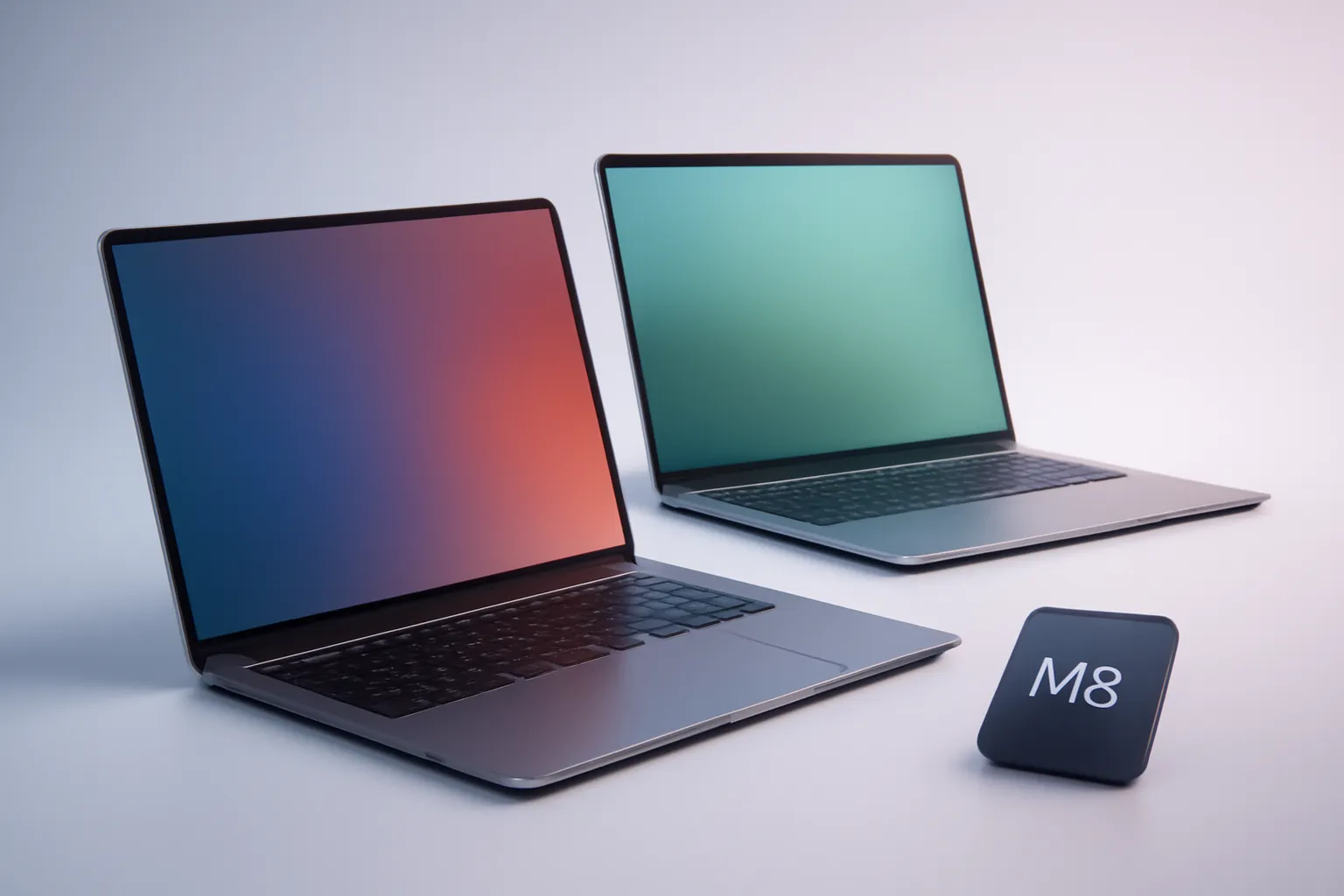
For most people, the 15-inch MacBook Air with M4 chip fits in the middle of the diagram: larger screen for comfortable work, performance that already borders on 'Pro level' in many tasks and silent operation. It's one of the best MacBooks 2026 for those who want a balanced ultraportable for work, study and occasional creation, without carrying extra weight.
The 14-inch MacBook Pro with M5 chip makes sense when you value three things: (1) 120 Hz screen (refresh rate: how many times per second the screen redraws the image: which improves smoothness in scrolling and animations), (2) sustained multitasking with less heat and (3) variety of ports. It is also the most 'compromise-free' choice within the compact size, assuming your budget allows.
There is also a practical point that weighs heavily: external monitor support. On the latest Air models, the ability to connect more than one screen may exist, but it's worth confirming the exact behaviour of your model and configuration (for example, whether it works with the lid open). On the Pro, the experience tends to be more predictable for desk setups.
Architecture & Specifications: M4 vs M5, and what really matters
Apple Silicon chips (M series) combine CPU, GPU and other blocks into a single system (SoC). In practice, this translates into good performance per watt and less noise. The arrival of the M5 does not automatically mean the previous model became 'old': in many routines, the perceived difference can be small compared to the jump in screen, ports, cooling and battery life.
If your work involves long exports (video, 3D, large photo libraries), thermal behaviour and the ability to maintain performance over time matter more than quick peaks. Here, the Pro line tends to have the advantage by design: it handles sustained loads with less thermal throttling. For those who only edit occasionally, a recent Air remains one of the best MacBooks 2026 in real cost/benefit.
Another detail that separates profiles is memory. On macOS, 'unified memory' is shared between CPU and GPU; it helps efficiency, but makes the initial choice more important because it cannot be upgraded later. If you work with many apps open, heavy files or virtual machines, it makes sense to prioritise memory before extra storage.

Limitations & Challenges: screens, games and longevity
Even among the best MacBooks 2026, there are limitations worth accepting before buying. On screen, the difference between 60 Hz and 120 Hz is easy to feel, but it's not mandatory for everyone: those who write, study and consume content may prefer to invest in more memory or a larger screen. Those who spend the day switching between windows, timelines and creative tools tend to benefit from the extra smoothness.
In games, the scenario has improved over the years, but 'gaming laptop' remains a category where many users are better served in other ecosystems. If gaming is a priority, decide that before entering the ecosystem: or assume you will play less demanding titles and/or via streaming.
As for longevity, the best indicator is suitability for your use: a well-configured Air can last years without holding you back; a poorly sized Pro (or bought just 'because it's Pro') can be money wasted. If you're coming from Intel or an M1, upgrading to a recent model tends to be the most noticeable jump: and that's where the list of best MacBooks 2026 makes the most sense.
Rumours & Development: what may arrive later in 2026
Apple's typical cycle points to MacBook Air (13 and 15) and MacBook Pro (14 and 16) refreshes throughout 2026, with chips from the M5 family at different levels. There is also speculation about an entry-level MacBook with an A-series chip (the same family used in iPhone), which could lower the barrier to entry: but until there is an official announcement, it should be treated as a possibility not a guarantee.
There are also recurring rumours about a MacBook Pro redesign with OLED and touchscreen, but the timeline of those rumours usually points to later. If you're buying now, the practical rule is simple: buy what exists and solves your problem today; don't buy a 'maybe'.
What to do now: a quick roadmap to choose
To close the decision objectively, use this roadmap:
1) Define your profile: mobility and silence (Air) vs 120 Hz screen, ports and long charging (Pro).
2) Choose the size for your day: 13 for backpack and classes; 15 for comfort; 14 Pro for balance; 16 Pro for studio and sustained power.
3) Prioritise memory if you do heavy multitasking; storage if you work with large local files.
4) If you buy online, confirm delivery and return policies. At iOutlet, for example, it's worth reviewing shipping deadlines and return conditions before finishing.

If you want transparency about the starting point of this analysis, the original piece that inspired this selection is at MacBooks 2026 recommendations. My take for Portugal remains: the best MacBooks 2026 are not 'the most expensive'; they are the ones that fit right with your usage, with enough memory and a screen/size that won't tire you after six months.
FAQ
- Are the best MacBooks 2026 always the ones with M5?
- Not necessarily. An M4 MacBook can be the more rational choice if the screen, ports and memory configuration already meet your needs. The M5 tends to make more sense for those who want the most complete Pro package and greater future-proofing.
- Does MacBook Air suffice for video editing?
- For light editing and occasional projects, yes. For long exports and daily work with heavy timelines, a MacBook Pro usually maintains more stable performance by managing heat better.
- Should I choose 13 or 15 inches on the Air?
- The 13-inch favours portability and use in classes/travel. The 15-inch improves visual comfort and multitasking productivity, often being more pleasant as your main machine.
- What does 120 Hz screen mean and why does it matter?
- 120 Hz is the screen refresh rate: how many times per second the image is redrawn. At 120 Hz, scrolling, animations and cursor movements appear smoother, which helps those who spend many hours working on screen.
- How much memory should I choose to 'not regret it'?
- It depends on your usage: light browsing and productivity require less; intensive multitasking, editing and professional apps benefit from more memory. Since you cannot upgrade later, it is one of the most important decisions when buying one of the best MacBooks 2026.
- Are MacBooks good for gaming?
- They can run some games and the ecosystem has evolved, but they remain not the most direct choice for demanding and frequent gaming. If gaming is a priority, evaluate the catalogue and your type of games well before deciding.
Get more articles like this one.
Refurbished tech analysis + €5 with BEMVINDO5 on your first order. Valid on your first order of €50 or more.
![iPhone 15 Pro Max Refurbished: Titanium for Less [2026]](https://ioutlet.pt/wp-content/uploads/2026/03/Apple-iphone-15-pro-max-azul-12-300x300.png.webp "iPhone 15 Pro Max Refurbished: Titanium for Less [2026]")
![iPhone 13 Pro Max Refurbished: Review and Price [2026]](https://ioutlet.pt/wp-content/uploads/2022/10/apple-iphone-13-pro-max-azul-300x300.png "iPhone 13 Pro Max Refurbished: Review and Price [2026]")
![iPhone 14 Pro Refurbished: Pro Camera at Half the Price [2026]](https://ioutlet.pt/wp-content/uploads/2026/03/Apple-iphone-14-pro-roxo-16-300x300.png.webp "iPhone 14 Pro Refurbished: Pro Camera at Half the Price [2026]")


