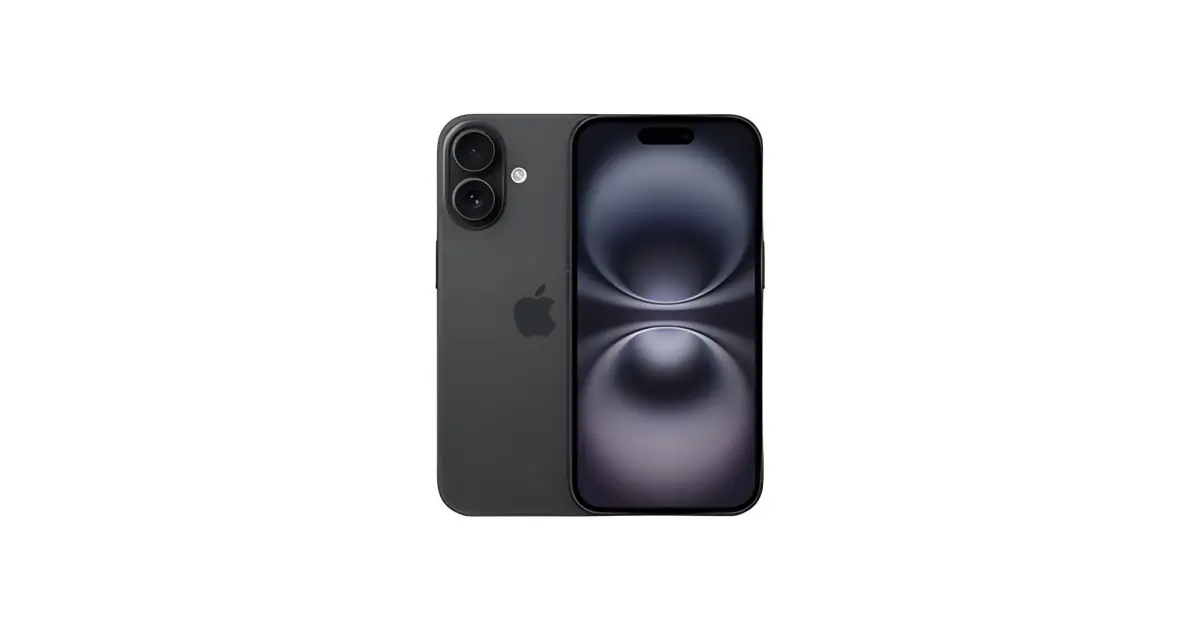
An eSIM-only iPhone needs a plan and a compatible carrier. Knowing the generation name is not enough: SIM configuration can vary by model and origin market. Confirm the variant of the offer before ordering.
In this article
Physical SIM, eSIM or both?
| Configuration | How it works | What you must confirm |
|---|---|---|
| Physical SIM | Uses a card placed in the tray. | Card format and variant compatibility with your network. |
| Physical SIM and eSIM | Can allow one physical and one digital line, depending on the model. | Supported active line combinations and carrier conditions. |
| eSIM only | The line is activated digitally; you cannot insert the physical card you already have. | Plan conversion or transfer, activation method and possible cost. |
Offer checklist
- Confirm the full designation and variant reference.
- Look for an explicit indication of eSIM only or SIM tray.
- Confirm the carrier lock status indicated in the offer.
- Check with your carrier whether your specific plan allows eSIM on this device.
- If you use two lines, confirm which can be active at the same time.
A generic image of an iPhone with a tray does not prove the variant sold has one. If the description is insufficient, ask for confirmation before purchase. Unlocked and eSIM-compatible are also different traits.
Does my carrier support eSIM?
Consult the Apple eSIM carrier list and check your specific plan directly with your carrier. Activation may use device-to-device transfer, a carrier app or a QR code. Not all methods are available with every carrier, in every country or on every plan.
A prepaid, business or data plan may have different conditions. Also ask how you recover the number if you lose the device and whether issuing a new eSIM incurs costs. For travel, confirm whether the plan includes calls, messages or only data.
How to prepare for changing phone
- Make a backup and keep access to your accounts.
- Keep your previous phone and line active until transfer is complete.
- Follow the method indicated by the carrier and the Apple setup instructions.
- Test calls, messages and mobile data on the new device.
- Only then prepare the old device for another use.
Do not publicly share QR activation codes, message-received codes or credentials. If transfer fails, contact the carrier before erasing the profile or previous device.
When to choose a variant with physical card?
If you need to frequently swap a card between devices or your carrier does not support eSIM on your plan, look for a variant compatible with physical SIM. If you have a compatible plan and prefer managing the line digitally, an eSIM-only variant may suit you.
Compare the variants of iPhone available. For capacity, consult 128, 256 or 512 GB; for device arrival, follow the receipt checklist.
Get more articles like this one.
Refurbished tech analysis + €5 with BEMVINDO5 on your first order. Valid on your first order of €50 or more.