
Battery tests on tablets: an independent ZDNET laboratory measured the endurance of nine models under controlled conditions and the results do not follow just “brand” or “price”. An iPad Pro with chip M5 stood out at maximum brightness, designed for users who need a strong screen while travelling, whereas the OnePlus Pad 3 excelled at minimum brightness with unexpectedly high figures. For anyone purchasing a tablet for work, study, drawing or streaming, these battery tests on tablets are useful because they show how brightness, volume and connectivity affect the actual time away from a power outlet.\r\n\r\n
In this article
Overview
\r\nEndurance is one of the factors that most influences the experience on a tablet: it determines whether you can get through a full day of meetings, classes or travel without carrying a charger. What ZDNET did was turn that “feeling” into comparable data, using a routine repeated several times per device. That is precisely the value of tablet battery tests: reducing variables and spotting trends, even though your own usage may differ.\r\n\r\nThere are two points that merit attention right from the start. First: the test was performed with a local video (downloaded file), not with streaming. Second: screen brightness was treated as a central parameter, because it is one of the biggest energy consumers in continuous use. Thus, these tablet battery tests say a lot about consumption during video playback and less about scenarios such as games, video calls or browsing with 5G.\r\n
Test Benches
\r\nZDNET describes a laboratory test bench with a dedicated PC, data acquisition (NI USB-6001 DAQ), auxiliary inputs and LabVIEW software to analyse signals such as status indicators during playback. In simple terms: it is instrumentation designed to repeat measurements and record variations consistently, rather than relying on hand‑held timers.\r\n\r\nThe protocol was repeated 12 times per tablet, combining four scenarios: maximum brightness/volume, minimum brightness/volume, and the same two conditions with Airplane Mode. The aim was to isolate the impact of the screen and understand the additional load from wireless communications (network/Bluetooth). As the video was local, the network effect was small - which does not invalidate that, in real streaming, the story could change. For the reader, the practical lesson is clear: when you read tablet battery tests, always confirm whether the content is local or streamed and whether the brightness was measured/normalised.\r\n\r\nAnother relevant detail: the app used was VLC, chosen because it exists on multiple systems and allows fine‑grained playback and looping control. This reduces discrepancies between platforms, but does not eliminate differences in operating‑system efficiency, the SoC (main chip), the screen panel and background power management.\r\n\r\n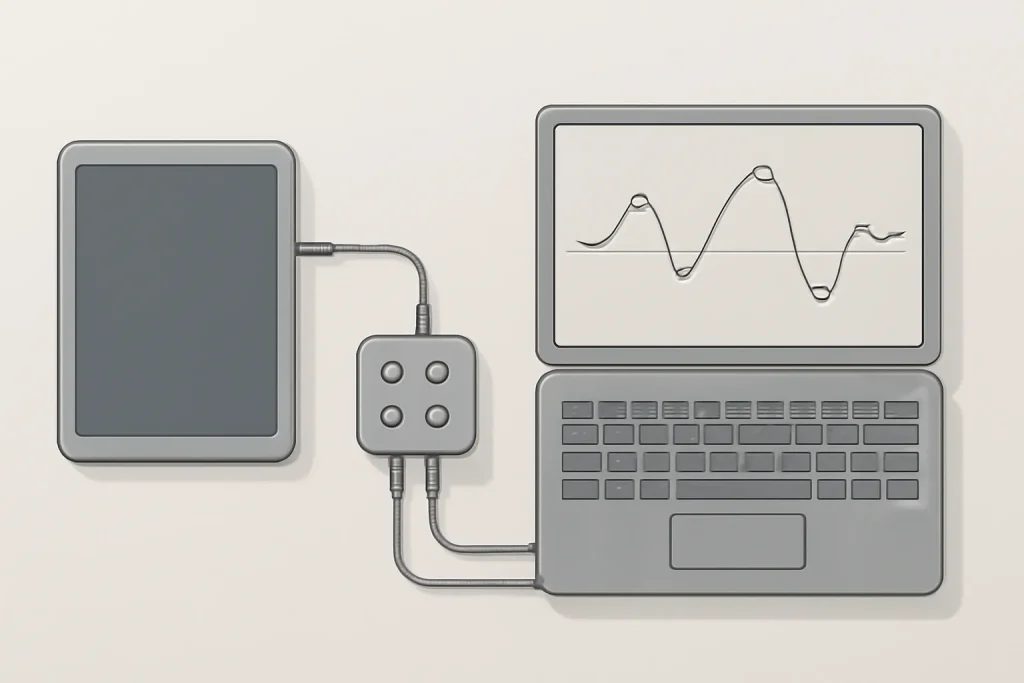
What the results suggest (and what they do not prove)
\r\nIn the maximum‑brightness scenarios, the iPad Pro with chip M5 lasted the longest, exceeding 15 hours in the test reported by ZDNET. This type of result usually points to two combined strengths: SoC efficiency under sustained load and good power management of the screen and system. For anyone working with high brightness (train/plane, bright rooms, editing with consistent colours), these tablet battery tests are particularly informative.\r\n\r\nAt minimum brightness, the standout was the OnePlus Pad 3, with a reported value of 40 hours. Here, the reading should be cautious: low brightness drastically reduces panel consumption, and the local‑video test can favour devices with efficient decoding and aggressive power‑saving policies. Still, it is a strong indicator for those using the tablet as a reader, for study, or for night‑time consumption with reduced brightness.\r\n\r\nThere were also less intuitive results: other iPads tested fell well below the iPad Pro at maximum brightness. This does not mean a “worse product” outright; it means that, in that scenario, the combination of screen, performance profile and battery capacity was less favourable. In practical terms, tablet battery tests help avoid blanket generalisations such as “an iPad always lasts longer” or “Android always lasts longer”.\r\n
Real‑World Use Cases: how to translate this to your purchase
\r\nBefore choosing a model, it is worth mapping your usage pattern to the type of test. If your day consists of streaming with active Wi‑Fi, social media and multitasking, network and CPU/GPU consumption may weigh more than a local video loop. If you do drawing with a stylus, the sampling rate of the stylus, background apps and high brightness can bring you closer to the “worst‑case” scenario. Therefore, use these tablet battery tests as a baseline and mentally adjust them to your profile.\r\n\r\nThree simple rules often improve endurance without sacrificing the experience too much: (1) reduce brightness to the minimum comfortable level; (2) limit background processes and excessive notifications; (3) prefer to download content when you know you will be offline. And if your goal is to “replace a laptop”, give more weight to results at high brightness and prolonged use, because that is where thermal management limits and sustained efficiency become evident.\r\n\r\nIf you are comparing families and generations, try cross‑referencing this data with broader buying guides. At iOutlet, for example, it makes sense to start with an overview such as best tablets by usage type ", and, if the focus is Apple, fine‑tune the choice with " compare iPad by cost‑performance. Endurance is decisive, but it is rarely the only criterion.
Limitations & Challenges
\r\nEven when well designed, tablet battery tests have limits. A video‑loop test mainly measures: screen, video decoding, SoC efficiency and relative “standby” during continuous playback. It does not measure with the same fidelity: video calls, games 3D, heavy editing, use with accessories, or mobile networks in areas with poor coverage (where the modem may consume more).\r\n\r\nThere is also the issue of variability between units and software versions. Updates can alter performance and consumption profiles, and some brands aggressively tweak background‑app management. Therefore, the best use of these tablet battery tests is comparative and contextual: understanding who leads in specific scenarios and what trade‑offs that suggests.\r\n\r\n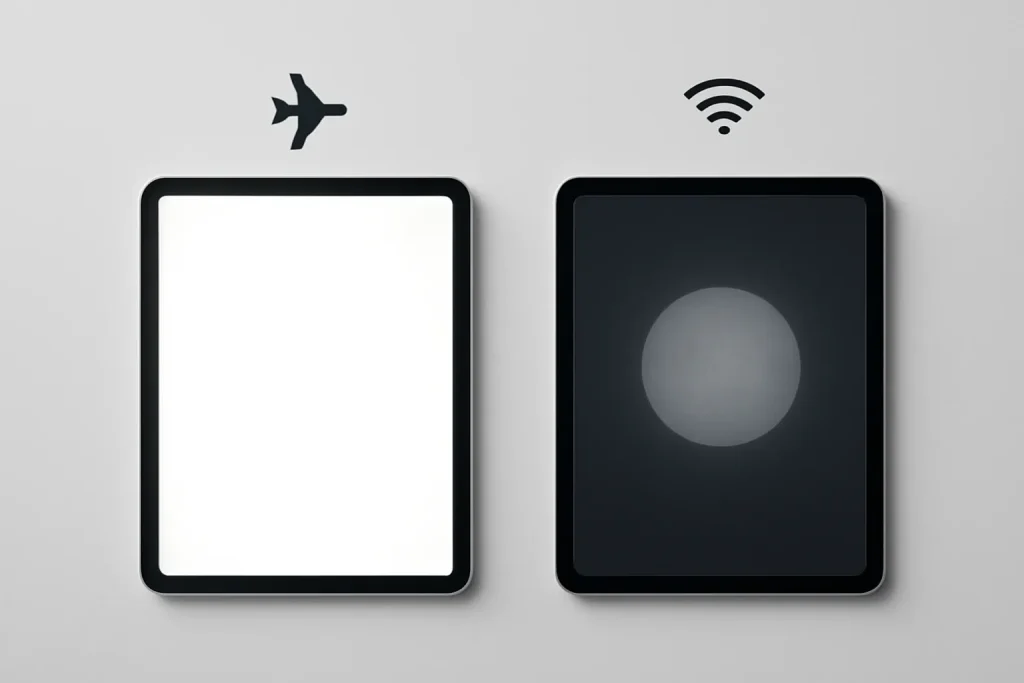
What to do now
\r\nIf your priority is endurance with high brightness (working away from home, travelling, productivity with a screen always “on”), give more weight to the maximum‑brightness results and confirm whether your workflow includes heavy apps. If you are looking for a “tablet that lasts days” for reading and light consumption, look at performance at minimum brightness and at consistency in Airplane Mode. In either case, these tablet battery tests are a solid starting point - and the next logical step, as ZDNET itself suggests, is to measure real streaming with an active connection, where network and background services can shift the ranking.\r\n\r\nFor editorial transparency, you can consult the original ZDNET piece on the laboratory results.
FAQ
- Do these tests measure “real‑world” usage day‑to‑day?
- They measure a controlled scenario (local video loop) with variations in brightness/volume and Airplane Mode. It is useful for comparing efficiency, but does not replace streaming, gaming, video‑conferencing or intense multitasking.
- Why does screen brightness affect endurance so much?
- The panel is one of the biggest power consumers in continuous use. Raising brightness increases consumption directly, so rankings can change considerably between maximum and minimum brightness.
- Does Airplane Mode improve battery life that much?
- It can improve, but it depends on the test. In this case, as the video was downloaded and there was no streaming, the network/Bluetooth impact was described as small. In real streaming, the difference tends to be larger.
- Can I compare iPadOS, Android and Windows directly with this method?
- You can compare trends, because the app and content were normalised. Still, each system has different power‑management policies and background processes, which can affect results outside the test.
- What should I look for in a tablet if I want to “replace a laptop”?
- Give priority to results at maximum brightness and stability during prolonged use, because that mirrors productivity with a strong screen. Then validate the keyboard, multitasking and apps you need in your ecosystem.
- How to replicate a simple endurance test at home without a lab?
- Choose a local video, set brightness and volume, disable automatic updates and measure the time until 10% (or until shutdown). Repeat two or three times to reduce variation and compare only within your own method.
Get more articles like this one.
Refurbished tech analysis + €5 with BEMVINDO5 on your first order. Valid on your first order of €50 or more.





