
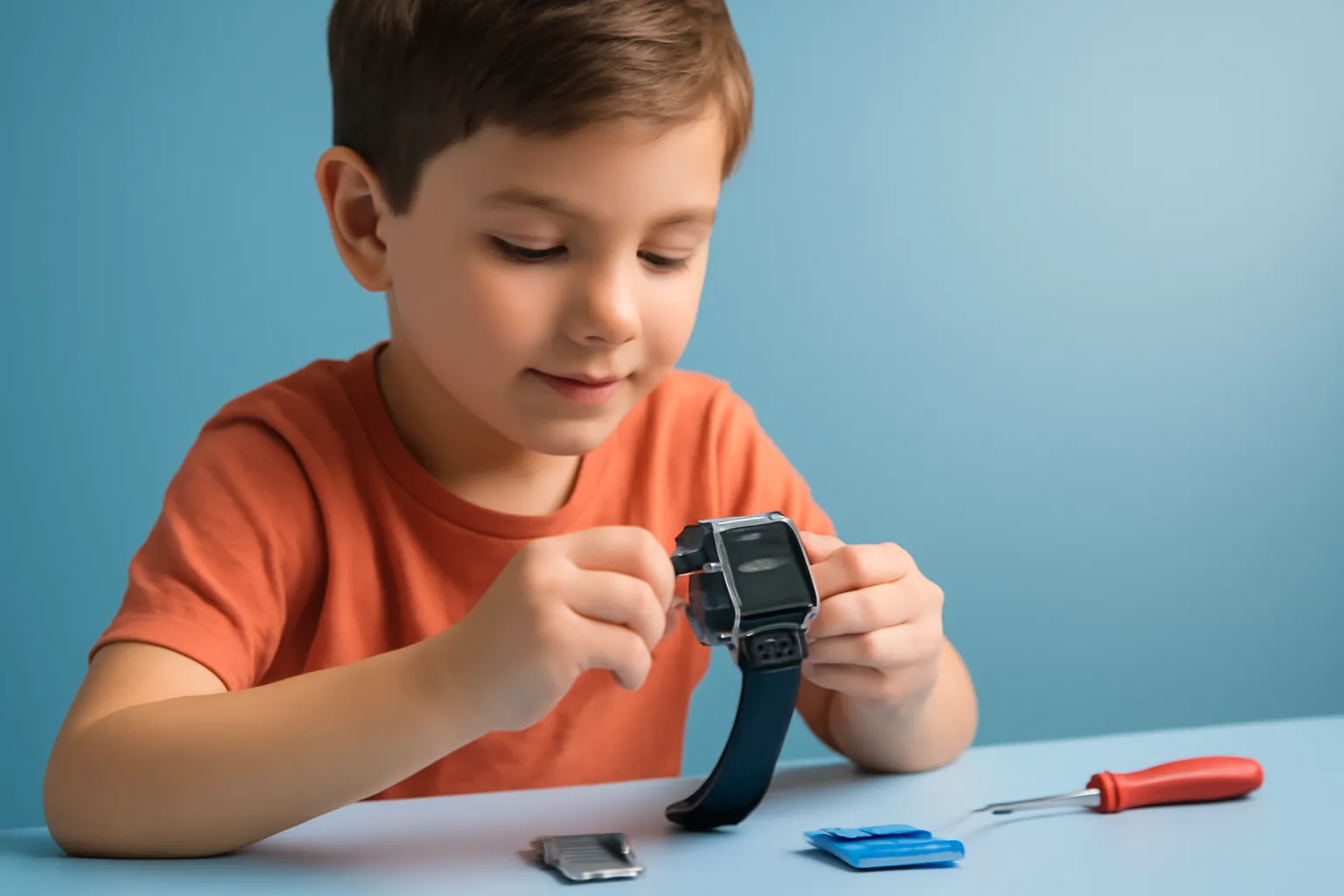
DIY Smartwatch for Children: Build and Program a Watch to Learn STEM
In this article
The DIY smartwatch for children is the idea behind a kit that transforms "using technology" into "building technology": the child assembles the watch, connects components and writes code to bring the functions to life. The topic has been circulating because of one product highlighted by the consumer press, with a focus on hands-on learning and scientific curiosity. For families and educators, the appeal is obvious: a device that can teach logic, electronics and problem-solving, while opening up conversations about digital safety and limits of use.

Overview
Unlike a traditional smartwatch, a DIY smartwatch for children starts from the principle that the experience begins before the watch is even turned on. Instead of simply installing apps, the child understands the "why" behind each function: how a button sends a signal, how a screen displays information, or how a program reacts to an event. This fits into the STEM approach (Science, Technology, Engineering and Mathematics), which favours learning through experimentation and iteration.
There is also a cultural angle: many parents want technology with purpose, not just another screen. A DIY smartwatch for children can be that bridge, as long as the project is age-appropriate, has clear instructions and does not rely on unnecessary online accounts.
Architecture & Specifications
In a kit like this, the "watch" is effectively a small computer. It usually includes a board with a microcontroller (a simple chip, optimised for controlling sensors and running lightweight programs), a screen, buttons and sometimes sensors such as an accelerometer (measures movement) or light sensors. Learning happens when the child connects modules and realises that software controls the hardware: a program can read a sensor and decide what to display on the screen.
The critical point is the programming method. In educational products, it is common to support block-based programming (drag-and-drop style) and, in some cases, a textual language. Without inventing model details, the rule of thumb is this: the more transparent the path between "I wrote this" and "the watch did that", the more effective the educational value of a DIY smartwatch for children.
Another variable is power and charging. Kits for children tend to favour simple and safe solutions, but it is worth checking how it charges, whether there are physical protections, and whether the battery access is well isolated. If the watch is for daily use, the sturdiness of the strap and splash resistance become as important as the code.

Practical Benefits
A DIY smartwatch for children shines when treated as a project rather than a gadget. In a school or home setting, it can support skills that rarely appear in traditional "educational apps": debugging (finding out why something failed), sequential thinking and documentation (following steps and recording changes). Plus, assembly creates a different relationship with technology, less passive consumption, more authorship.
There is also an unexpected benefit: the conversation about limits. When the child builds the watch, it becomes easier to explain why certain features (such as constant notifications) can be distracting, and why it is helpful to set usage times. For many parents, a DIY smartwatch for children can be a more "controllable" alternative than a closed device packed with services that are connected by default.
Privacy Questions
Watches for children always raise the same question: what data is collected and where does it go? Even with a DIY smartwatch for children, there may be supporting software, companion apps or syncing with a computer or phone. Before buying or gifting one, look for clear answers on: account requirements, requested permissions, telemetry and whether connectivity (Bluetooth/Wi‑Fi) is active by default.
If the kit depends on a smartphone for setup, it is worth reviewing notification and permission settings in the operating system. For those using an iPhone or iPad, the official documentation can help adjust family controls and privacy through Apple's support: privacy and family guides. On Android, there are equivalent resources in Google's support: parental controls and safety.
The goal is not to "ban technology", but to reduce unnecessary exposure. A DIY smartwatch for children makes most sense when it works well offline and when connectivity is optional and explained.
Next Steps
If you are considering a DIY smartwatch for children, start by choosing based on the child's profile: do they enjoy building, following instructions and testing? Then assess the ecosystem: does it need a computer to program, a mobile app, or both? And check the level of support: manuals, project examples and community make a difference when errors come up.
For editorial transparency, the highlight that prompted this discussion comes from a consumer piece about a programmable watch kit: original article on MySA. The practical recommendation is not to decide on enthusiasm alone: compare requirements, recommended age and the type of programming supported.

Finally, treat the project as a guided activity. A DIY smartwatch for children delivers more when an adult helps set a first "goal": display the time, create a counter, or react to a button. From there, the child realises that technology is not magic, it is accessible engineering.
FAQ
- What age is suitable for a DIY smartwatch for children?
- It depends on maturity and experience with step-by-step instructions. In general, it works best when the child can already assemble parts carefully and tolerate trial and error, ideally with adult supervision.
- Do you need to know how to code before starting?
- Not necessarily. Many educational kits use block-based programming and ready-made examples. Still, it helps to have someone nearby to explain concepts such as "event", "variable" and "condition".
- Can a DIY smartwatch for children replace a "normal" everyday smartwatch?
- It can replace it for simple uses (time, small utilities), but the main focus is learning and experimenting. For notifications, calls or deep integration with services, a conventional watch is usually more complete.
- How can you avoid privacy risks with a watch for children?
- Prefer offline operation, avoid creating unnecessary accounts and review permissions on the phone or computer used for setup. If there is connectivity, check whether it can be turned off and whether there is a clear explanation of what is shared.
- What should I check before giving a DIY smartwatch for children?
- Compatibility requirements (PC/phone), language of instructions, quality of support (guides and projects), ease of charging and physical sturdiness. It is also worth checking for small parts, if there are younger children in the household.
Get more articles like this one.
Refurbished tech analysis + €5 with BEMVINDO5 on your first order. Valid on your first order of €50 or more.





