In this article
Historical Context
The frustration is not new: Android has never consolidated a single search layer that consistently traverses apps, local data and actions. On some devices, the launcher offers competent search; on others, the result depends on the manufacturer, launcher version and permissions granted. On Pixels, Pixel Launcher search usually comes closer to the ideal, but it is not a universal solution for the entire Android ecosystem. For years, third-party apps have tried to fill this gap. One example cited is Sesame Search, which managed to offer a 'Spotlight-like' experience with search of apps, contacts, messages, notes and service integrations. Its acquisition by an analytics company coincided with the project's decline, and the last known updates remained stuck on old Android versions. The pattern repeats itself: when an app like this loses maintenance, compatibility with new Android builds degrades rapidly, especially in indexing and permissions.Technical Details
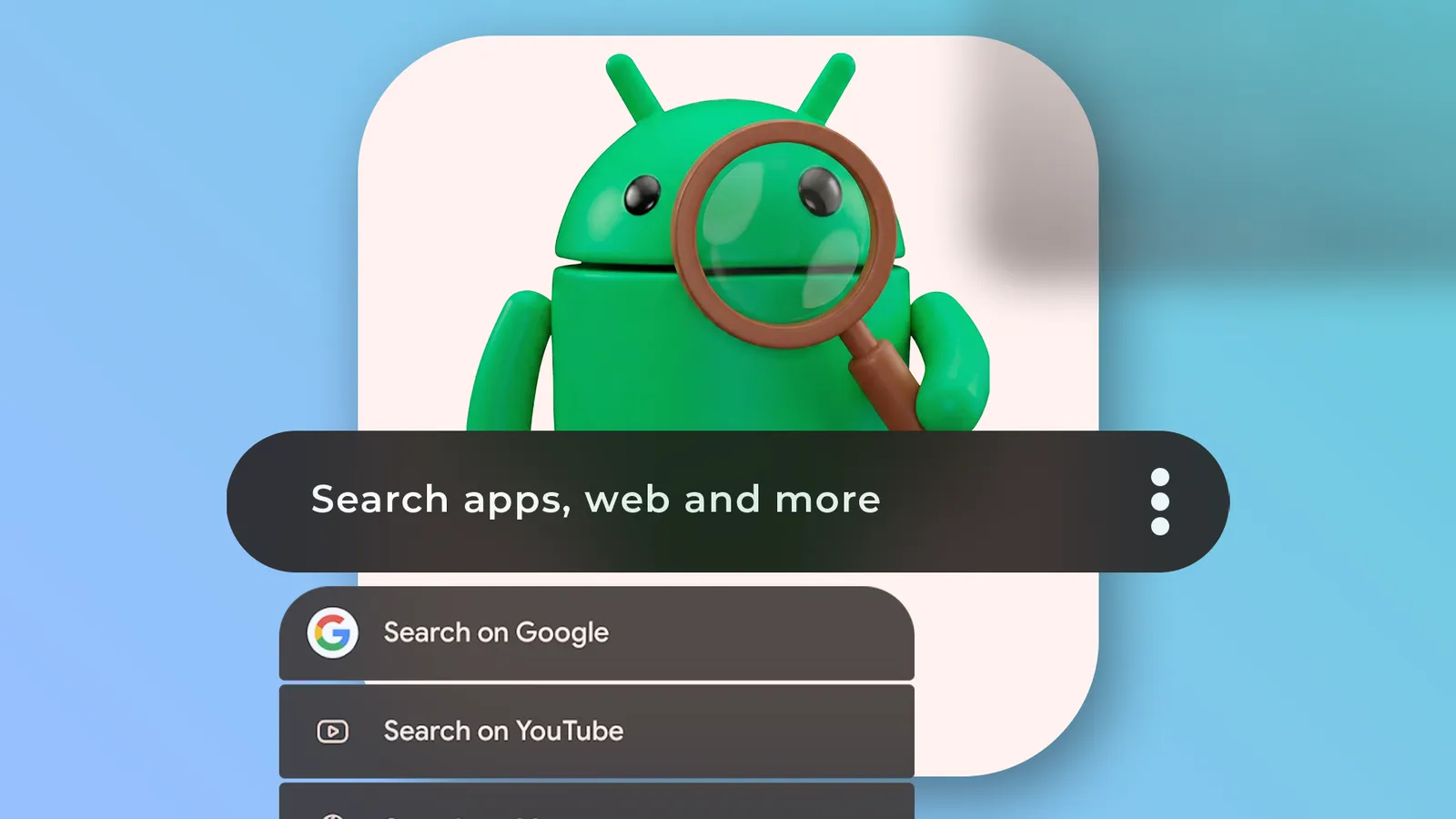
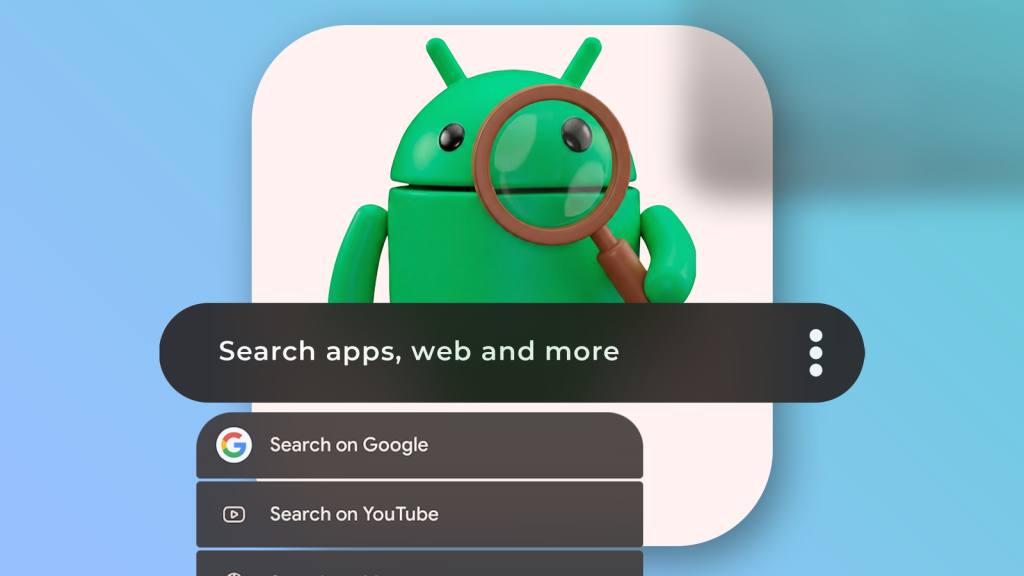
Pixel Search positions itself as a search and quick execution layer: instead of navigating menus, the user types a term and gets actionable results (open an app, start an action, jump to a destination). Technically, the value lies less in 'showing results' and more in shortening the path between intention and execution. In the 2.x versions described, there are three changes that matter: 1) Customisable search engines and URLs. The app now accepts alternative engines and URL support, which transforms the search bar into an entry point for the web and services, without being tied to a single provider. 2) Fuzzy search. 'Fuzzy search' is approximate search: it finds results even with typos, abbreviations or incomplete names. On a phone, where you type fast and with autocorrection, this changes the actual success rate. 3) Faster indexing. Indexing is building a local catalogue of apps/shortcuts to respond quickly. When indexing is slow or fails, search 'seems' worse, even if the interface is good. The app also strengthens the widget component: in addition to customisation, the widget can accumulate functions (the text mentions it can act as a calculator), which further reduces the number of app launches for simple tasks.Real Use Cases
The practical gain appears in repeated micro-tasks. A direct example: starting a conversation on WhatsApp. Instead of opening the app, finding the search bar, typing the name and choosing the contact, Pixel Search allows you to type the name and tap the WhatsApp icon next to the result to jump to the chat. The same principle applies to directed search: launching a search on ChatGPT, Gemini or YouTube Music from the results, without changing context. Another area where these tools shine is consistency across devices. Those who switch between brands (for example, one manufacturer's model and then another) feel the difference in launcher 'philosophy'. A cross-platform search app can function as a continuity layer: the gesture and flow remain the same, even when the rest of the system changes.Limitations & Challenges
There is one point worth facing without romance: 'universal' search on Android runs into structural limits. The system is fragmented (manufacturers, launchers, permissions, battery policies) and not all apps expose searchable actions. Besides, when a tool depends on indexing and integrations, any change in Android can break parts of the behaviour. There is also the classic risk of continuity. The text underlines that Pixel Search was abandoned and has returned now; that is good news, but it is not a guarantee of long-term maintenance. For those who depend on the tool daily, it is worth testing alternatives and keeping a plan B (even if it is native launcher search). Finally, there is the question of privacy. An app that searches contacts, messages or shortcuts can request sensitive permissions. The practical recommendation is simple: grant only what is necessary, review permissions after updates and confirm what is indexed. If the goal is only to search apps and shortcuts, there is no point in opening the door to personal data unnecessarily. For context on Android search and features, it may be useful to consult official support documentation at Google support.What Changes for the User
The background is a change of direction: the search experience on some Pixels is shifting to an approach more dependent on the Google app, with greater focus on AI modes. The original article argues that this may be a step backwards for those wanting speed and predictability, because 'launcher' search tends to be more direct and less laden with layers. In practice, Pixel Search attempts to recover that ideal: a fast search box, with local results and immediate actions, and with enough customisation to adapt to each person's workflow. For those who feel that Android 'has everything' except a good entry point for the system, this category of app is less an extra and more a productivity piece. For editorial transparency, here is the original source: article on Android Police.FAQ
- Is Pixel Search the same as Pixel Launcher search?
- No. Pixel Launcher search is part of Google's launcher; Pixel Search is an independent app that attempts to offer unified and customisable search, even on non-Pixel devices.
- What is 'fuzzy search' and why does it make a difference on a phone?
- It is approximate search: it returns results even with typos, abbreviations or incomplete names. On small screens, it improves the hit rate and reduces attempts.
- Do I need to set Pixel Search as launcher for it to work well?
- Not always. Many apps of this type work via widget, shortcut or quick settings panel. The ideal experience depends on the device and how you prefer to access search.
- What permissions should I avoid granting unnecessarily?
- If your goal is only to search apps and shortcuts, avoid giving access to sensitive data (for example, contacts or messages) unless you really need those results. Review permissions in Android settings after updates.
- Why doesn't Android have a 'built-in' universal search like Spotlight?
- It is a combination of product choices and fragmentation: different manufacturers and launchers, battery and permission policies, and apps that don't always expose searchable actions. This makes it difficult to guarantee a unique and consistent experience.
Read also
Get more articles like this one.
Refurbished tech analysis + €5 with BEMVINDO5 on your first order.