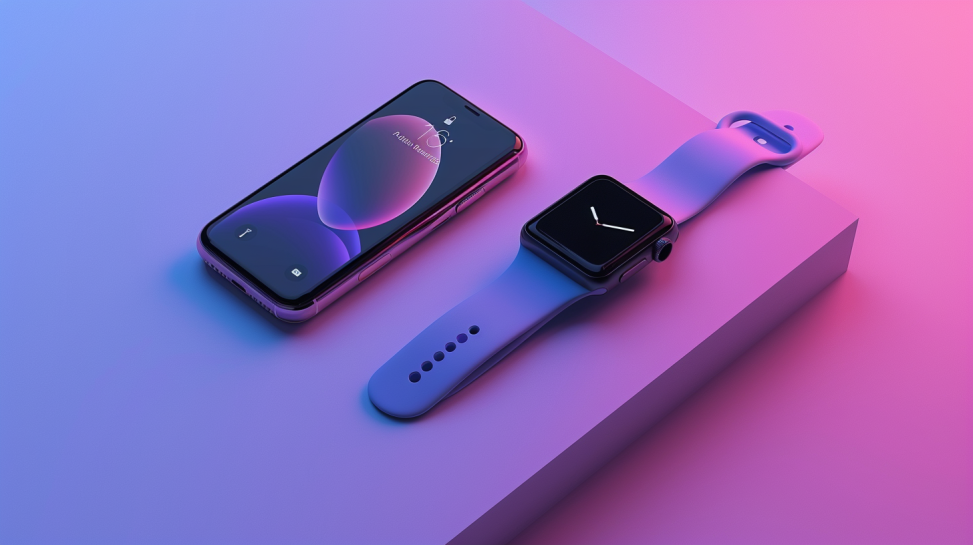
No: an Apple Watch does not work with an Android phone. It can only be set up and paired with an iPhone, so there's no way to connect it to a Samsung, Pixel, or any other Android phone. If you use Android and want a smartwatch, you'll need one made for Android, such as a Galaxy Watch, Pixel Watch, or Garmin.
In this article
This isn't a missing setting or a workaround waiting to be found: it's a limitation built into the Apple Watch from the start. Pairing and setup happen through the Apple Watch app, and that app has only ever existed for iPhone. There is no Android version of it, and no official way to pair an Apple Watch over Bluetooth with an Android device.
Why the Apple Watch doesn't work with Android
The Apple Watch app on iPhone is the only tool Apple provides for setup, and it's the app that creates the encrypted pairing link between the two devices, installs watchOS updates, manages Apple ID and iCloud settings on the watch, and hands off notifications and calls. Android has no equivalent app, and the watch itself has no pairing mode that works outside that iPhone-only handshake. Samsung and Google build their own smartwatch platforms: Wear OS: that solve the same problem for Android phones, but the two ecosystems don't cross over.
You may come across apps or guides online that claim to bridge an Apple Watch to Android through Bluetooth tricks or third-party companion apps. None of them can complete Apple's own pairing process, which is the one step every other Apple Watch feature depends on, so none of them turn an Apple Watch into a working Android accessory. There's no legitimate software fix for this: it's a platform decision by Apple, not a bug.
What you need to use an Apple Watch
- A compatible iPhone: the required iPhone model depends on the Apple Watch generation; newer Apple Watch models need a relatively recent iPhone and iOS version.
- The Apple Watch app, pre-installed on iPhone, used to pair the watch and manage its settings.
- An Apple ID, used to sign in on both the iPhone and the Apple Watch.
Without an iPhone, an Apple Watch can't complete setup at all: there's no way to activate it from an Android phone, a computer, or the watch on its own.
What still works when your iPhone isn't nearby
Once an Apple Watch has already been set up and paired with an iPhone, several features keep working even when that iPhone is out of range or turned off: telling time, fitness and heart-rate tracking, Apple Pay, and music already downloaded to the watch. On GPS + Cellular models, the watch can also make calls, send texts, and use data on its own, over a cellular connection or a known Wi-Fi network.
That independence has a limit, though. The watch still needs the paired iPhone to exist: it's what completed setup, what supplies the Apple ID and iCloud account behind the watch's cellular plan, and what the watch periodically reconnects to. An Apple Watch was never designed to be used, or set up, without an iPhone somewhere in the picture.
Best smartwatches if you have an Android phone
If an Apple Watch is off the table, Android has its own mature options: most of them run Wear OS, Google's smartwatch platform, which pairs with Android phones the same straightforward way the Apple Watch pairs with iPhone.
| Smartwatch | Platform | Good for |
|---|---|---|
| Samsung Galaxy Watch | Wear OS | Samsung phones and Android generally |
| Google Pixel Watch | Wear OS | Deep integration with Google apps and Pixel phones |
| Garmin | Garmin OS | Fitness and multi-day battery life, works with most Android phones |
FAQ
| Question | Answer |
|---|---|
| Can I set up an Apple Watch without an iPhone? | No. An Apple Watch must be set up and paired with an iPhone; there is no way to set one up using an Android phone or a computer. |
| Will an Apple Watch pair with a Samsung phone? | No. The Apple Watch only pairs with an iPhone. It cannot connect to a Samsung, Pixel, or any other Android phone. |
| Does the Apple Watch need the iPhone nearby all the time? | No. Once it is set up, many features work when the iPhone is not nearby: especially on GPS + Cellular models: but it still needs the paired iPhone to exist. |
If you're on Android and want a smartwatch without buying an iPhone first, a refurbished Samsung Galaxy Watch is a straightforward option built for the phone you already have.
Diagnostic tools
Get more articles like this one.
Refurbished tech analysis + €5 with BEMVINDO5 on your first order. Valid on your first order of €50 or more.