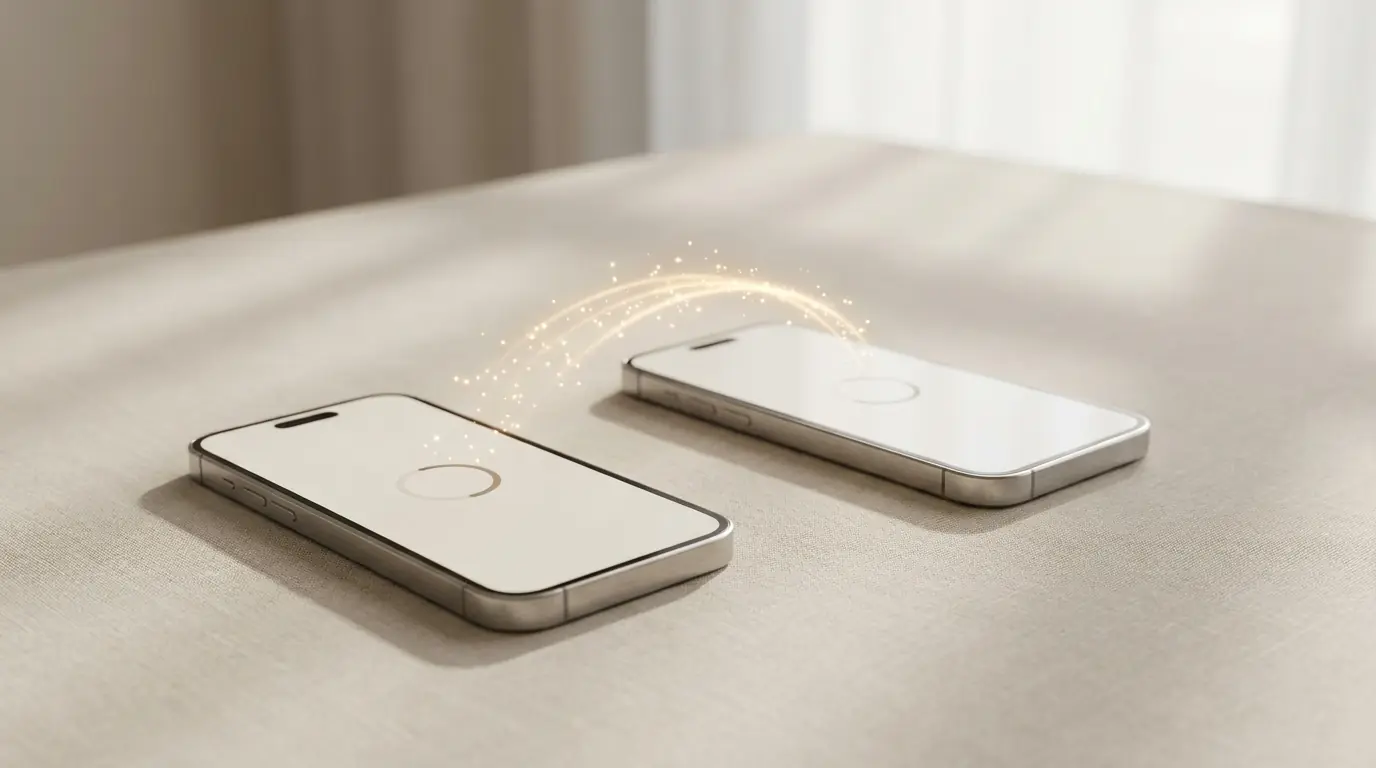
Just received your refurbished phone? Only one thing left to do: move everything from your old handset, contacts, photos, messages and apps. Apple and Google already provide free tools for this, and in most cases it’s almost automatic. Here are the steps, depending on the phone you had and the one you’ve just received.
In this article
Before you start:
- Back up your old phone (iCloud or Google)
- Have both phones charged and on the same Wi-Fi network
- Know your Apple or Google account password
1. First, create a backup
Before touching the new phone, make sure the old one is backed up:
- iPhone: Settings, your name, iCloud, iCloud Backup, and tap "Back Up Now".
- Android: Settings, Google, Backup, and tap "Back up now".
That way, even if something goes wrong halfway through, you won't lose anything.
2. If your new phone is an iPhone
- Coming from another iPhone? Use the Quick Start. Turn on the new iPhone and place the old one next to it: a menu will appear to transfer everything directly, wirelessly.
- Coming from an Android? Install the free app Move to iOS on the old phone. During the iPhone setup, choose "Move Data from Android", scan the code and transfer contacts, photos, messages and calendar.
3. If your new phone is an Android
Works for Samsung, Xiaomi, Google Pixel and other brands:
- Coming from another Android? On first start-up, sign in to your Google account and restore the backup. On a Samsung, the Smart Switch copies everything from the old phone, by cable or wirelessly.
- Coming from an iPhone? Use the Switch to Android assistant (or Samsung's Smart Switch) and follow the steps to transfer contacts, photos and messages.
4. WhatsApp and messages
WhatsApp has its own transfer tool, and it is the correct way to avoid losing conversations:
- Between iPhones or between Androids: when you install WhatsApp on the new phone, restore from the backup (iCloud or Google Drive).
- From iPhone to Android, or vice versa: open Settings, Chats, "Transfer chats" and follow the on-screen steps.
Avoid paid "WhatsApp transfer" apps that appear in adverts. WhatsApp itself warns they can cause problems, and the native transfer does the same thing for free.
5. And that is it
Once that is done, your new phone will hold your life inside it: contacts, photos and conversations all in place. Your apps will return when you sign in to the App Store or the Play Store. Since your refurbished device has already arrived clean and tested, you simply set it up your way.
Still choosing your phone? Before you buy a used device from a private seller, see how to check if it is locked before you pay.
Frequently asked questions
How do I transfer data from an Android to an iPhone?
Install the free Move to iOS app on the Android and, during iPhone setup, choose "Move Data from Android". This transfers contacts, photos, messages and calendars.
Can I move WhatsApp from iPhone to Android without losing chats?
Yes. Use the "Transfer Chats" option inside Settings, Chats, in WhatsApp. It is free and official.
Do I need a cable?
In most cases, no. Quick Start, Move to iOS and your Google account work over Wi-Fi. Samsung Smart Switch offers both options.
What about my apps?
Apps return when you sign in to the App Store or Play Store. Data inside each app depends on your backup and the individual service.
An honest note: these tools belong to Apple and Google, and they are free. iOutlet does not need separate software for this. If you get stuck halfway through, write to us: we are 100% online and reply by email within 48 hours.
Diagnostic tools
Get more articles like this one.
Refurbished tech analysis + €5 with BEMVINDO5 on your first order. Valid on your first order of €50 or more.