TL;DR:
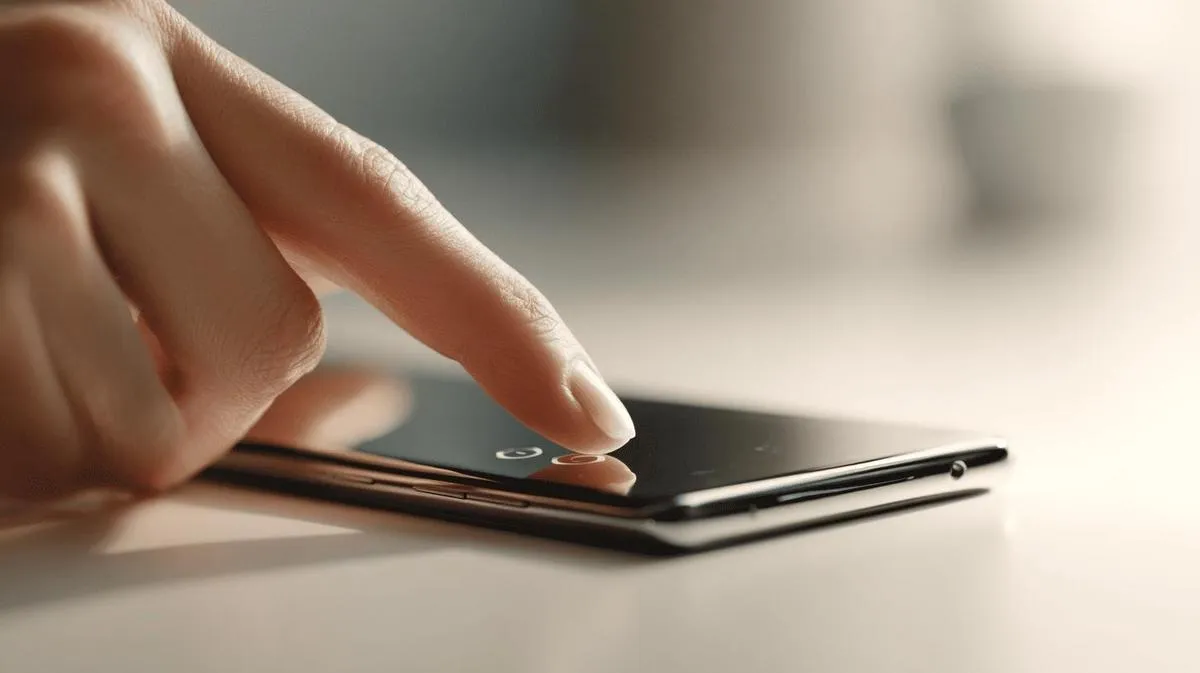
- To turn on your Samsung A50, press and hold the right side button until you feel a vibration or see the Samsung logo.
- Let go of the button after that.
- If it does not turn on, check if the battery is charged.
- Always use the original charger.
- Avoid pressing other buttons at the same time.
- If it still does not turn on, charge it for at least 30 minutes before trying again.
In this article
Want to know how to turn on a Samsung A50 without any trouble? In this guide, I will show you the step-by-step process for turning on your Samsung A50, from first use to after a reset. I will explain clearly how to use the power button, power up the device safely and give essential tips for getting your phone started. Let's make sure your Samsung A50 works without a hitch!
How to turn on a Samsung A50 step by step the easy way
To turn on your Samsung A50, press and hold the right side button. When you feel a slight vibration or see the Samsung logo, let go of the button. This ensures the device starts up correctly and safely. If the phone does not turn on, check if the battery is charged. Use the original charger for best performance. Avoid pressing several buttons at the same time. If the device still does not turn on, try charging it for at least 30 minutes before attempting again.
Conclusion
Turning on a Samsung A50 is simple. Just hold down the power button until you see the logo. On first use or after a reset, follow the on-screen instructions to choose your language and set up accounts. Always charge the phone before starting and use only safe accessories. With these steps, your Samsung A50 will be ready to use in just a few minutes. Now all that is left is to enjoy your new device with peace of mind.
Read also
- How to install WhatsApp on a Samsung phone in 2025?
- How to unlock a Samsung phone without knowing the password?
- How to take a screenshot on a Samsung the easy way
- See refurbished Samsung phones at iOutlet
Samsung at iOutlet
Samsung is the largest smartphone manufacturer in the world. At iOutlet, we offer refurbished Samsung Galaxy models: tested, with warranty and at affordable prices.
- Galaxy S series for premium performance
- Galaxy A series for best value for money
Discover refurbished Samsung phones at iOutlet.
Diagnostic tools
Get more articles like this one.
Refurbished tech analysis + €5 with BEMVINDO5 on your first order. Valid on your first order of €50 or more.