
Apple has recently released the visionOS 2.2 update, bringing some welcome new features to Apple Vision Pro users. While not as far-reaching as the iOS/iPadOS 18.2 update, which introduced numerous Apple Intelligence capabilities, visionOS 2.2 delivers a crucial improvement for anyone using Mac Virtual Display.
In this article
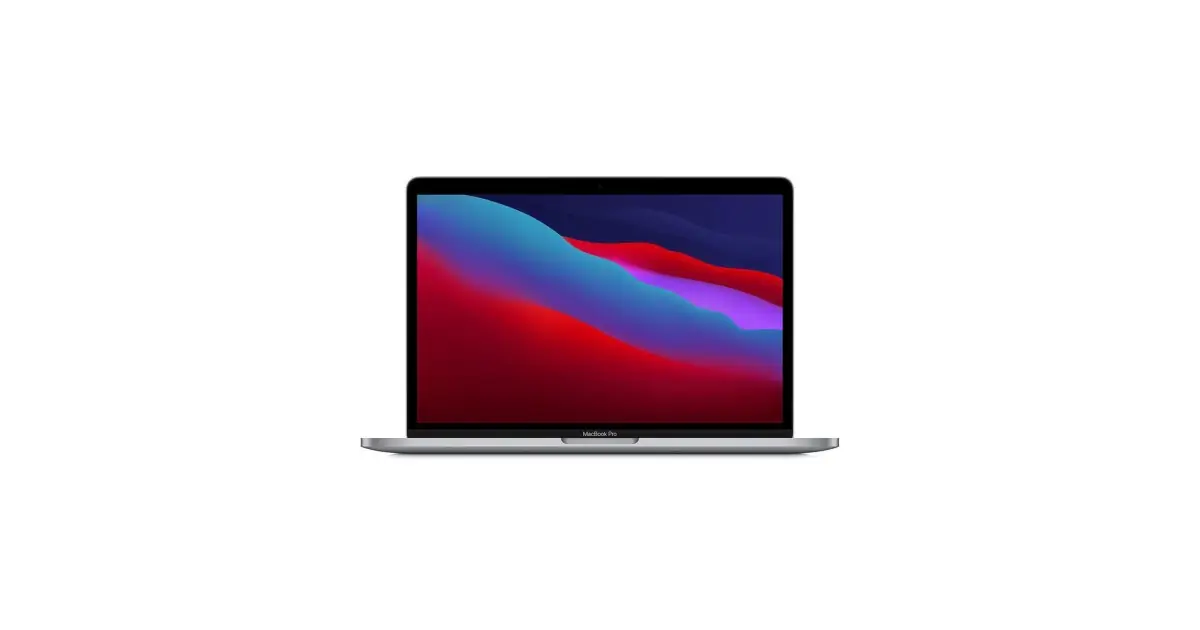
The headline feature of this update is support for wide and ultrawide resolutions when using Mac Virtual Display. It replaces your Mac’s output with a floating display in a virtual reality space, giving you a much more expansive viewing experience. With support for wide and ultrawide formats, it feels like working on two 5K monitors side by side, offering more screen real estate than your MacBook display or a standard monitor connected to a desktop Mac.
On top of that, the visionOS 2.2 update brings user experience improvements to Apple TV and Safari. You can now watch up to five MLS and MLB games at the same time using Multiview on Apple TV, and you can share live sports viewing with SharePlay. In Safari, you can now tap to view spatial photos and videos embedded in web pages.
To update your Apple Vision Pro to visionOS 2.2, follow these simple steps:
1. Go to Settings > General > Software Update.
2. If an update is available, tap Download and Install or Install Now.
3. When the update is ready to install, you will be prompted to remove your Apple Vision Pro. You can track installation progress on the front of the device.
With these new features and improvements, the visionOS 2.2 update promises to take the Apple Vision Pro experience to the next level, giving users more options and an even more immersive visual experience.
Made with AI.
Source: macworld.com
Read also
- Latest Apple news 2022
- Latest Apple news!
- Investing in Apple shares: a complete analysis
- See refurbished Macs at iOutlet
What This News Means For You
Technology moves fast. At iOutlet, we stay on top of every update to ensure our refurbished products always deliver the best possible experience, with supported software updates and verified hardware.
Stay Informed
- Follow the iOutlet blog for the latest news on Apple, Samsung and technology
- Subscribe to our newsletter for exclusive offers on refurbished products
Get more articles like this one.
Refurbished tech analysis + €5 with BEMVINDO5 on your first order. Valid on your first order of €50 or more.





