TL;DR:
- The IMEI number is essential for checking whether a Samsung is genuine.
- To find the IMEI, dial *#06# on the keypad or check the settings under "About Phone".
- Compare the IMEI on the device with the one on the box and the receipt; they must match.
- Check the IMEI on the official IMEI website to confirm the device is legitimate.
- Fake devices can have security issues and are not covered by the Samsung warranty.
- If the device is fake, contact the seller for a refund or exchange, checking the returns policy.
- Always buy from authorised stores to avoid counterfeits.
- Checking the IMEI protects your investment and security.
In this article
Want to find out if your Samsung is actually genuine? Let's get straight to the point, because you deserve clear and reliable answers. The IMEI number is the key to verifying your device's authenticity. And as a fan of refurbished tech, I know you value security and quality. Let's explore together the methods for checking the IMEI on your Samsung and make sure you are in safe hands. Ready?
IMEI Samsung: How to tell if it's genuine
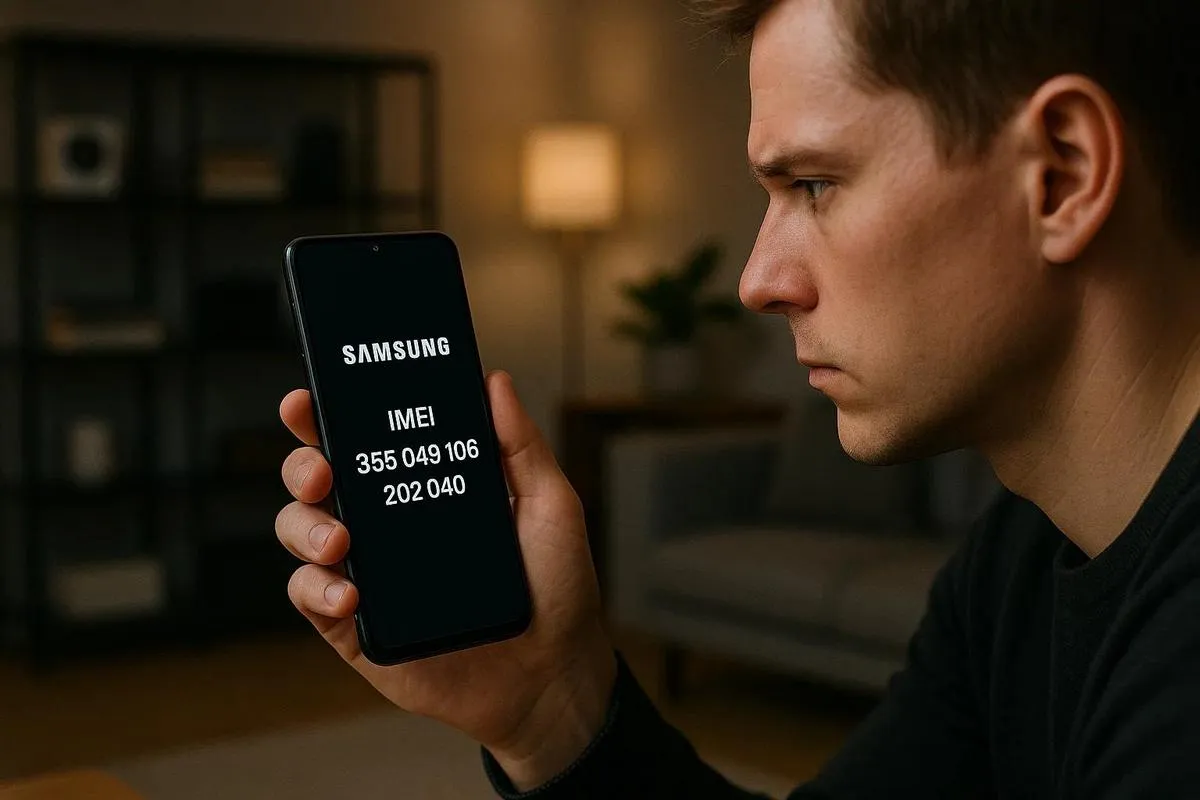
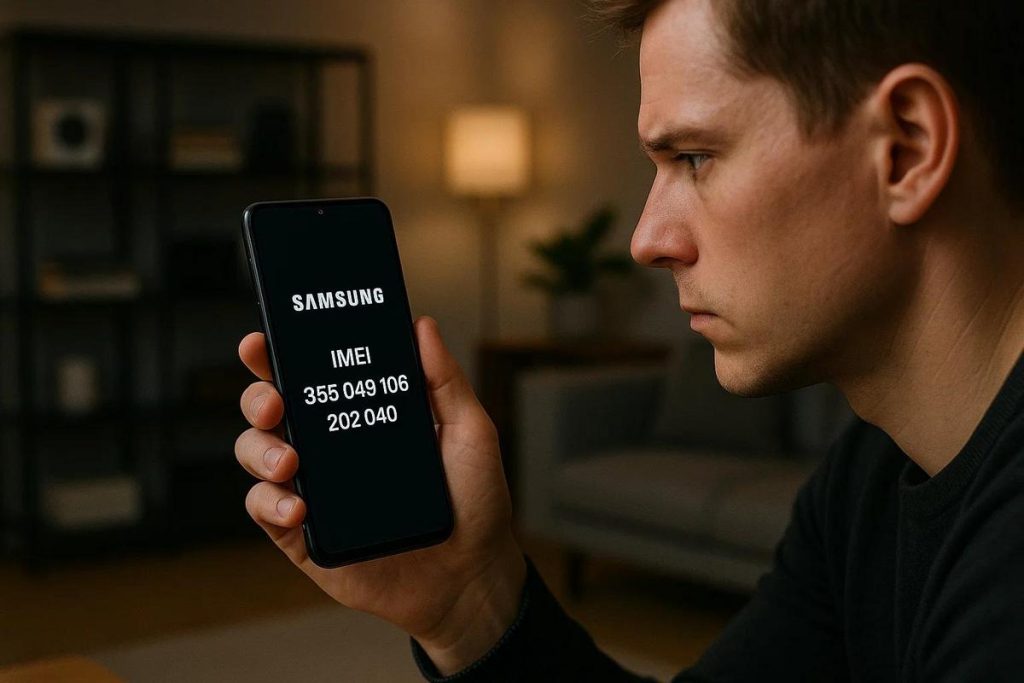
The IMEI number is crucial for knowing whether your Samsung is genuine or not. To locate the IMEI on your Samsung, dial *#06# on the keypad. The code will appear on the screen. Another way is to check the box or the label behind the device's battery.
First of all, know that the IMEI is unique to each device. When you buy it, it is important to check that the number matches the one printed on the box. This check can prevent unpleasant surprises, such as discovering the phone is counterfeit.
After identifying your Samsung's IMEI, go to the official IMEI website to confirm its authenticity. On the site, enter the IMEI and find out whether the number is registered as a legitimate Samsung device. If the number does not match, or does not exist in the database, the device may be fake.
Now, you might be asking yourself: Why is it so important to check if it is genuine? The answer is simple. Counterfeit devices can present security problems. What is more, Samsung's official warranty only covers genuine devices. Counterfeits can also have unstable operating systems.
Many people ask me: What do you do if you find out the device is fake? First, contact the seller and ask for a refund or exchange. Depending on the country, this may be your right. If the purchase was online, check the site's returns policy.
I always prefer prevention over cure. That is why I recommend buying from authorised stores. These stores guarantee authenticity and offer better warranties. Doing so protects your investment and avoids future problems.
To conclude, always use the IMEI number as a tool to verify a Samsung's authenticity. This practice ensures you have a genuine, safe product. With these tips, I believe you will feel more confident when confirming your device's legitimacy.
IMEI Samsung: How to tell if it's genuine
To make sure your Samsung is genuine, the IMEI number is essential. Common question: How can I check the IMEI on my Samsung? Directly on your phone, dial *#06#. Now, look at the IMEI number that appears on the screen. Compare that number with the device box and the receipt. They should all match. If it does not match, the device may not be genuine.
Another way is to go into your Samsung's settings. Follow this path: Settings > About Phone > Status. There, you will also find the IMEI. It is a safe method, as long as you have the phone in hand.
Why is checking the IMEI important? This sequence of fifteen numbers is unique to each device. It works like a fingerprint. As well as confirming authenticity, it allows you to block the device if it is lost or stolen. This improves your security.
You have checked the IMEI and everything is fine? Now, protect your Samsung by using the warranty. If the phone is genuine, it will be covered by official support. So, always keep the receipt safe. Any problems? You can request repairs through Samsung's authorised support.
I always recommend using reliable sources for additional information. Need details about the IMEI on Samsung devices? The official Samsung website has valuable tips. All so you can rest easy with your device.
If the IMEI does not match or is missing, be suspicious. That is a sign of a counterfeit device. So, be careful when buying. Prefer trustworthy stores and always check before closing the deal.
Checking the IMEI is a simple step. Doing this makes sure your Samsung is legitimate. Always run this check. It is a quick habit that can save headaches down the line. Your Samsung deserves it. And you deserve a safe, reliable device.
Conclusion
Checking your Samsung's IMEI is simple and important. Use reliable methods like the code *#06# or check in the phone settings. Ensuring the IMEI is genuine protects you against counterfeits and fraud. If the IMEI is not recognised, seek official support immediately. Do not forget to confirm the IMEI before any purchase, so you guarantee a genuine device. Security and satisfaction start with an informed purchase. Do your part and help fight the illegal market.
Final tip: on a refurbished Samsung bought from iOutlet the equipment arrives inspected, tested and with 24 months of warranty: even so, it is worth confirming the IMEI on delivery, whichever store you choose.
Read also
- How to install WhatsApp on a Samsung phone in 2025?
- How to unlock a Samsung phone without knowing the password?
- How to take a screenshot on a Samsung the easy way?
- See refurbished Samsungs at iOutlet
Diagnostic tools
Get more articles like this one.
Refurbished tech analysis + €5 with BEMVINDO5 on your first order. Valid on your first order of €50 or more.