
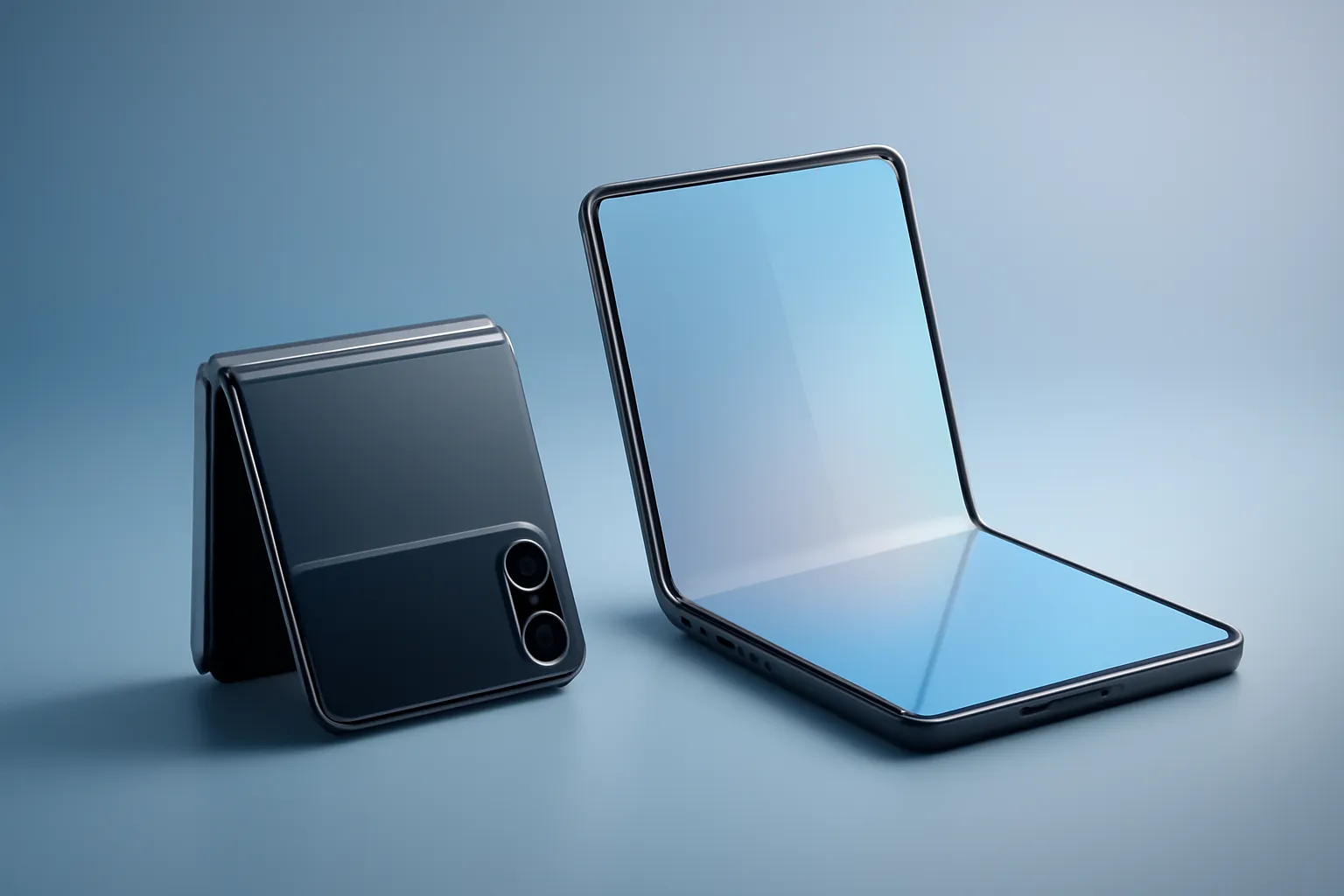
Foldable phones flip vs book: what actually changes between the two formats
In this article
Foldable phones flip vs book isn't just a difference in "folding in half": they're two usage philosophies with real impacts on portability, productivity, battery life and even attention habits. Flip phones (horizontal hinge) fold down to fit better in a pocket and open to a "normal"-sized screen. Book-style phones (vertical hinge) fold like a regular smartphone and open to a larger internal screen, closer to a mini-tablet. For those buying in 2026, the decision is less about novelty and more about which format fits your daily routine.

Overview: two ideas, two types of user
When comparing foldable phones flip vs book, it helps to think like this: a flip is "a phone that shrinks"; a book is "a tablet that fits in a pocket". With flip phones, the gain is in transport and the gesture of opening to use. With book-style phones, the gain is in workspace when you open the internal screen.
This creates distinct user profiles. Those who want to reduce pocket volume, take calls, reply to messages and use social media with a conventional main screen tend to prefer flip. Those who read and edit documents, multitask, use two apps side by side or want a larger screen for maps and productivity tend to benefit more from book-style phones.
Technical Details: hinge, screens and "half-open mode"
In foldable phones flip vs book, the hinge is the critical component: it defines the fold axis, the repeated mechanical stress and how the flexible screen settles. In both formats, there's typically a flexible internal screen (the main one when open) and an external screen (cover display) for quick information.
On flip phones, the external screen is usually smaller and, depending on the manufacturer and software, may be limited to widgets and quick actions. Some models allow running apps on the outer screen, but the experience can be limited by size and ergonomics. On book-style phones, the external screen is usually a "full" smartphone screen, designed for normal use without opening the device; when you open it, you get the larger internal screen.
There's also a common behaviour: using at intermediate angles (partially folded). This allows you to prop the device on a table for video calls, photos without a tripod, or video consumption with controls on one half of the screen. In some ecosystems, this mode has its own name and includes interface adaptations to separate content and controls.
A practical detail many overlook: because the main camera can face the user with the external screen serving as a viewfinder, both flip and book phones can facilitate selfies with the main camera: useful for those who value image quality without relying on the front camera.

Real Use Cases: productivity, distractions and multitasking
The impact of foldable phones flip vs book is felt mainly in software. On book-style phones, the larger internal screen makes it viable to work with two apps side by side (for example, email and calendar, or browser and notes). Some manufacturers go further and treat the open screen as a continuous "canvas", where you switch between apps with less visual friction.
On flip phones, the logic is different: the external screen serves for "triage" (seeing notifications, controlling music, replying quickly) and the act of opening can function as a behavioural barrier. For some people, this reduces the impulse to unlock and waste time; for others, it's just another gesture before doing what they'd already do on a traditional smartphone.
If your day includes long writing, spreadsheets, PDF review or task management with multiple windows, the book-style phone tends to better justify the compromise on thickness and weight. If your goal is to have a more compact smartphone when not in use, flip usually makes more sense.
Limitations & Challenges: compromises that don't appear on the spec sheet
Even with increasing maturity, foldable phones flip vs book continue to bring compromises. The first is physical: more moving parts and a flexible screen mean greater sensitivity to drops, pressure and fine particles. The second is experience-based: the crease on the screen can be more or less visible depending on light and angle, and the feel when swiping your finger varies between models.
There are also industrial design compromises: on a flip, the priority is to fold small; this can influence internal space for battery and camera modules. On a book, the priority is to open large; this can result in a thicker body when closed and a weight distribution different from a "slab phone" (the traditional smartphone in bar format).
Finally, there's the software factor: not all apps take advantage of the larger screen, and some may stretch interfaces or maintain layouts designed for small screens. Before deciding, it's worth confirming that your essential apps (banking, work, productivity, social media) behave well on the format you choose.
What to do now: a quick checklist before you buy
To choose between foldable phones flip vs book with fewer regrets, start by mapping your real usage: how often do you need multitasking? Do you read long documents? Do you make many video calls? Do you want to reduce pocket volume? Then, test the "half-open mode" and the external screen: these are details that change your routine more than marketing suggests.
It's also wise to align expectations with after-sales policies and timelines. If you're buying online, confirm warranty and coverage conditions, return rules and delivery timelines to avoid surprises: especially in a segment where ergonomics and personal preference matter so much.

The market no longer treats foldables as a curiosity: more manufacturers are experimenting and there's even talk of a foldable iPhone on the horizon. Still, the decision remains simple when translated into habits: if you want a compact phone that opens to a normal screen, flip. If you want a smartphone that transforms into a larger work screen, book-style. For editorial transparency, the article that served as the basis for this analysis is at Flip-Style Vs Book-Style Folding Phones.
FAQ
- How many times should I open/close per day to 'justify' a foldable?
- There's no universal number. With foldable phones flip vs book, what justifies it is the pattern: with flip, you gain from closing many times to transport; with book, you gain from opening to read, work or multitask.
- Is the external screen on a flip enough to use apps 'seriously'?
- It depends on the model and software. Some allow running apps, but the size can make long tasks uncomfortable. With foldable phones flip vs book, flip tends to be better for quick actions; prolonged use usually happens on the main screen when open.
- Does a book-style phone really replace a tablet?
- For reading, email, browsing and light multitasking, often yes. For pen drawing, advanced editing or prolonged work, it may depend on the ecosystem and apps. The advantage of book-style is that you always have a 'tablet' with you.
- Is the screen crease always visible?
- It varies between models and lighting conditions. In general, you notice the crease more with reflections and at specific angles. Before buying, it's worth seeing it in person to understand if it bothers you.
- Which format is better for photography and selfies?
- Both can benefit from using the main camera with the external screen as a viewfinder. With foldable phones flip vs book, the gain is similar: selfies with better quality than the front camera, when software enables this mode.
- What signs should I look for to understand if the software is well adapted to the large screen?
- Look for consistent split-screen support, smooth transitions between external and internal screens, and layouts that don't stretch elements. Test your critical apps: productivity, messaging, banking and authentication.
Get more articles like this one.
Refurbished tech analysis + €5 with BEMVINDO5 on your first order. Valid on your first order of €50 or more.





