TL;DR:
- Samsung tablets for children are safe with supervision.
- Kids Mode offers parental controls to limit screen time and access to content.
- Educational apps and games are available to encourage learning.
- Child mode has no access to the open internet, only approved apps.
- Daily usage limits prevent overuse and protect eye health.
- Rugged cases protect the device against drops and impacts.
- Monitoring and discussing online safety is essential.
- Consulting the Samsung Child Setup Guide can help with digital safety.
- Balancing technology with physical interaction is important for healthy development.
In this article
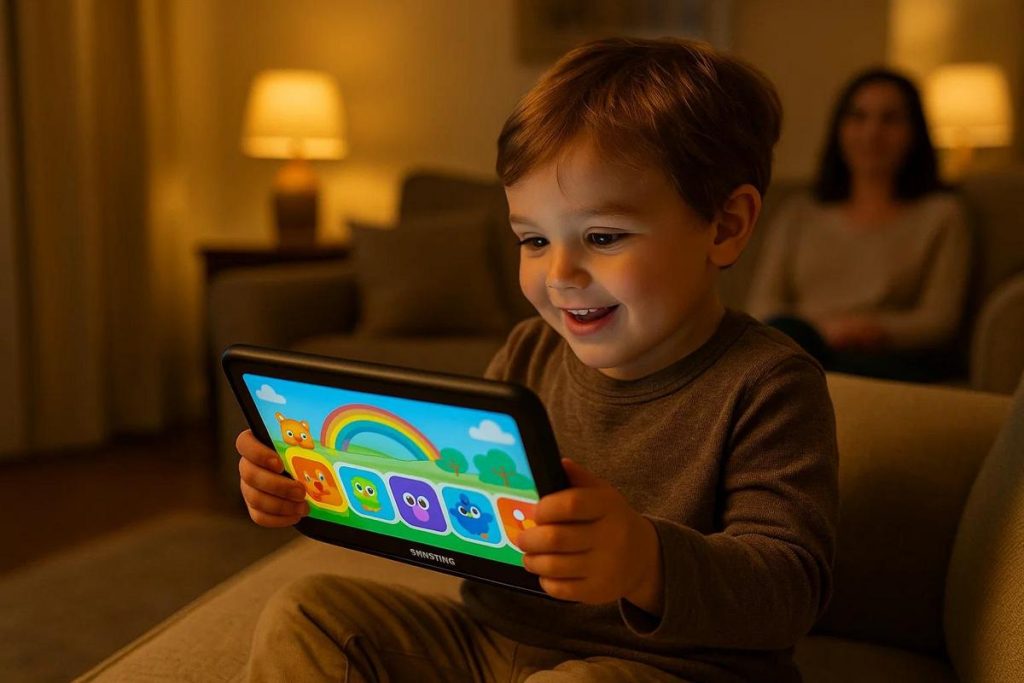
When it comes to giving technology to little ones, safety is vital. Samsung tablets for children are the perfect choice for attentive parents. With parental control options and durability, these devices promise peace of mind. But are they really safe? Find out about the options, features and prices, and follow our guide to choosing the best tablet for kids. Let's explore all the details and ensure a well-informed purchase!
Samsung Tablet for Children: Is It Safe?
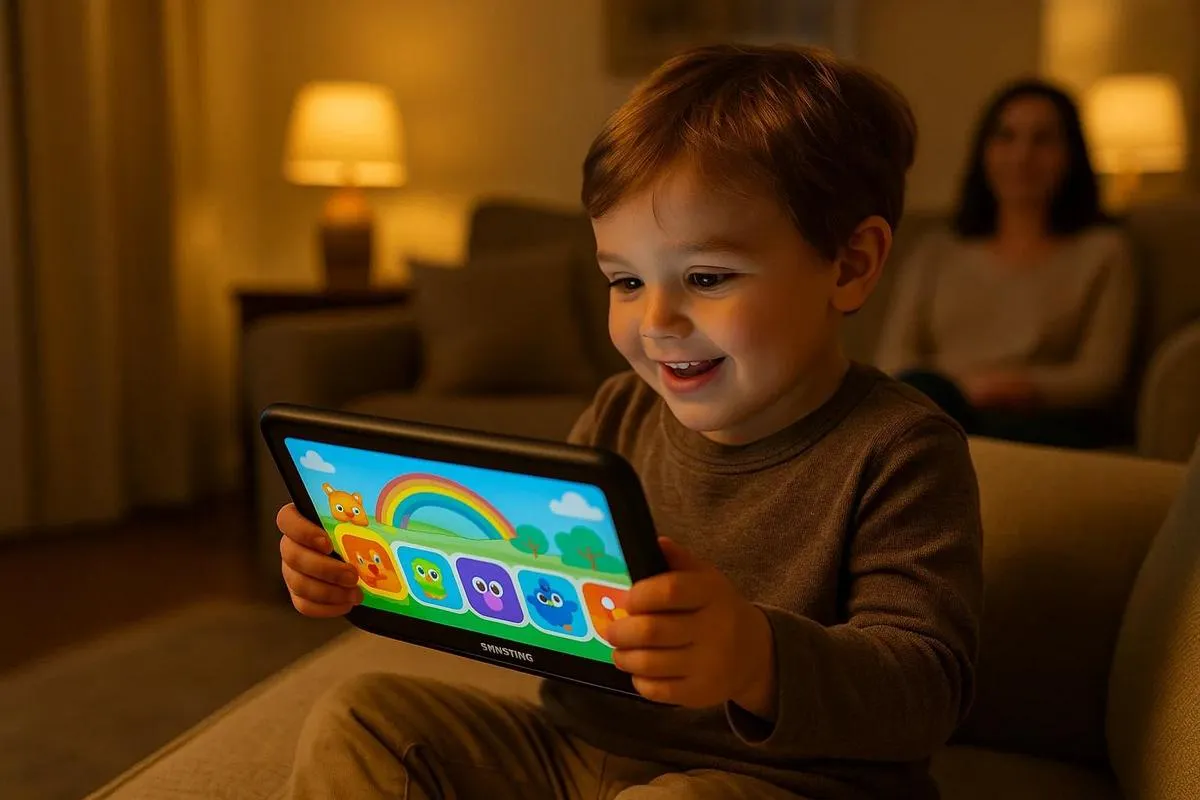
Is it safe to give a Samsung tablet to children? Yes, but it should be with supervision. Samsung tablets have child safety modes to control access. These modes let you adjust the content and usage time. This ensures a safer experience for your child.
Setting Limits:
You can set limits on screen time. This prevents overuse and protects eye health. Samsung offers settings so the tablet switches off after a certain amount of use. These settings are easy to use and very effective at managing time.
Content Control:
Child modes allow access to suitable apps and games. You can block apps that are not appropriate for your child's age. This stops your child from seeing unsuitable content. Children can enjoy a safe technology experience.
Educational Interaction:
Why not use the tablet for teaching? You can download educational apps and games. They help with learning, encourage critical thinking and are fun. So your child learns while they play, which is great.
Safety Tips:
Always monitor what your child does online. Check the child mode settings regularly. Teach children not to share personal information. Parents should talk about online risks to improve safety.
Samsung tablets are a good tool for entertainment and learning. With supervision they are safe and offer various options for learning. Would you like to know more about children's use of technology? Click here for information on setting up a tablet for children.
Samsung Tablet for Children: Is It Safe?
Many parents ask: are Samsung tablets for children safe? My straightforward answer is yes, with proper supervision. Samsung invests in digital safety, providing features that help parents control usage. My experience with technology makes me trust Samsung for children's devices.
Samsung tablets for children have Samsung Kids Mode. This feature creates a safe and friendly environment for children to explore. In Kids Mode, only approved apps are accessible, and there is no access to the open internet. Parents can also set a daily usage time, ensuring screen time does not exceed what is necessary. The control is in your hands.
Another common question: is the educational content on these tablets good quality? I say yes, and that is essential. Samsung offers a variety of educational apps that encourage learning while children have fun. Reading, drawing and educational games help develop a child's abilities. Make sure to update these apps regularly to keep the content relevant and engaging.
The tablets also have physical protection, such as rugged cases that guard against drops and impacts. This is important, because children are naturally curious and may drop the tablet. The devices are designed with durability for children in mind.
So, I believe a Samsung tablet for children can be a good educational and entertainment investment for your kids. When you control access and monitor usage, they can use technology to learn safely and enjoyably. Make sure to oversee usage and have conversations about internet safety. After all, the most important thing is the safety and wellbeing of children using the devices.
Samsung tablet for children: is it safe?
When we talk about technology for children, the question always comes up: is it safe? Samsung tablets for children usually stand out for their focus on education and entertainment. But are they really safe for our little ones?
The quick answer is yes, but with proper supervision. These tablets come with robust parental controls that allow you to limit access to content. This helps protect children from inappropriate material and keeps parents reassured.
Samsung tablets for children have educational apps and games that encourage learning. They are designed to be intuitive and visually appealing to children. The aim is to combine fun and education in a single digital experience.
Furthermore, the child mode on the tablets offers a simplified interface. This is so that children can navigate easily and safely. Parents can set a daily usage time, defining break periods to prevent overuse.
You can also find various protective cases and rugged accessories. These protect the device from falls or unwanted impacts, ensuring greater durability.
Although they are useful tools, face-to-face interaction is essential. Too much time on a tablet can negatively affect children. They need physical activities and social interaction to grow up healthily.
By monitoring usage and reinforcing a good balance, technology can be a valuable ally in education. Consulting the Samsung Child Setup Guide can help parents understand more about digital safety.
Finally, active supervision, along with technological features, ensures a safe educational experience. With information and caution, parents can turn tablet use into a productive and fun learning moment for their children.
Conclusion
Choosing the right Samsung tablet for children involves understanding the available options and features. It is important to consider models, specifications, parental controls, and price comparisons. Also consider educational accessories and value for money for each age group. Set up the tablet safely, using child mode and managing accounts properly. This ensures fun and safety for children. Refurbished technology can also be an eco-friendly and economical choice. Make an informed purchase and promote more responsible consumption!
Read also
- How to install WhatsApp on a Samsung phone in 2025?
- How to unlock a Samsung phone without knowing the password?
- How to take a screenshot on a Samsung device easily?
- See refurbished Samsung phones at iOutlet
Diagnostic tools
Get more articles like this one.
Refurbished tech analysis + €5 with BEMVINDO5 on your first order. Valid on your first order of €50 or more.