
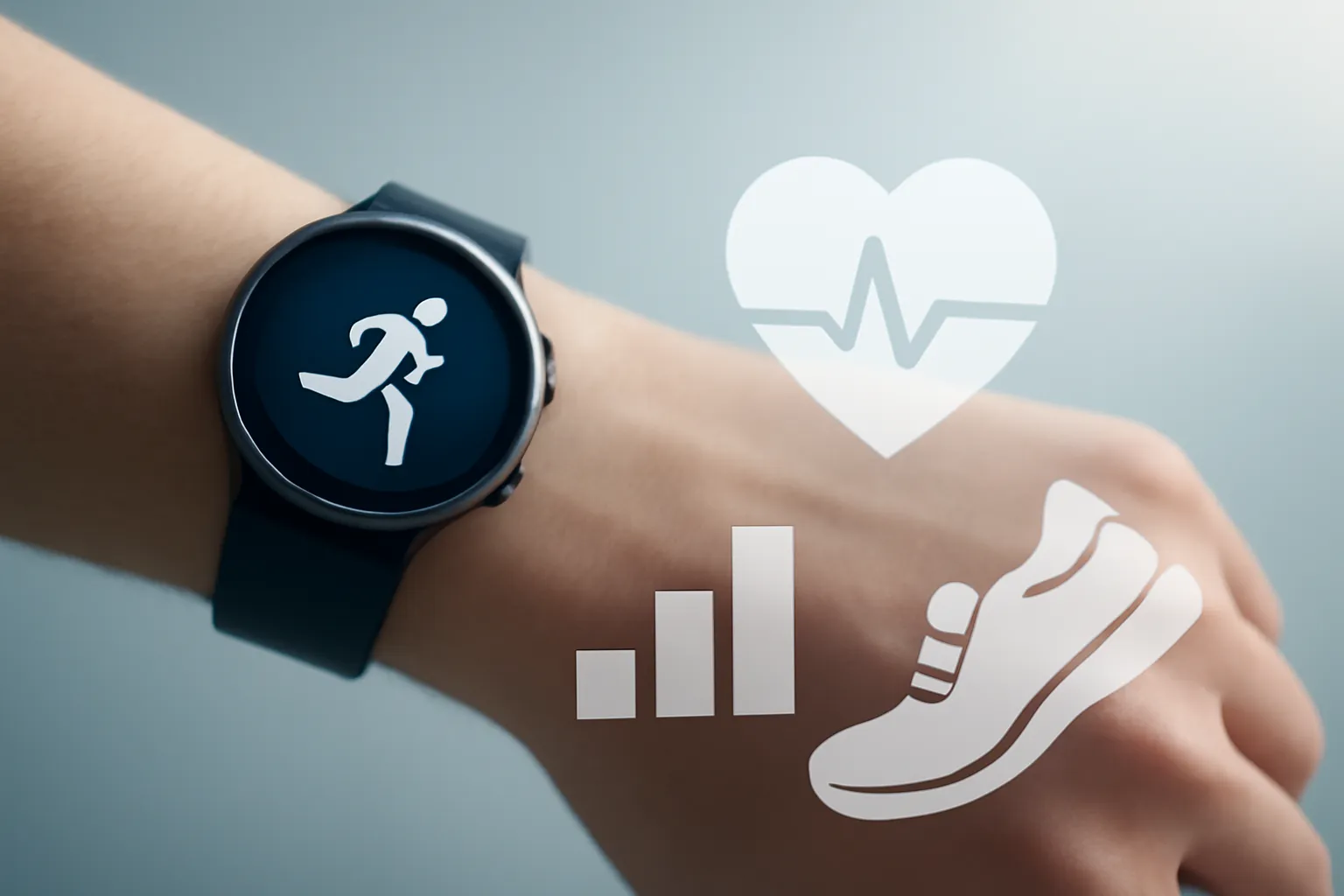
Samsung Galaxy Watch8 Running Coach: the wrist-based coach trying to make training smarter
In this article
- Overview: from training tracking to practical guidance
- Technical Details: what Running Coach tries to measure (and why)
- Real-World Use Cases: who benefits from this approach
- Limitations & Challenges: where a watch still falls short
- What changes for the user: a more sustainable routine
- Next Steps: how to experiment without falling into pitfalls
- FAQ
Samsung Galaxy Watch8 Running Coach is the feature Samsung is using to reposition the Watch8 as more than just a metrics watch: a training guide with context, recovery and progression. The feature was showcased at a wellness event in New York, where the brand also highlighted breathing routines, class tracking and stress indicators. The key point for runners (or those wanting to start) is straightforward: instead of just 'measuring', the watch tries to guide decisions: when to speed up, when to slow down and when to rest: based on an initial test and body signals.
Overview: from training tracking to practical guidance
The wearables market no longer lives on steps and calories alone. What's changing is user expectations: they want actionable recommendations, not just graphs. This is where Samsung Galaxy Watch8 Running Coach comes in, alongside wellness tools like guided breathing, sleep monitoring and a stress indicator.
In practice, the proposition is 'holistic' (in the good technical sense): training + recovery + load management. Actress Claire Holt, who ran the New York Marathon, described precisely the classic problem of those who train with enthusiasm but little structure: accumulating fatigue, neglecting rest and losing motivation. A watch doesn't replace a human coach, but it can reduce predictable errors when translating physiological signals into simple recommendations.
Technical Details: what Running Coach tries to measure (and why)
The heart of Samsung Galaxy Watch8 Running Coach is a 12-minute fitness test. A test like this serves to estimate your current level and calibrate realistic goals: a way to prevent the plan from starting 'too fast' for your fitness level. From there, the feature points towards progressive goals (for example, preparing for a 5K), adjusting effort over time.
Another relevant detail is the reference to running metrics like 'asymmetry'. In simple terms, asymmetry is the difference in behaviour between your left and right side during your stride (for example, contact time or landing pattern), something that can signal fatigue, compensations or inconsistent technique. The value isn't in seeing an isolated number, but in detecting trends: if asymmetry increases when load goes up, it can be a warning to reduce intensity or strengthen recovery.
Ergonomics also matter: the brand emphasised that the watch is light and 'barely noticeable'. For running, this isn't an aesthetic detail; it's comfort during long sessions and lower chance of you 'switching off' monitoring due to discomfort. If the watch ends up in a drawer, there's no data or guidance: and Samsung Galaxy Watch8 Running Coach depends on consistency.
Real-World Use Cases: who benefits from this approach
Samsung Galaxy Watch8 Running Coach makes more sense in three profiles. First, those getting back into running: you need boundaries and progression, not personal records. Second, those already running but training 'by feel' who want structure without complex spreadsheets. Third, those training for an event who tend to overdo the load, ignoring fatigue signals.
On a typical day, you can use the watch to log a workout and then cross-reference it with sleep and stress. The idea is to connect the dots: if sleep worsens and stress rises, pushing hard on intensity could be poor risk management. The promise of Samsung Galaxy Watch8 Running Coach is to help you make small, frequent decisions that together avoid the cycle of 'hard training → breakdown → long pause'.
Limitations & Challenges: where a watch still falls short
There are inevitable limits. Any sensor-based 'coach' depends on data quality (watch fit, movement, temperature, sweat) and generalised models. Even when it gets the trend right, it can miss the detail: a stressful day might come from work, not training; asymmetry might be from the terrain, not your body.
Another point is interpretation. Automatic recommendations work better when you understand the basics: what load is, what recovery is and why easy training counts as serious training. Without that context, Samsung Galaxy Watch8 Running Coach can become a 'validator' of decisions you've already made, rather than a tool for discipline.
Finally, there's the privacy question. Health and wellness features involve collecting and processing sensitive data. Before enabling routines and sharing, it's worth reviewing account settings, permissions and syncing across the Samsung ecosystem (see options and policies at Samsung support and settings).
What changes for the user: a more sustainable routine
The potential gain from Samsung Galaxy Watch8 Running Coach isn't 'running faster tomorrow'. It's building a sustainable routine: training consistently, reducing effort spikes and respecting recovery. The combination with sleep, stress and breathing exercises suggests a clear strategy: performance as a consequence of habits, not as an isolated goal.
If your ambition is a long-distance event in 2026, like a marathon, the watch can be useful as a foundation structure: especially in the phase where the biggest risk is doing too much, too soon. Still, for demanding goals, it makes sense to complement it with individual planning (and, when necessary, clinical assessment or physiotherapy).
Next Steps: how to experiment without falling into pitfalls
To get the most from Samsung Galaxy Watch8 Running Coach, the rule is simple: start with the test, follow the plan for a few weeks and evaluate trends, not isolated days. Fit the watch correctly, keep your training log consistent and use sleep/recovery as a 'brake' when your body asks for a pause. If you're buying online, always confirm after-sales conditions and timelines; in iOutlet's editorial context, it can be helpful to review warranty conditions and returns policy before deciding.
For transparency, this piece draws from the event report and features described in the original source: InsideHook: review Samsung Edge & Galaxy Watch.
FAQ
- Does Samsung Galaxy Watch8 Running Coach replace a trainer?
- No. Samsung Galaxy Watch8 Running Coach can guide pace and progression based on tests and metrics, but it doesn't assess technique in detail, injury history or clinical context the way a coach (or health professional) would.
- Is the 12-minute test required to use Samsung Galaxy Watch8 Running Coach?
- In the described logic, the test is the foundation to calibrate the plan. If you can skip it, personalisation tends to become less reliable, because the system loses the 'baseline' fitness level.
- What does 'asymmetry' mean in running metrics?
- Asymmetry is a difference between your left and right side during your stride. It can increase with fatigue, compensations or uneven terrain; most useful is tracking the trend across multiple sessions.
- Does Samsung Galaxy Watch8 Running Coach work well for beginners?
- It's one of the scenarios most likely to benefit, because it helps enforce progression and avoid overtraining. Still, it's best to start with modest goals and respect easy days.
- How to avoid 'overtraining' when following the watch's recommendations?
- Use the plan as a guide, but validate with recovery signals: sleep, stress, persistent aches and energy dips. If these signals worsen over several days, reduce load and seek advice.
- What data should I review for privacy when enabling health features?
- Check health app permissions, cloud syncing, sharing with other apps and data export/deletion controls. If in doubt, consult settings and documentation in the Samsung ecosystem.
Get more articles like this one.
Refurbished tech analysis + €5 with BEMVINDO5 on your first order. Valid on your first order of €50 or more.





