
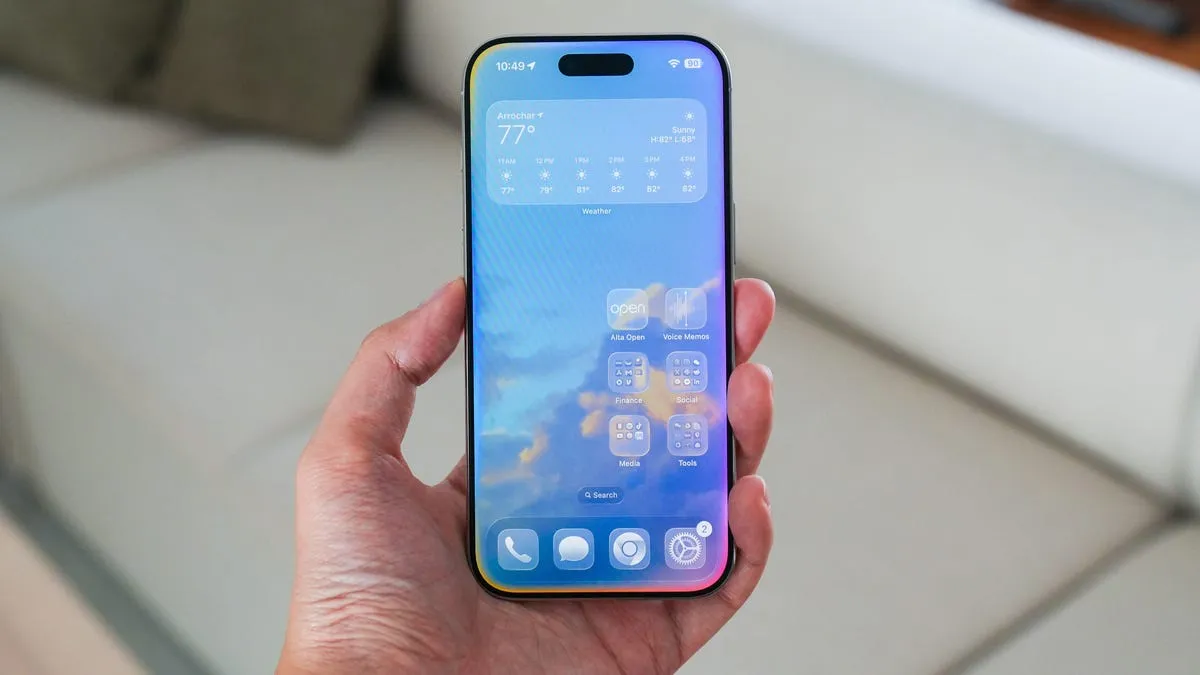
Apple's 'Add to Calendar' feature, introduced in iOS 26, lets you add events to your calendar with a single tap, using artificial intelligence to interpret screenshots of invitations.
In this article
Easier event management
Apple's new 'Add to Calendar' feature changes how we manage events on the iPhone. When you take a screenshot of an invitation containing details like date and venue, the AI automatically suggests adding it to your calendar. This tool is especially useful for freelancers and professionals juggling multiple commitments, saving time and effort by eliminating repetitive manual entry.
Global overview
With iOS 26, Apple introduced an innovative feature that lets users add events to their calendars from screenshots. The technology uses visual intelligence to recognise key details from invitations and automatically suggests creating events in the user's calendar. The simplicity and accuracy of this feature set it apart from similar options available on Android devices.
Practical advantages
One of the main advantages of this feature is its ability to interpret event details correctly without needing any further adjustments. For users who regularly handle multiple invitations and meetings, this tool represents a significant time saving. In addition, the option not to save the screenshots prevents unnecessary clutter in the photo gallery, keeping it tidy.
Future prospects
The introduction of this feature could mark the start of a series of Apple innovations in AI-assisted productivity. Future updates are expected to improve the accuracy and capabilities of this tool further, perhaps integrating it with other native iOS apps for an even more cohesive and efficient experience.
FAQ
- How does 'Add to Calendar' work?
- The feature uses visual intelligence to analyse screenshots of invitations and automatically suggests adding those events to your calendar.
- Is the feature available on all iPhones?
- Only on devices compatible with iOS 26 or later.
Read also
- The latest Apple news 2022
- The latest Apple news!
- Investing in Apple shares: a full analysis
- See refurbished iPhones at iOutlet
What This News Means For You
Technology news moves fast. At iOutlet, we follow every update to make sure our refurbished products always offer the best possible experience, with supported software updates and verified hardware.
Stay Informed
- Follow the iOutlet blog for the latest news on Apple, Samsung and technology
- Subscribe to our newsletter for exclusive offers on refurbished products
Get more articles like this one.
Refurbished tech analysis + €5 with BEMVINDO5 on your first order. Valid on your first order of €50 or more.





