Technical Details
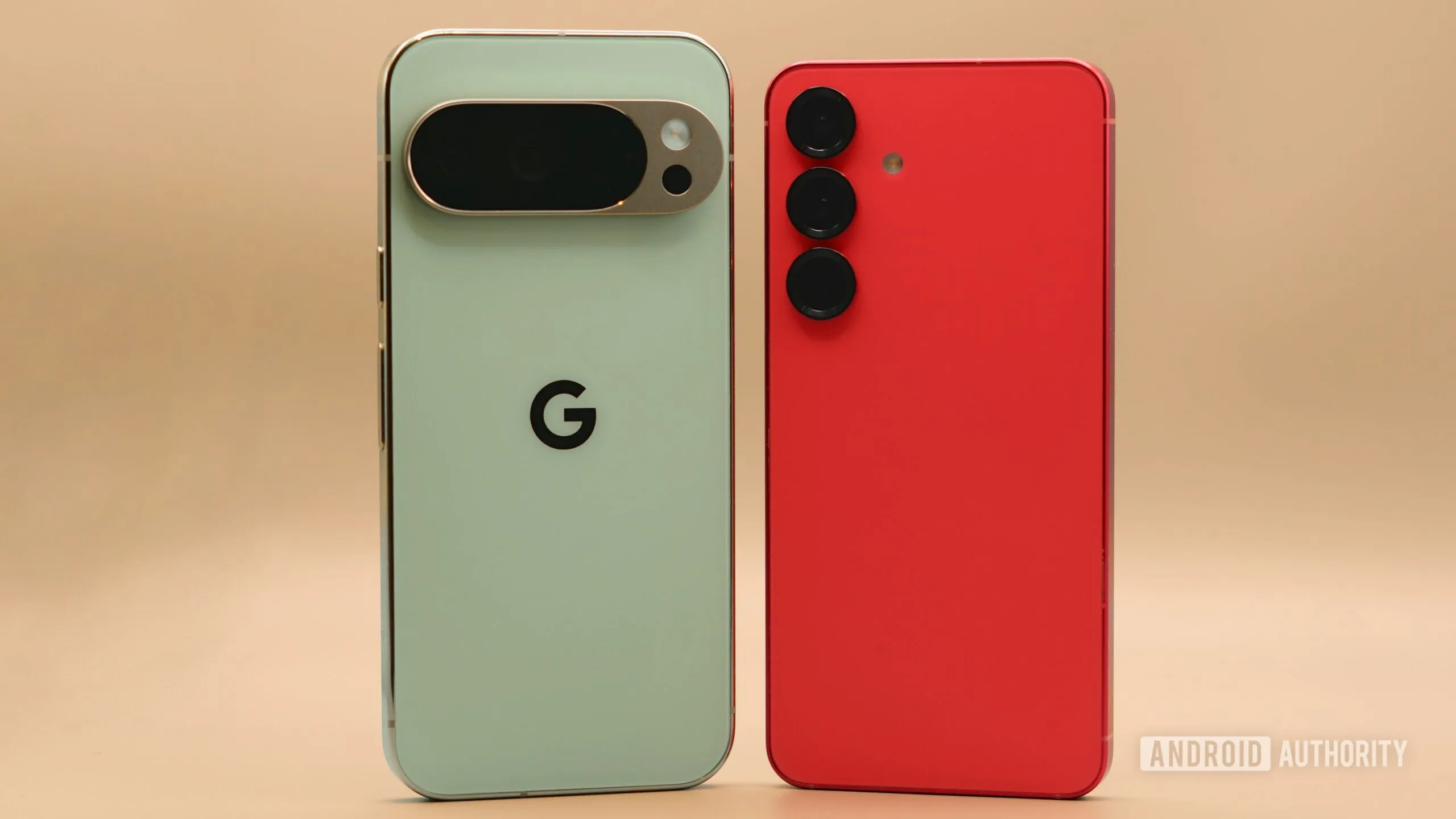
Samsung's One UI offers tools such as Good Lock, which provides extensive customisation of icons and system behaviour. Pop-up windows and Edge panels also make multitasking easier, something the Pixel has yet to match. The ability to create automated routines is another standout feature that many users miss when switching to the Pixel.Market Impact
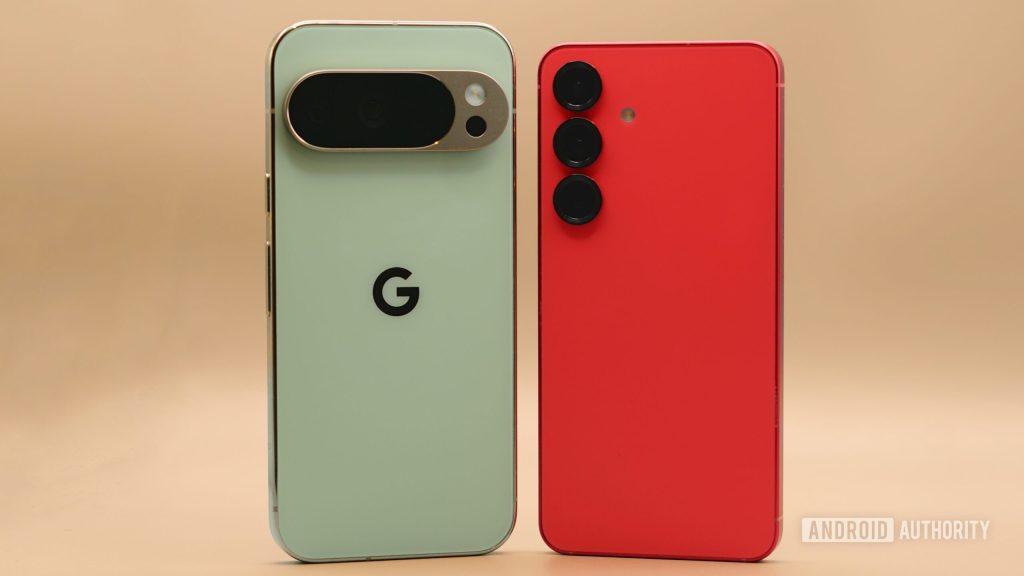
In the current market, the differences between user interfaces can significantly influence purchasing decisions. Samsung has capitalised on its customisation options and unique features to build a loyal user base. Meanwhile, the Pixel relies on a pure Android experience and fast updates, appealing to a different audience.Future Outlook
As software updates continue to evolve, the Pixel may eventually adopt some of the most popular One UI features. Google has shown interest in improving the user interaction with Android, and future versions could bring enhancements inspired by feedback from current users.FAQ
- What is Good Lock?
- Good Lock is a collection of Samsung modules that allows in-depth customisation of the device interface.
- Do Samsung routines work on the Pixel?
- Not directly. Routines are exclusive to the Samsung ecosystem and are not available on the Pixel without third-party apps.
Read also
What This News Means for You
Technology news evolves quickly. At iOutlet, we follow every update to ensure our refurbished products always deliver the best possible experience, with supported software updates and verified hardware.
In this article
Stay Informed
- Follow the iOutlet blog for the latest news on Apple, Samsung and technology
- Subscribe to our newsletter for exclusive offers on refurbished products
Get more articles like this one.
Refurbished tech analysis + €5 with BEMVINDO5 on your first order.