
Pixel Search: the 'Spotlight-style' search Android still doesn't deliver (and it's just got better again)
In this article
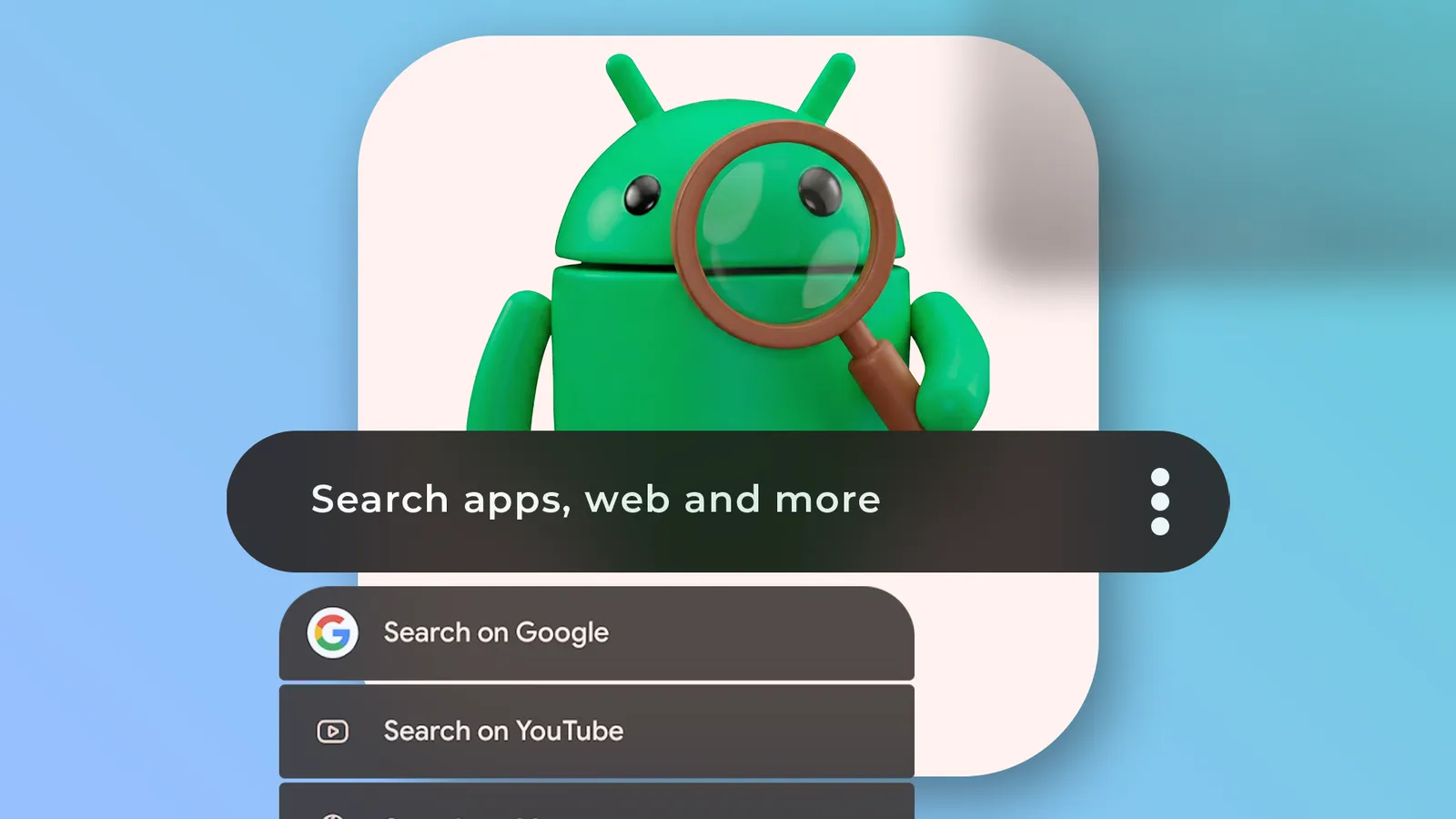
Android has come a long way with AI, personalisation and automation, but it still falls short on one basic thing: a truly universal search that can reach across apps, contacts, shortcuts and actions without the user having to hop between menus. That's where Pixel Search comes in, a free app that tries to fill the gap with a single, highly configurable search bar. The news is that after a period of neglect, the app has started receiving updates again and gained features that bring it closer to what many would hope for from a 'Spotlight' on Android. This matters most to people using Android outside the Pixel line, but also to Pixel users who don't want to rely on changes in their launcher's search.
Overview
On iOS, the idea of a 'system search' is well established: a centralised interface that finds apps, people, content and, in many cases, triggers actions. On Android, the experience varies by manufacturer and launcher. In some cases there is a competent search on the home screen; in others, the user ends up with a fragmented search, one for apps, another inside each application, and yet another in the browser.
The original article describes exactly that frustration: despite Google dominating the search market, Android does not consistently offer a cross-system search that serves as an 'entry point' for almost everything. For anyone who switches phones often, or sets up multiple devices, this becomes a habit: install a unified search tool on day one.
For editorial context, the full story comes from the original Android Police article.
Historical Context
The text recalls an important name in this niche: Sesame Search. It was a popular solution because it went beyond 'searching for apps'; it could index and expose shortcuts and results from multiple sources, getting close to the idea of universal search. Its acquisition by Branch (the same company that bought Nova Launcher) didn't lead to the product continuing. The last update mentioned was in November 2022, with support for Android 11 and Android 12, and the lack of maintenance made the app less reliable on newer versions of Android.
Without an obvious alternative, the author migrated to Pixel Search, which also went through a period of stagnation. The turning point is recent: the app started being updated again, with a 2.0 version and, shortly after, a 2.1 version, regaining momentum and adding features that had been missed for months.
On the iOutlet blog there is already some context on the topic and the app itself, useful for anyone wanting to compare approaches and understand the positioning: universal search on Android.
Technical Details
Pixel Search tries to solve a problem of interface and flow: reducing the number of steps between intention and action. Instead of opening an app, searching inside it and then executing, the user starts with a single search and chooses the right destination from the results.
According to the source text, the recent versions bring three changes with a practical impact:
1) Customisable search engines and URLs. The 2.0 version adds support for custom search engines and URL support. In practice, this lets the search box also serve as a 'shortcut' to the web, services and specific endpoints, moving closer to a command-oriented launcher.
2) Fuzzy search. The 2.1 version adds fuzzy search, that is, search that tolerates errors and approximations (for example, names typed with small typos or without an exact match). It's a small feature on paper, but decisive when the search is used dozens of times a day.
3) Faster indexing and new providers. The text mentions faster app indexing and the integration of Perplexity AI as a search engine option. Here it's worth separating two layers: (i) local indexing (finding apps, shortcuts and items on the device) and (ii) remote search (sending the query to an online service). The usefulness depends on the balance between speed, privacy and the type of tasks the user performs.
There is also a neat detail: the home screen widget can work as a calculator, allowing quick calculations without opening a dedicated app. It's not 'universal search' in the strict sense, but it reinforces the idea of a single point for micro-tasks.
Real World Use Cases
The most convincing example in the text is starting conversations in WhatsApp: instead of opening the app, tapping the internal search, finding the contact and then opening the chat, the user searches the name in Pixel Search and jumps straight to the action. This pattern repeats in other scenarios:
Shortcuts to apps and actions. When the search exposes actions (for example, opening a specific type of content or starting a function), the search box stops being about 'finding' and becomes about 'doing'.
Multi-service search. The text mentions the possibility of starting searches directly in ChatGPT, Gemini or YouTube Music from the results. For anyone switching between services, this reduces context switching and wasted time.
Quick access from anywhere. Having a tile in Quick Settings is relevant because it reduces dependence on the home screen. In terms of ergonomics, it means less navigation and less 'going back'.
The result is simple to measure day to day: fewer taps, less switching between apps and less friction for repetitive tasks.
Privacy Considerations
Any 'unified' search tool raises one inevitable question: what is indexed locally and what is sent to the internet? The source text does not detail the data model of Pixel Search, so it's not worth assuming behaviours. Still, there are good practices that make sense for any user:
Distinguish local search from web/AI search. If the app lets you choose engines and providers, some queries are likely to be routed to external services. That can be desirable (quick answers) or undesirable (exposure of sensitive terms).
Review permissions. To search contacts, messages or content, an app may ask for access to personal data. If the goal is only to launch apps and shortcuts, it may not be necessary to grant everything.
Prefer transparency. When an app starts being updated again after a period of neglect, it's worth following release notes and behaviour changes. If there is developer documentation inside the app itself, that should be the first place to check.
For anyone wanting to align expectations on search and data in the Google ecosystem, it can be useful to start with Google's official help, especially on topics of activity, search and account controls.
What This Means for the User
Pixel Search gains relevance at a time when Google itself is changing the search experience in the Pixel Launcher, swapping it for a search powered by the Google app to give more prominence to 'AI mode'. The source text describes that change as a downgrade in the experience of quick, unified search.
Without making absolute judgements, there is an important technical point: when launcher search becomes more dependent on an 'online/service' layer, it can lose its sense of immediacy and device focus. An app like Pixel Search then becomes a way to recover a flow centred on what the user wants to do on the phone, not just on what they want to search on the web.
If the trend continues, it makes sense that more users will look for solutions independent of the default launcher. The question becomes less 'which is the best search' and more 'which search fits my flow and my comfort level with data and integrations'.
FAQ
- Does Pixel Search replace the launcher search (Pixel Launcher, One UI, etc.)?
- In practice, it works as an alternative search point: via the app, a widget and, according to the text, even a Quick Settings tile. It doesn't 'remove' the launcher search, but it can become the one you use most often.
- What is 'fuzzy search' and why does it matter?
- Fuzzy search is search that tolerates errors and approximations (for example, typos, swapped letters, incomplete names). It matters because it speeds up real-world search, where you rarely type the perfect term.
- Can I choose the search engine and open results on the web?
- Yes. The text indicates that the 2.0 version adds support for custom search engines and URL support, which lets you adapt the web search to your preferred service.
- Is this app only for Pixel phones?
- No. Despite the name, the text describes Pixel Search as useful on 'any new Android', including non-Pixel devices, precisely where unified search is more likely to be lacking.
- What privacy precautions should I take when using a universal search?
- Check what permissions the app asks for (contacts, messages, etc.) and mentally separate local search from search sent to external services. If you enable AI or web engines, assume that some queries may leave the device.
Get more articles like this one.
Refurbished tech analysis + €5 with BEMVINDO5 on your first order. Valid on your first order of €50 or more.





