
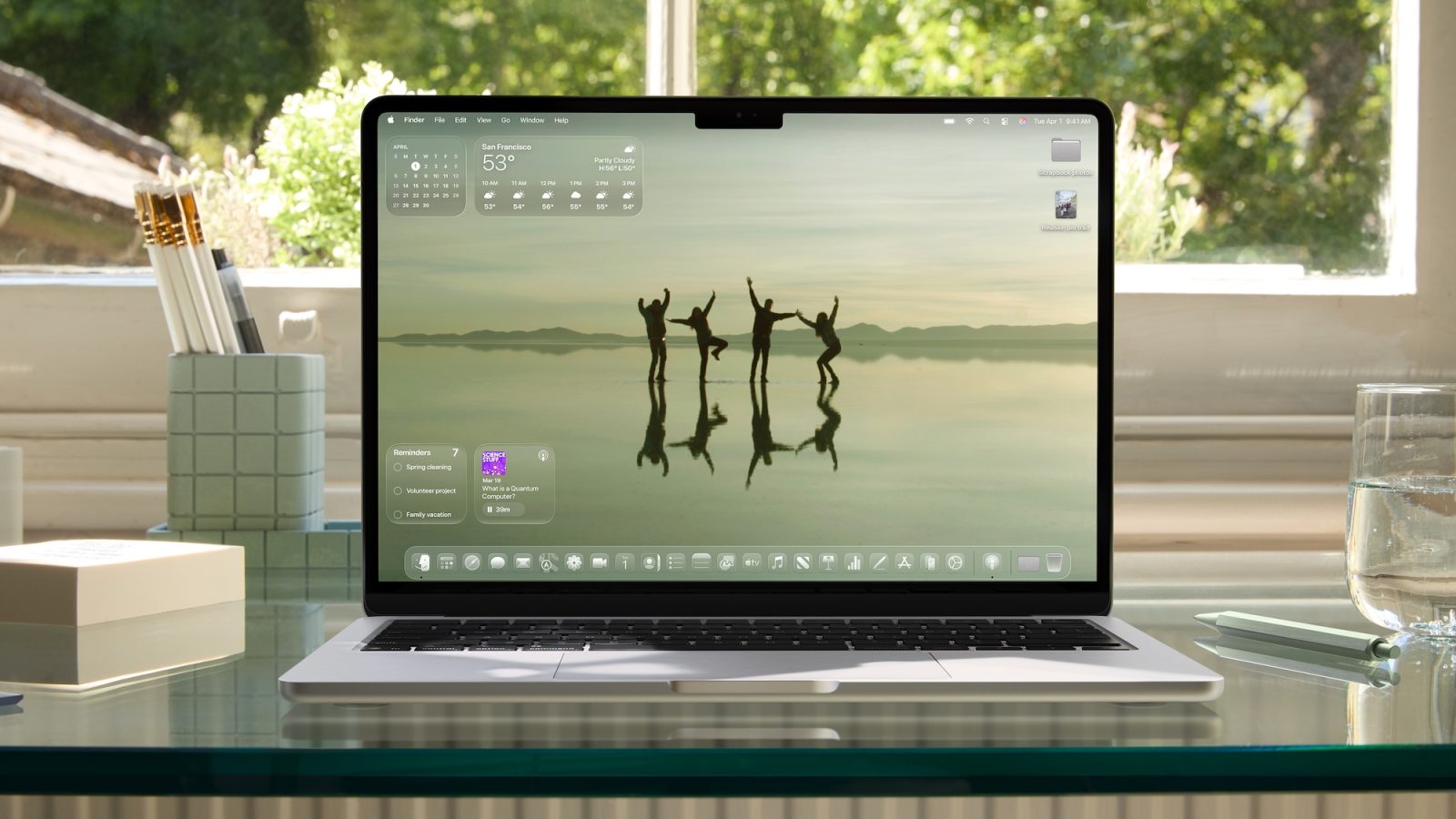
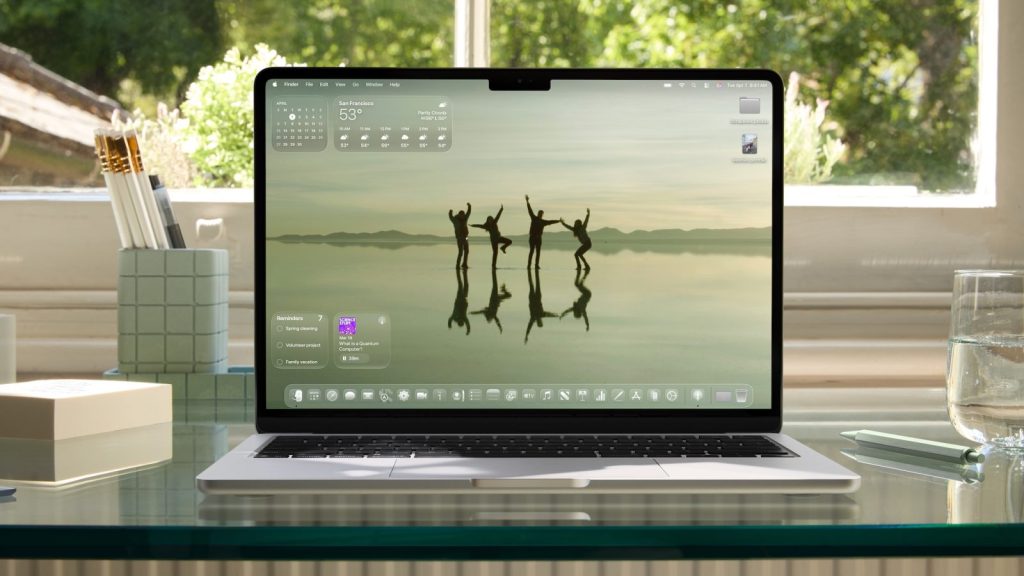
macOS Tahoe 26 introduces new ways to personalise your system, most notably through the Liquid Glass design language and new options for icons, the menu bar and folders.
In this article
New Customisations in macOS Tahoe 26
With the release of macOS Tahoe 26, Apple has introduced a range of features that allow you to further tailor your user experience. The new Liquid Glass design language brings a refreshed, elegant look to the operating system. Highlights include the ability to change the colour of app icons, customise the menu bar and modify the appearance of folders. These options give users greater control over the look of their Mac, letting them adapt the system to their personal preferences.
Technical Details
One of the main innovations is the introduction of icon tinting, a feature previously available on iOS. Users can now choose from several tinting options or set a custom colour for their icons. The menu bar can also be adjusted to be completely transparent or to have a distinct background, depending on user preference. Folder customisation has also been expanded, allowing you to add emojis or symbols and change colours.
Market Impact
These features reflect Apple's efforts to offer a more flexible operating system that adapts to the needs of modern users. The ability to personalise could appeal to those who value aesthetics and individuality in their digital environment. With these updates, macOS Tahoe 26 positions itself as an even more attractive option for creatives and professionals looking for an operating system that combines function with style.
Future Outlook
It is expected that these new customisation capabilities are just the beginning of an ongoing evolution for macOS. Apple may continue to expand the available options, perhaps integrating more interactive and dynamic elements in the future. This approach not only strengthens the Apple ecosystem but also encourages other operating systems to follow suit, promoting greater competition and innovation in the market.
FAQ
- How do I change the colour of app icons?
- To change the colour of icons, go to System Settings, click on 'Appearance' and select 'Icon and widget style'.
- Does a transparent menu bar affect performance?
- A transparent menu bar should not significantly affect the performance of your Mac.
- Can I undo changes made to folders?
- Yes, you can undo the changes by right-clicking on the folder and selecting 'Customise'.
Read also
- Latest Apple news 2022
- Latest Apple news!
- Investing in Apple shares: a complete analysis
- View refurbished Macs at iOutlet
What This News Means For You
Tech developments move quickly. At iOutlet, we keep up with every update to ensure our refurbished products always deliver the best possible experience, with supported software updates and verified hardware.
Stay Informed
- Follow the iOutlet blog for the latest news on Apple, Samsung and technology
- Subscribe to our newsletter for exclusive deals on refurbished products
Get more articles like this one.
Refurbished tech analysis + €5 with BEMVINDO5 on your first order. Valid on your first order of €50 or more.





