
TL;DR:
- The illuminated Apple logo on older MacBooks used light from the display.
- Older models included the 13" MacBook Air and older MacBook Pros.
- The feature was removed from newer MacBooks, which have a reflective logo.
- The change began with the third-generation PowerBook G3.
- It is not possible to adjust or light up the logo on recent models.
- Light customisations for the logo are not possible on newer models, but you can use decals on older ones.
- For more information or assistance, check the Apple Support Community or Apple Store.
In this article
Customising the Apple logo light on your MacBook can be a special touch. But is it still possible? In this post, I’ll tell you everything about how the lighting works, which models have this feature, and why Apple decided to discontinue it. Let’s find out together whether you can give your MacBook an extra bit of shine!
How does the Apple logo lighting work on MacBooks?
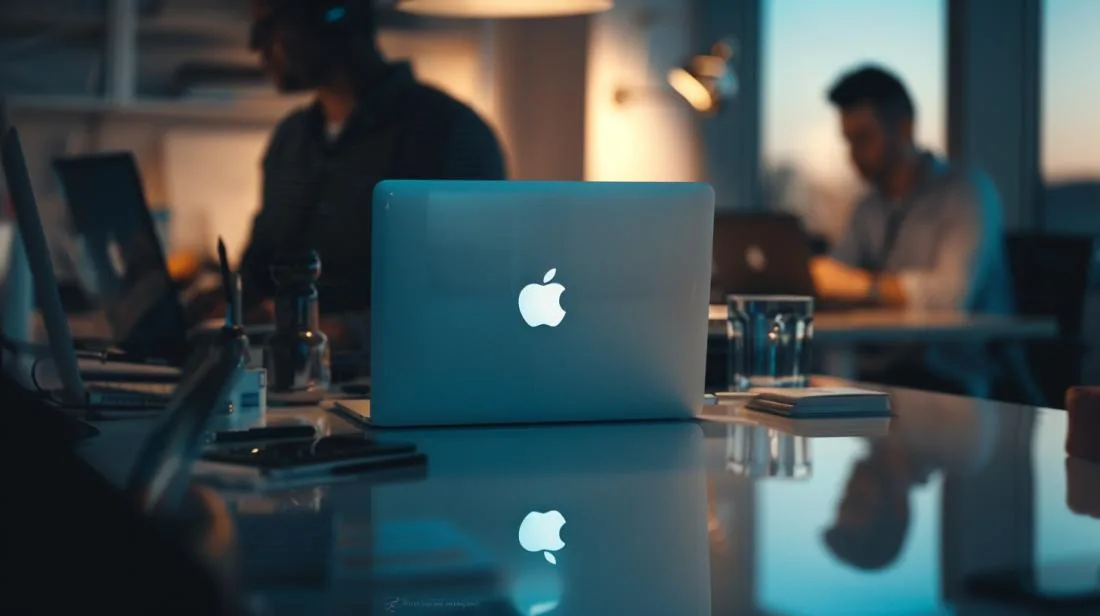
The illuminated Apple logo was a famous detail on older MacBooks. This logo glowed when you opened the laptop. It was quite cool and gave the MacBook a special touch. But did you know that this light came from the display itself?
On older models, such as the 13-inch MacBook Air and older MacBook Pros, the logo’s backlight used the laptop screen’s lighting. This worked because the MacBook lid was very thin and allowed light to pass through.
However, Apple decided to change this on newer models. Instead of the light, we now have a shiny, reflective logo. It is black on the Space Gray model and white on the Silver model. The transition truly began in 1999, with the third generation of the PowerBook G3, and took time to be adopted across all models.
Unfortunately, if you bought a new 13-inch MacBook Pro, there is no way to light up the logo. Apple removed this feature. It may be disappointing for anyone who liked the illuminated logo, but it reminds us of the classic and innovative models of the past.
How to troubleshoot Apple logo lighting issues on a MacBook
What should you do if the MacBook logo does not light up?
If your MacBook logo does not light up, you are not alone. First, bear in mind that newer MacBook models do not have an illuminated logo. Apple removed the logo backlight on newer models, including the recent 13" MacBook Pro. You can check this on the Apple Support Community.
How to adjust the MacBook logo lighting
Unfortunately, there is no way to adjust the logo lighting on current models. This function was only available on older models, such as older MacBook Pros and some 13-inch MacBook Air models. If you have one of these models, you can make adjustments in the screen brightness settings, which affect the logo light.
Is any customisation available for the MacBook logo?
At the moment, you cannot customise the Apple logo with its own light on recent models. For older models, you could use custom decals. If customisation is essential for you, it may be worth considering an older model. For more help, visit an Apple Store.
Conclusion
We have seen how the Apple logo lighting works on MacBooks. We have also looked at which models have the illuminated logo and why Apple discontinued this function. If your MacBook logo does not light up, you now know what to do. The logo lighting added a special touch. Even without it on new models, the quality of Apple products remains unbeatable. Stay tuned for updates and improve your experience with iOutlet.
Read also
- MACBOOK AIR, PRO OR IMAC: which Apple computer is right for me?
- Should I buy a desktop? Discover the advantages and disadvantages of the iMac!
- Which MacBook to buy in 2023
- View refurbished MacBooks at iOutlet
Get more articles like this one.
Refurbished tech analysis + €5 with BEMVINDO5 on your first order. Valid on your first order of €50 or more.





