In this article
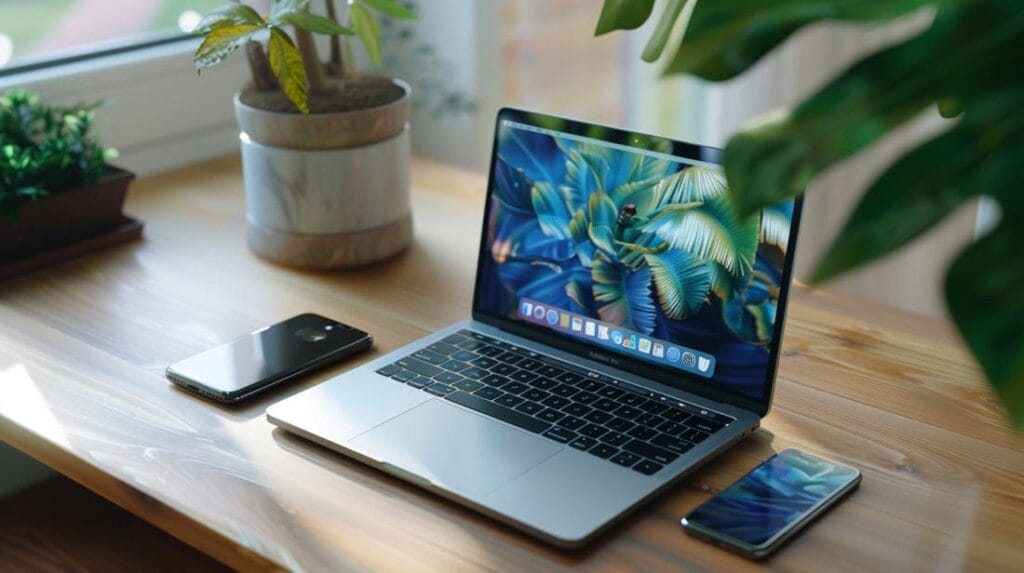
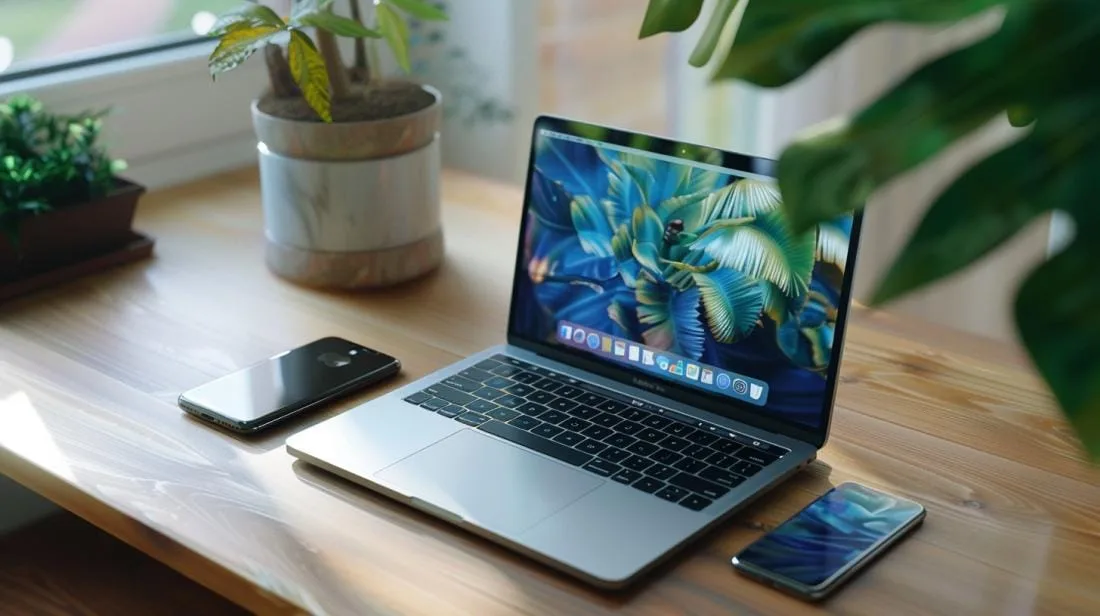
- To create custom MacBook and iPhone mockups, use mockup PSD files and tools such as Photoshop and Figma.
- Sites such as Freepik offer free high-resolution mockups, ideal for presentations and design projects.
- In Photoshop, insert and adjust your design in the screen layer of the mockup PSD file.
- Mockups display designs in a professional and authentic way, taking angles, light and setting into account.
- Always check the resolution of mockups before downloading to ensure high quality.
- Premium collections, such as those from Freepik, are worth it for sophisticated projects.
Have you ever thought about using a MacBook and iPhone mockup to improve your presentations? Knowing whether it is worth it can save you time and money! I will show you how to create and customise incredible digital device mockups that impress. Let’s explore the best tools, free resources and premium collections that will raise the standard of your creations. Ready to turn your ideas into reality? Let’s go!
How to create customisable MacBook and iPhone mockups?
To create custom MacBook and iPhone mockups, you need good tools and a little creativity. First, it is essential to have mockup PSD files. These files contain layers that you can adjust to reflect your unique ideas. There are several types of mockups, such as the Free vector digital device mockup or the Free PSD digital device mockup. These templates are very useful for design presentations, Illustrator projects, videos and sketches. Now, let’s talk about the best tools for creating these mockups. Photoshop is one of the most widely used. With it, you can add your design to device screens realistically. Another excellent option is Figma, which offers an easy interface for customisation. With the right tools in hand, how do you customise your mockups in Photoshop? First, open the PSD file and select the screen layer. Insert your design and adjust it until it fits perfectly. It is that simple! Using custom mockups helps display your work in a professional and attractive way. Digital device mockups are important for showing products in real use. Think about factors such as angle, light and setting. They will make your design stand out and look more authentic. It is as if your clients were seeing the product with their own eyes.Where can you find free high-quality mockup resources?
If you are looking for free mockup resources, the internet is a goldmine. Sites such as Freepik are great starting points. They offer high-quality MacBook and iPhone mockups, perfect for presentations and design projects.What are the best sites to download free mockups?
At the top of my list are Freepik and Freepik. They have a vast library of free mockups. You can find everything from digital device vectors to highly detailed PSD mockups.How can you ensure high resolution in free mockups?
Precision is essential. Always check the mockup resolution before downloading. Most free mockups on Freepik are high resolution. This ensures your design stays sharp at any size. It also helps maintain quality by saving in formats that do not compress, such as PNG.Are there premium collections worth investing in?
Yes, it is worth considering premium collections for more sophisticated projects. For example, Freepik also offers premium collections that cost little and deliver immense value. These resources are filtered by relevance and newness, ensuring you always have the best and newest mockups available.Conclusion
Creating MacBook and iPhone mockups is easy with the right tools. In Photoshop, you can customise your mockups to meet your needs. Always consider the quality of the resources when creating your designs. There are many sites for downloading free high-resolution mockups and some premium collections that are worth the investment. Generating professional mockups improves your presentations and attracts more clients. Explore the options and turn your vision into reality with the best resources available.Read also
- MACBOOK AIR, PRO OR IMAC: which Apple computer is right for me?
- Should I buy a desktop? Discover the advantages and disadvantages of iMac!
- Which MacBook to buy in 2023
- View refurbished iPhones at iOutlet
Get more articles like this one.
Refurbished tech analysis + €5 with BEMVINDO5 on your first order.
Looking for a refurbished MacBook?
Tested and certified MacBooks with a 24-month warranty. From MacBook Air to MacBook Pro.
24-month warrantyShipping up to 8 business days
See MacBooks →