
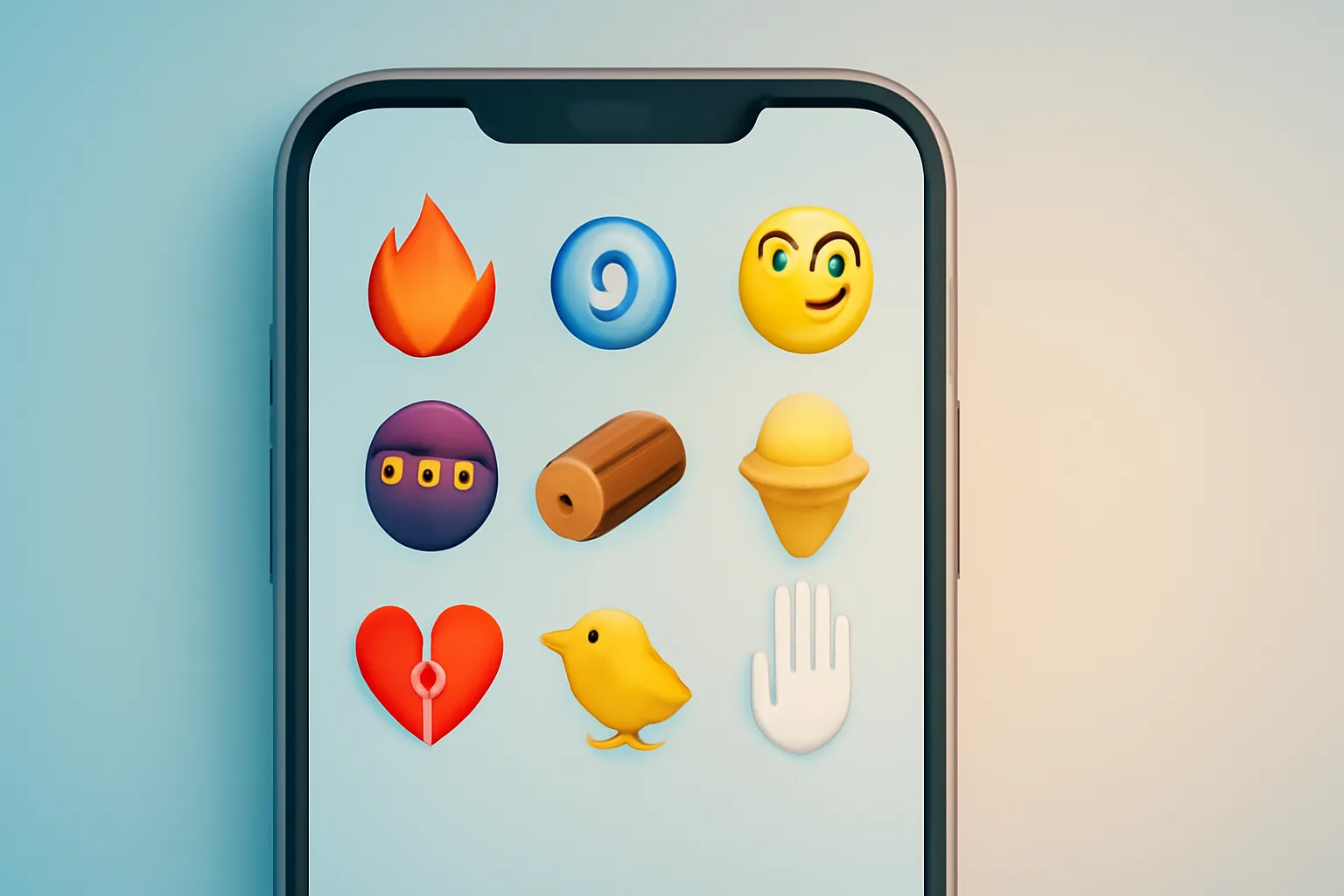
New iOS emoji 26.4: 9 symbols heading to iPhone and what that means for your chats
In this article
- What are the new iOS emoji 26.4 (and which ones are the 9)
- How Unicode fits in (and why not everyone sees the same thing)
- Technical Details: why an emoji update touches fonts, the keyboard and apps
- What changes for the user: messages, work and visual “misunderstandings”
- When it arrives and who should update first
- What to do now: a quick checklist to avoid surprises
- Future Perspectives: the annual emoji cycle is not slowing down
- FAQ
New iOS emoji 26.4 are arriving, adding nine options to the iPhone keyboard, following the batch approved by Unicode and then adapted by Apple in its own visual style. In practice, it is a minor update, but one with a direct impact on messages, social media and the way symbols are interpreted across iOS, Android and apps. Anyone who updates will see and send the new icons; anyone who does not may see “boxes” or different versions. Below we explain what is coming, how compatibility works and when it makes sense to update.
What are the new iOS emoji 26.4 (and which ones are the 9)
The new iOS emoji 26.4 are nine additions to the set of emoji that Apple provides in the system. The list includes: face with bags under eyes, fingerprint, leafless tree, root vegetable, harp, shovel, splatter, and the flag of Sark, plus one additional new symbol in the same batch mentioned in the original source. The key point is that Apple does not “invent” emoji from scratch: the foundation comes from Unicode, and then each platform designs its own version.
For editorial transparency, the original reference describing these nine items is in the original source. The name and final appearance may vary slightly between platforms, but the intent of the symbol is the same.
How Unicode fits in (and why not everyone sees the same thing)
Unicode is the standard that defines characters and symbols used by systems and applications to ensure interoperability. In the case of emoji, Unicode defines “what” the emoji is (the concept and the identifier), but does not define “how” it is drawn. That is why the new iOS emoji 26.4 may look more “Apple” on an iPhone and more “Google” on other devices.
In practice, compatibility has three layers: (1) the operating system must include the emoji; (2) the app must support correct rendering; (3) the recipient must have a system or app that recognises the same Unicode code point. If one of those layers fails, the emoji may appear as an empty box, a generic icon or an image in a different style.
Technical Details: why an emoji update touches fonts, the keyboard and apps
The new iOS emoji 26.4 are not just “stickers”: they are glyphs included in system fonts and exposed in the emoji keyboard. In simple terms, a glyph is the drawing associated with a character. When Apple adds emoji, it updates fonts and internal tables to map the new Unicode code points to their respective drawings.
There is also an important detail: some emoji sequences use combinations (for example, skin tone variations or gender) that rely on mechanisms such as “modifiers” and “join sequences”. Even when the emoji is “simple”, the way it is rendered can vary between apps that use the system engine and apps that use their own libraries. So with the new iOS emoji 26.4, you may see subtle differences between iMessage, social media apps and third-party keyboards.
What changes for the user: messages, work and visual “misunderstandings”
The most immediate impact of the new iOS emoji 26.4 is social: new symbols create new ways to express yourself, but also increase the risk of different interpretations when the design changes across platforms. A “splatter” could be read as paint, dirt or art; a “leafless tree” might suggest winter, drought or deforestation. The intention is yours; the reading depends on context and the design the recipient sees.
In professional settings, the recommendation is simple: avoid using brand-new emoji in critical communications during the first few weeks. If the recipient is on an older system, the symbol may not appear and the message loses nuance. Still, for casual chats and social media, the new iOS emoji 26.4 tend to spread quickly because influencers and communities rapidly adopt “what is new”.
When it arrives and who should update first
The source indicates the inclusion of the new iOS emoji 26.4 in an iOS update. The exact “when” depends on Apple’s release schedule and whether your device is compatible with that version. Generally, new emoji arrive in intermediate system updates, not necessarily the first major release.
Who should update first: (1) anyone who communicates a lot over iMessage and wants to see and use the new symbols without issues; (2) anyone managing social media accounts who wants to keep up with trends; (3) anyone who wants to reduce display problems in groups where most people have already updated. Who can wait: users who prioritise stability and do not miss new emoji, as long as they accept seeing some symbols as “unknown” in incoming messages.
If you need help solving common problems after an update (for example, a keyboard glitch, odd suggestions or apps behaving differently), Apple centralises guides and diagnostic steps at Apple Support.
What to do now: a quick checklist to avoid surprises
To make the most of the new iOS emoji 26.4 without hassle, follow a practical approach: confirm your iPhone supports the version, back up before updating and pay attention to keyboard and font management apps if you use any. After the update, test sending a message to a contact on Android and to a contact on an older iOS device, just to see how the emoji is received.
If you are planning to change devices, remember to factor in the software update period as part of your decision: that is what determines how long you will continue to receive new features like the new iOS emoji 26.4, as well as security fixes.
Future Perspectives: the annual emoji cycle is not slowing down
The release of the new iOS emoji 26.4 is another chapter in a predictable cycle: Unicode approves new symbols, platforms implement them and, for a while, we live with different versions and imperfect compatibility. The trend will continue, with emoji becoming ever more specific and carrying more cultural weight. For the user, the golden rule remains: updating helps you “speak the same visual language”, but it is not always urgent on day one.
FAQ
- Will the new iOS emoji 26.4 appear automatically on my iPhone?
- No. They usually only appear after you update to the iOS version that includes them; without that update, the keyboard will not show them.
- If I send one of the new iOS emoji 26.4 to an Android user, will they see the same thing?
- They will see the “same emoji” in terms of Unicode meaning, but the design may differ. If Android does not support that emoji, it may appear as a missing symbol.
- Why do some emoji appear as empty boxes?
- That happens when the system or app does not have the glyph (the drawing) for that Unicode code point. It is a support or compatibility issue, not a problem with your message.
- Can the new iOS emoji 26.4 affect iPhone performance?
- Generally, adding emoji is lightweight. What may have more impact is the iOS update itself and any app changes; if you notice slowness, it is worth restarting and updating apps.
- Is there a way to “install” the new iOS emoji 26.4 without updating iOS?
- Natively, no. Some apps may use their own images (like stickers), but that is not equivalent to system-level Unicode emoji support in the keyboard.
- How can I confirm whether I already have the new iOS emoji 26.4?
- After updating, open the emoji keyboard and look for the new symbols. If they do not appear, check that you are on the correct iOS version that includes them and that there are no keyboard restrictions.
Get more articles like this one.
Refurbished tech analysis + €5 with BEMVINDO5 on your first order. Valid on your first order of €50 or more.





