

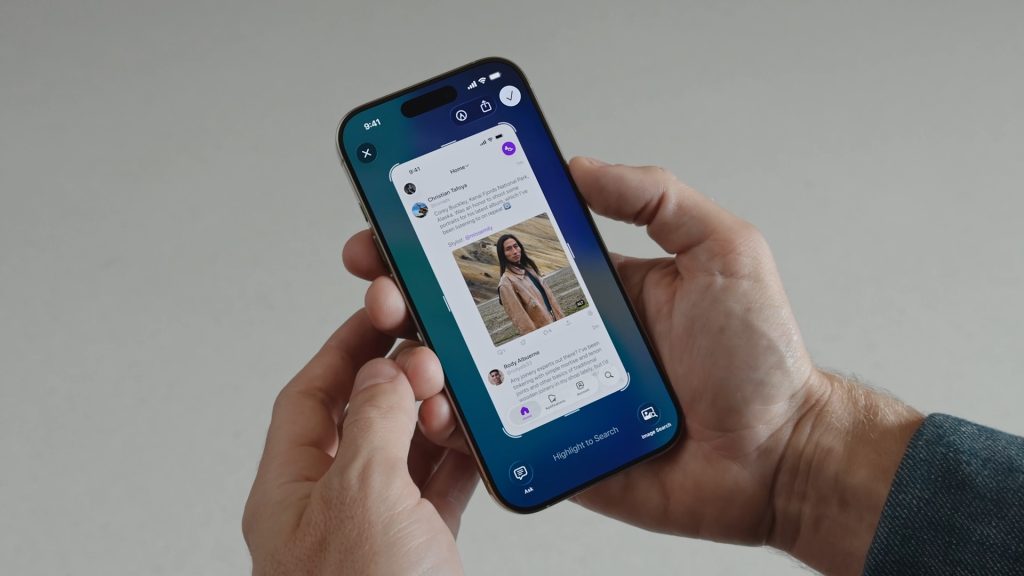
iOS 26 brings significant changes to screen capture, including a new settings menu and support for HDR screenshots.
In this article
iOS 26 introduces three notable changes to the screen capture functionality, improving the user experience. The new screen capture menu in Settings lets you adjust options for HDR and CarPlay. With these changes, users will be able to take higher quality, more personalised screenshots.
Topic Overview
iOS 26, the next major update to Apple's operating system, introduces improvements to screen capture. These changes aim to deliver a richer, more flexible experience for users, particularly those who frequently take screenshots to share content. The new options in the Settings menu represent a step forward in the customisation and quality of captured images.
Context and Impact
The iOS 26 changes come amid growing demand for features that improve the usability of Apple devices. The inclusion of a dedicated screen capture menu reflects the importance Apple places on user experience, allowing people to customise how and when they capture screen images. The addition of HDR support represents a significant advance, especially for users with compatible devices, since it enables captured images to match the visual quality offered by HDR photos and video.
Key Mechanics and Features
- Screen Capture Menu: A new menu in Settings allows you to adjust screen capture options.
- HDR Support: An option to take HDR screenshots using the HEIF format for better visual quality.
- CarPlay: Screenshots now work on an opt-in basis, letting the user choose when to capture images while using CarPlay.
FAQ
- What are the main iOS 26 changes related to screenshots?
- iOS 26 introduces a new screen capture menu, support for HDR, and opt-in screenshots for CarPlay.
- How do HDR screenshots work in iOS 26?
- HDR screenshots use the HEIF format, allowing HDR images to be captured with full dynamic range on compatible devices.
Read also
What This News Means For You
Technology news moves fast. At iOutlet, we follow every update to make sure our refurbished products always deliver the best possible experience, with supported software updates and verified hardware.
Stay Informed
- Follow the iOutlet blog for the latest news on Apple, Samsung and technology
- Subscribe to our newsletter for exclusive offers on refurbished products
Get more articles like this one.
Refurbished tech analysis + €5 with BEMVINDO5 on your first order. Valid on your first order of €50 or more.





