
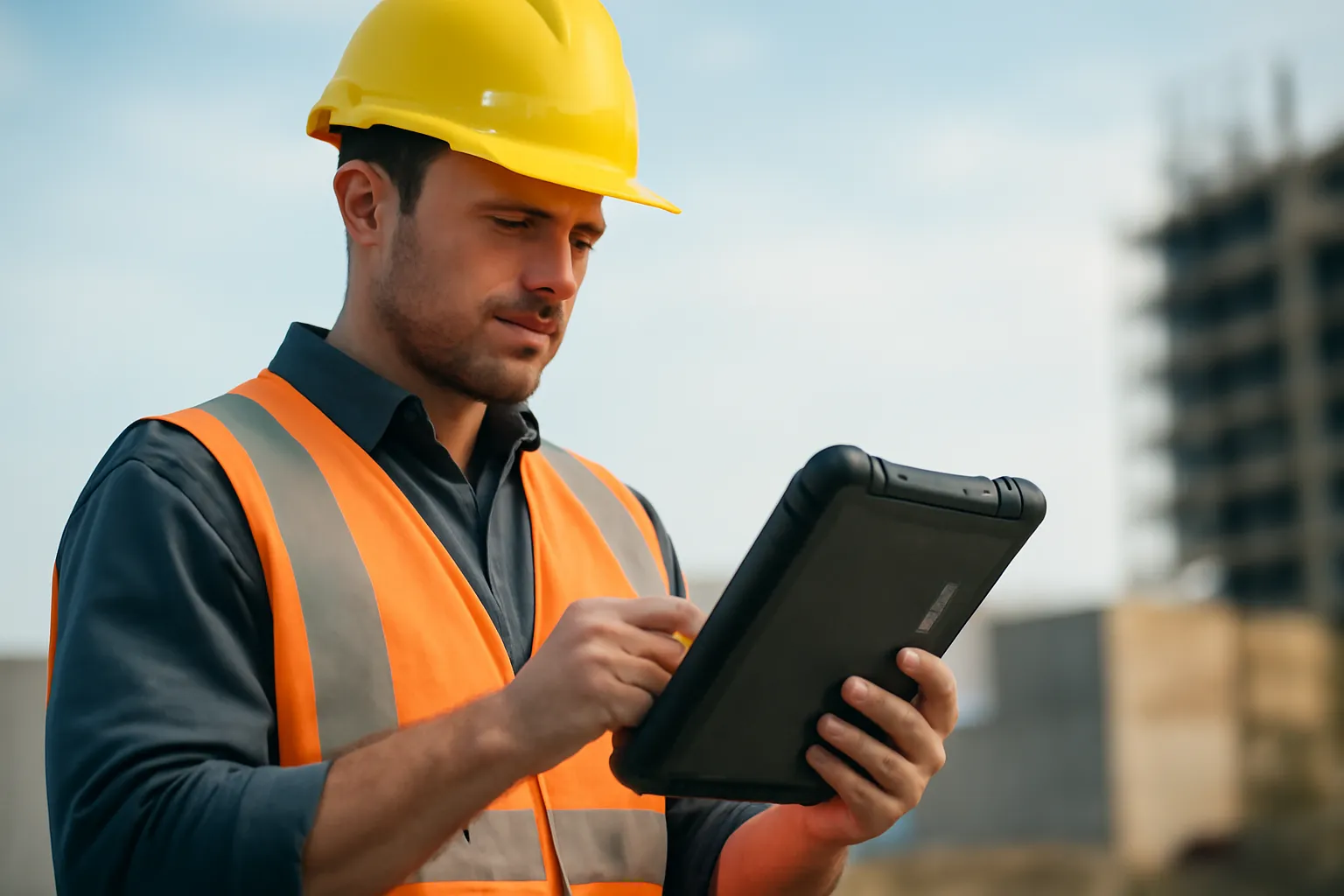
Best rugged tablets for construction: what defines a truly site‑ready model
In this article
Rugged tablets for construction have stopped being a “nice‑to‑have” and have become a central tool for site teams, inspection and project management. The reason is simple: when drawings, checklists, photos and reports become digital, a tablet that fails in dust, rain, gloves or direct sun causes delays and mistakes. In this guide I explain what makes equipment truly suitable for sites, the most common technical trade‑offs and how to choose based on the type of work, without falling for glossy specifications that don’t survive day‑to‑day use.
\n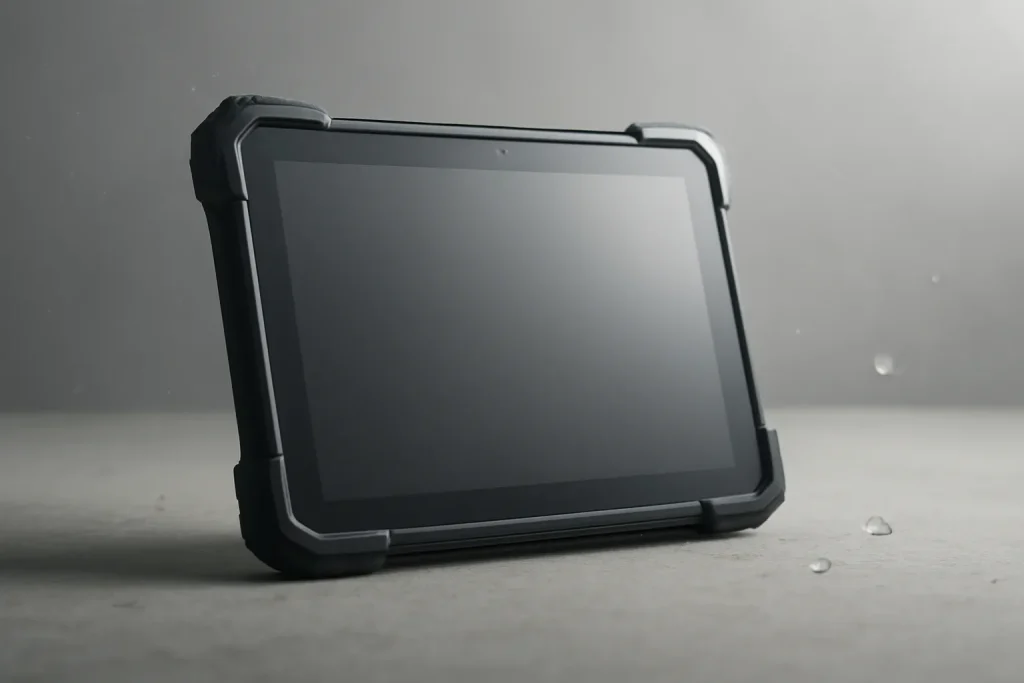
General Overview
A construction site is not an office: there is vibration, fine dust (cement, plaster), splashes, sudden temperature shifts and inevitable drops. That is why the best rugged tablets for construction tend to be “rugged tablets” or “industrial tablets”: devices built to stay operational when a consumer tablet begins to fail at ports, screen, battery or thermal stability.
In practice, the adoption of rugged tablets accompanies the shift to digital workflows: consulting and marking plans, recording non‑conformities, inspections with photographic evidence and real‑time communication with the technical office. The benefit comes not only from speed; it also reduces rework and decisions made with outdated information. For editorial transparency, the starting point for this topic is the original article on tablets for sites, available at requirements of a rugged tablet for construction.
Technical Details
The best rugged tablets for construction are distinguished less by the “processor of the year” and more by reliability engineering. Here are the points that, on the ground, make a difference.
Ruggedisation: sealing, chassis and drop tolerance
Ruggedisation is the combination of a reinforced chassis, impact absorption and sealing against particles and liquids. On a site this translates into fewer damages from bench drops, vehicle vibration and ingress through doors. An often‑overlooked detail is the quality of protective covers: if they are fragile or hard to close, they end up open, and the real resistance disappears.
Outdoor screen: brightness, reflections and viewing angle
Sunlight readability is a functional requirement, not a luxury. A screen that “washes out” the image forces improvised shading, lengthens consultation time and invites errors when reading dimensions and details. Look for a panel with anti‑reflective treatment and enough brightness for direct light. If your team switches between outdoors and containers/indoor zones, automatic brightness adaptation also helps reduce visual fatigue.
Touch with gloves and damp hands
On a site, the “perfect” touch with clean fingers is irrelevant. What matters is consistent response with gloves, moisture and fine dust. Some models include specific glove modes; in other cases the solution is a suitable stylus. The goal is simple: avoid the user having to remove PPE to fill a form or enlarge a detail.
Battery and service continuity
Long shifts expose the difference between “lasts a long time” and “lasts forever”. The best rugged tablets for construction prioritise realistic autonomy and continuity strategies: vehicle charging, site docks and, where available, a replaceable on‑site battery (hot‑swap). Even without numbers, the rule is clear: if the tablet forces pauses to charge, the digital workflow reverts to paper.
Connectivity and ports: the typical weak point
Ports are frequent failure points in dusty environments. Good sealing and robust connectors reduce slack and oxidation. Wireless connectivity also matters: synchronising reports, sending photos and accessing up‑to‑date plans depend on stable links. If the site has areas without coverage, it pays to plan offline work with later synchronisation, so the tablet doesn’t “stop” due to lack of network.
\n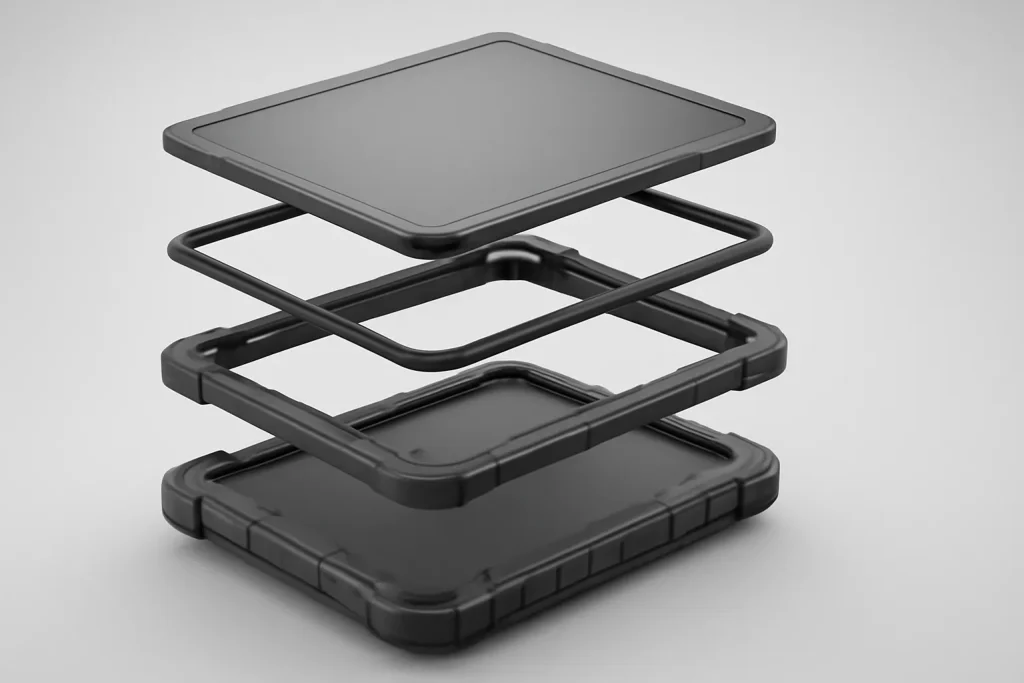
Real Use Cases
When talking about the best rugged tablets for construction, it helps to translate “rugged” into concrete tasks:
1) Consulta e marcação de plantas no local
Opening drawings, zooming into details and confirming measurements on the built element avoids trips and reduces misinterpretations. A readable screen and reliable touch speed up decisions at the moment.
2) Inspeções e registos com evidência
Photographs, notes and checklists gain value when recorded at the exact point, with context. Here, system stability and capture speed matter more than abstract “power”.
3) Comunicação rápida com equipas e projetistas
Sharing an anomaly with image and location reduces the back‑and‑forth of messages and calls. A tablet that survives drops and stays operational prevents communication from depending on the technician’s personal mobile.
4) Operação em ambientes agressivos
Dust, rain and vibration are not exceptions. They are the norm. That is where the best rugged tablets for construction justify the investment: fewer interruptions, fewer replacements and fewer “lost days” due to unavailable equipment.
Limitations & Challenges
Not everything is an advantage. A rugged tablet can be heavier and bulkier, affecting teams that walk a lot or work at height. There can also be ergonomics compromises: physical buttons and protections increase durability but reduce elegance and sometimes comfort during prolonged use.
Another challenge is management: tablets on site need clear policies for updates, user profiles and data protection. Even when durability is the focus, there is sensitive information (plans, reports, photos) that must be treated as a project asset. If the device is shared across shifts, it makes sense to define login, lock and synchronisation procedures.
Next Steps
To choose the best rugged tablets for construction without regrets, start by mapping your real scenario: permanent or mixed outdoor use, glove use, need for frequent photos, offline work and charging method. Then, verify three things before deciding: (1) screen readability on site, (2) touch response with PPE, (3) autonomy during a typical shift.
Finally, plan the post‑purchase stage: how you will handle faults, lead times and returns in case of incompatibility with the workflow. In Portugal, pay attention to the conditions of warranty and support, the rules for returns and the delivery times when the equipment is critical for operation.
\n
In summary: the best rugged tablets for construction are those that withstand the environment (dust/water/drop), keep the screen readable in sunshine, work with gloves and don’t leave you stranded mid‑shift. If these four fundamentals are secured, the rest - size, accessories and software - becomes optimisation, not survival.
FAQ
- What does “rugged tablet” mean in a construction context?
- It is a tablet designed for harsh environments, with a reinforced structure and protection against dust, water and impacts, intended to keep operation stable on construction sites.
- How to confirm the screen really works outdoors?
- Test it on site, in direct sunlight, at the usual working brightness. Confirm you can read plans without casting a shadow with your body and that reflections don’t force you to constantly change angle.
- Does working with gloves require specific hardware?
- Many teams benefit from a glove‑touch mode or a compatible stylus. The essential thing is to ensure the tablet responds without the need to remove PPE, to avoid unsafe shortcuts.
- Is it worth demanding a replaceable battery?
- It depends on the shift and charging access. On sites with long days and travel, the ability to swap the battery on‑site can cut downtime and avoid improvised power banks.
- What tends to fail first on a tablet on a construction site?
- Ports and connectors are common failure points due to dust and intensive use. Effective sealing and well‑designed covers help maintain real durability over time.
- Does a rugged tablet replace a construction laptop?
- For plan consultation, inspections, records and communication, often yes. For heavy modelling, complex editing or specialised software, a laptop may still make sense.
Get more articles like this one.
Refurbished tech analysis + €5 with BEMVINDO5 on your first order. Valid on your first order of €50 or more.





