
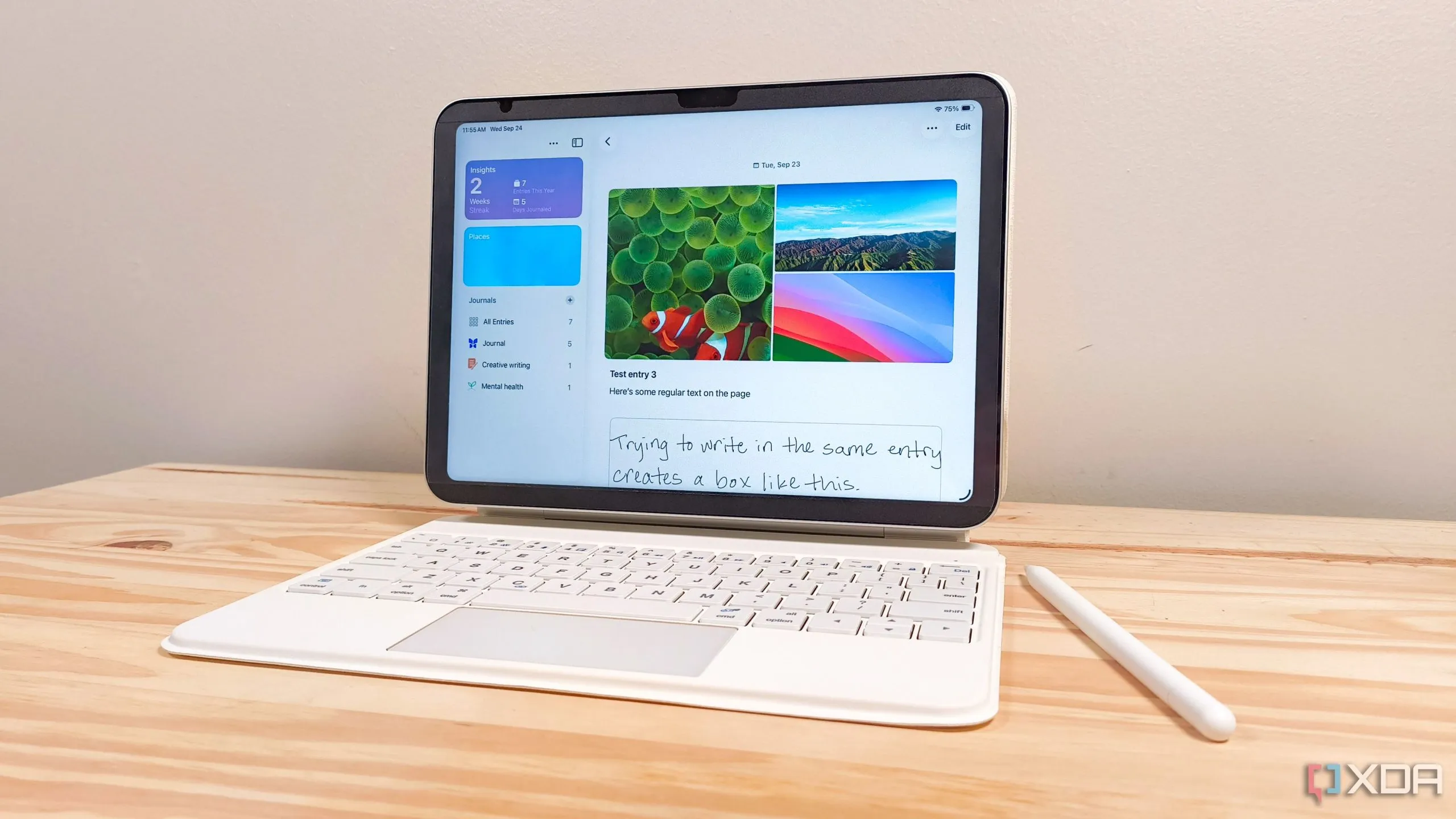
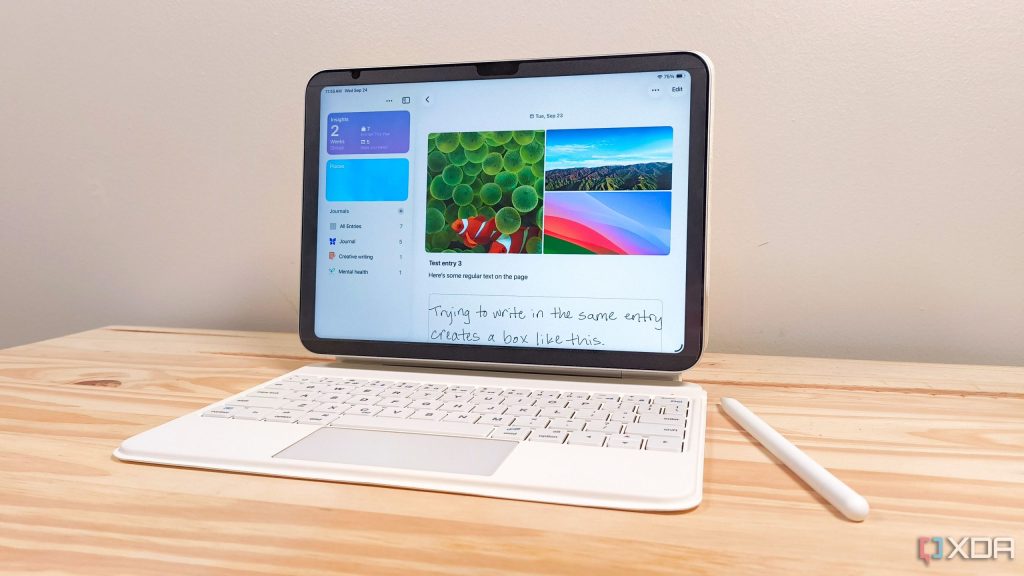
Apple's new Journal app for iPadOS 26 offers a free and secure solution for those looking for a simple and effective digital diary.
In this article
A Simple and Effective Solution
Apple's Journal app, now available on iPadOS 26, presents itself as a practical and free alternative for those wishing to maintain a digital diary. With well-executed basic features, such as the ability to create multiple diaries and integration with Apple Pencil, this app becomes an attractive option for iPad users seeking simplicity and effectiveness. Despite some limitations in terms of formatting, the app promises to be a solid starting point for digital journalling.
Overview
Since its initial launch on iPhone with iOS 17.2, Apple's Journal app has evolved significantly. Now on iPad, it offers features such as voice entry creation and an "Insights" tab that helps monitor writing habits. This evolution demonstrates Apple's commitment to making the journalling experience more accessible and integrated across its devices.
Competition & Pricing
In the journalling app market for iPad, Notability and Goodnotes are strong competitors, offering advanced features but at a cost. Whilst Notability starts at $20 per year, Goodnotes offers a one-time purchase model for $30 or an annual subscription of $10. Apple's Journal app's free nature positions it advantageously for users seeking an economical solution.
Limitations & Challenges
The main limitation of the Journal app lies in its rigid formatting. Unlike its competitors, it does not allow elements to be freely moved on the page nor images to be inserted anywhere in the text. These restrictions can be frustrating for users who value visual customisation of their digital diaries. However, these limitations can be seen as opportunities for improvement in future updates.
FAQ
- Is the Journal app free?
- Yes, Apple's Journal app is completely free for iPad users.
- Can you use Apple Pencil in the Journal app?
- Yes, the app supports handwriting with Apple Pencil.
- What are the main limitations of the app?
- The main limitation is the rigidity in formatting, not allowing elements to be moved freely or images to be inserted anywhere in the text.
See Also
- The latest Apple news 2022
- The latest Apple news!
- Investing in Apple shares: a complete analysis
- View refurbished iPads at iOutlet
What This News Means For You
Technology news evolves rapidly. At iOutlet, we follow all updates to ensure that our refurbished products always offer the best possible experience: with supported software updates and verified hardware.
Stay Informed
- Follow the iOutlet blog for the latest news about Apple, Samsung and technology
- Subscribe to our newsletter for exclusive offers on refurbished products
Get more articles like this one.
Refurbished tech analysis + €5 with BEMVINDO5 on your first order. Valid on your first order of €50 or more.





