
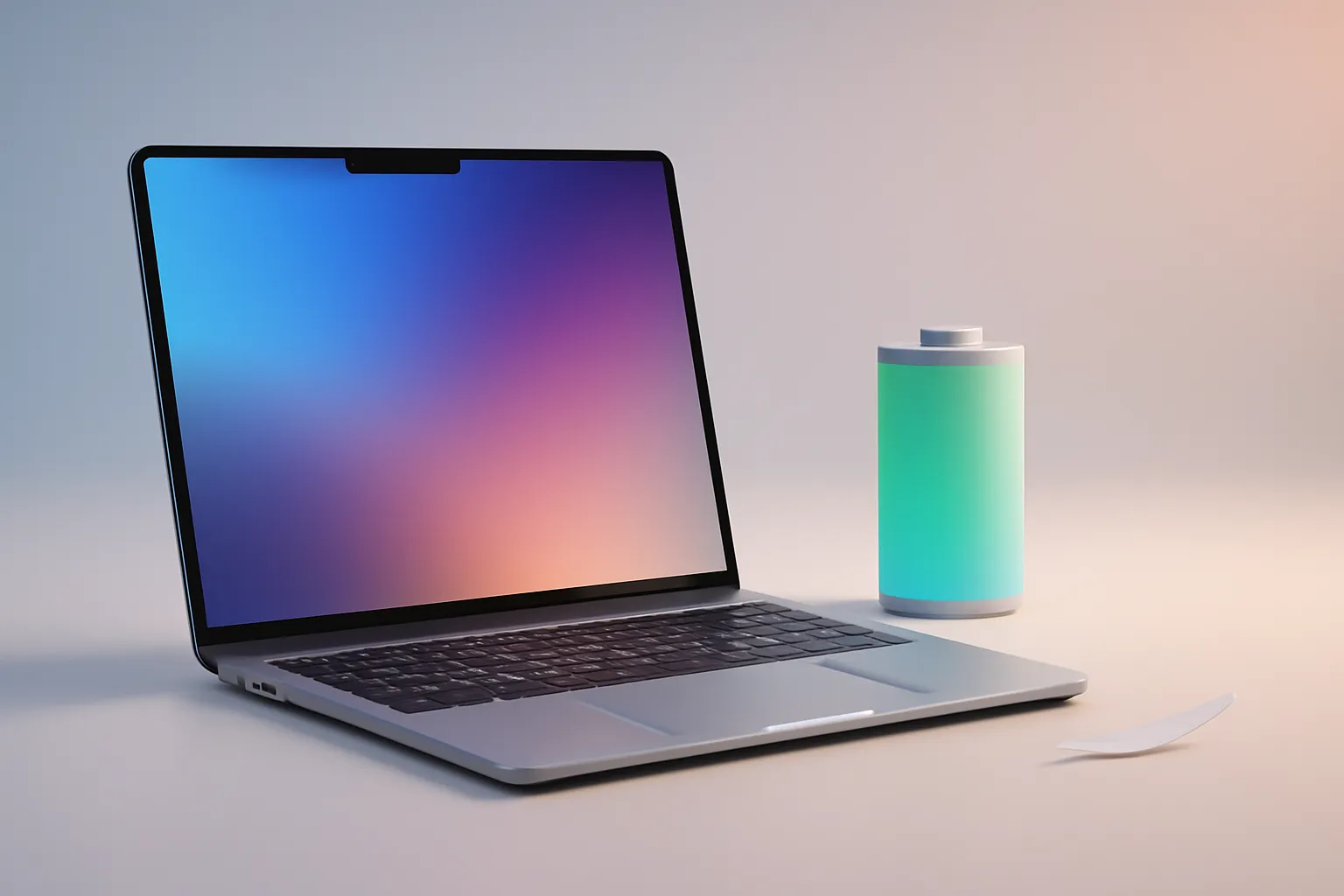
MacBook Air review 2024: because Apple’s lightest laptop has become "the one"
In this article
- Overview: what’s changed in the MacBook Air review 2024
- Technical Details: efficiency, silence and what "fanless" means
- What changes for the user: work, study and mobility
- Limitations & Challenges: where the Air is still not a "Pro"
- Next Steps: how to decide and what to check before buying
- In practical terms: for those it makes sense
- FAQ
MacBook Air review 2024: the takeaway is simple, the Air is no longer "the most affordable and light Mac" but for many it has become the most balanced Mac. Recent gains in performance and energy efficiency (fanless) reduce the typical compromises of thin laptops. This matters to anyone who works on the move, studies, creates light content and wants a quiet computer with predictable battery life and good support longevity. Still, there are clear limits: ports, display and sustained loads continue to separate the Air from "Pro" models.
Overview: what’s changed in the MacBook Air review 2024
The MacBook Air has always been built on three promises: lightness, silence and battery life. What the MacBook Air review 2024 suggests is that today those promises no longer come with the old "but…". In practical terms, the laptop can stay fluid in everyday use (many-tab browsing, productivity, video-calls, light editing) without heating intrusively or quickly degrading performance.
There is also an important side-effect: when an "Air" model reaches this level of consistency, the decision shifts from "whether it arrives" to "whether you really need more". For many users, the answer is no, and that changes how the range is viewed.
Technical Details: efficiency, silence and what "fanless" means
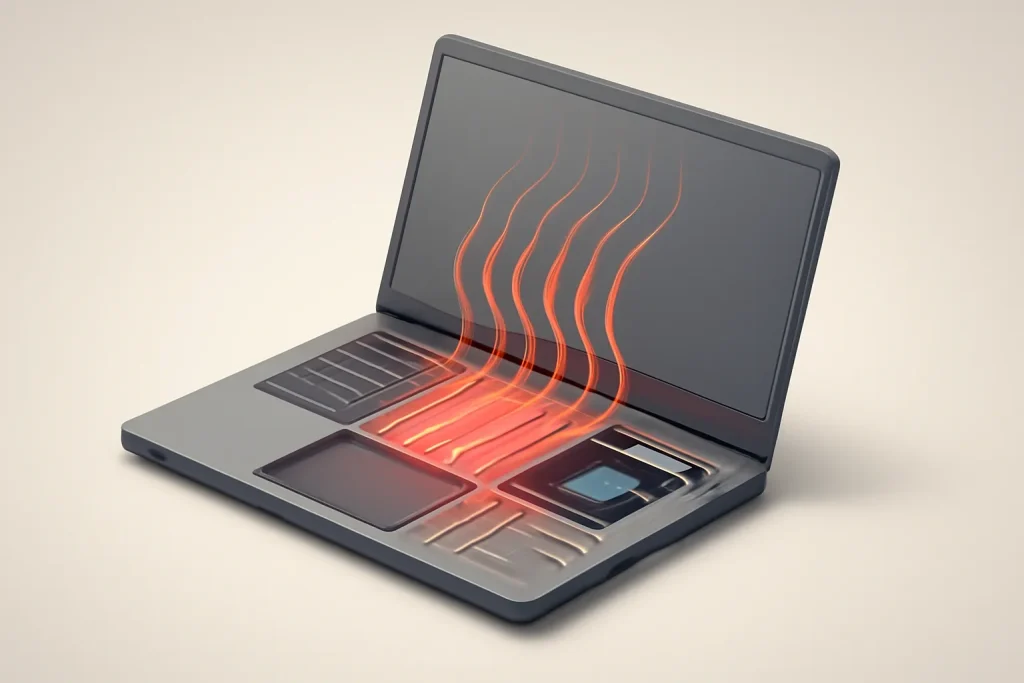
One of the keys of the MacBook Air review 2024 is the fanless architecture. Simply put, "fanless" means the laptop does not use active cooling; it dissipates heat through the chassis and passive internal solutions. The advantage is obvious: virtually silent operation and fewer moving parts. The downside appears when the processor is under continuous load: to control temperatures the system may lower frequencies (throttling), reducing sustained performance.
In practice, this creates two "Airs" within the same chassis: an excellent laptop for short and medium tasks (most everyday work) and a less suitable laptop for long exports, heavy compilations or prolonged rendering. The MacBook Air review 2024 tends to be positive because the chip’s efficiency and thermal management now cover many more scenarios than they did a few years ago, but physics still has the final say.
It’s also worth translating another recurring idea: energy efficiency isn’t just "lasts longer". It means the laptop can do the same work with less power, which cuts heat, preserves comfort on the lap or desk and, potentially, helps keep the battery in better condition over time. If longevity is your priority, it’s worth cross-referencing usage habits with a practical guide such as habits to extend useful life (many principles also apply to laptops).
What changes for the user: work, study and mobility
The MacBook Air review 2024 is especially relevant for those who move between rooms, transport and meetings. A light and quiet laptop reduces friction: it opens quickly, doesn’t distract in calm environments and can endure a day without constant anxiety about the charger. For students this translates to less reliance on power outlets; for remote and hybrid work it means more stable calls and more comfortable multitasking.
However, purchase decisions still require attention. Ports and connectivity may force the use of adapters, depending on your ecosystem (monitors, cards, peripherals). The display and audio may be "sufficient" for many, but they do not replace, on their own, a dedicated colour-critical or intensive production setup. The MacBook Air review 2024 suggests a very strong "baseline" laptop; the ideal is to verify whether your workflow has long and repeated load peaks.
Limitations & Challenges: where the Air is still not a "Pro"
The excitement around the MacBook Air review 2024 should not erase the boundaries. If your day includes heavy tasks for long periods, the thermal behaviour of a fanless design can be the decisive factor. Additionally, anyone needing multiple external displays, abundant local storage or specific connectivity should confirm compatibility before buying.
Another point is managing expectations: "fast" in everyday use is not the same as "fast" under sustained professional loads. The Air can be excellent for light editing and moderate creative workflows, but it is not the natural target for intensive production pipelines. The most honest recommendation is to map your actual use: how many times per week do you perform tasks that take 20-40 minutes at 100%? If the answer is "many", the Air may not be the best tool.
Next Steps: how to decide and what to check before buying
If the MacBook Air review 2024 has led you to consider the Air as your primary machine, there is a simple method to decide without regrets. First, list your critical applications and the types of files you work with. Then, identify bottlenecks: memory (many apps and tabs), storage (large projects) and peripherals (monitors, hubs, external drives). Finally, think about the usage horizon: a laptop bought to last benefits from conservative choices in memory and storage, within budget.
For those comparing alternatives by profile and battery life, it can help to cross-reference criteria with editorial guides such as best laptops by scenario and, if you are looking at Windows on ARM, see laptops with Snapdragon X. For transparency, the source text of this analysis can be consulted at MacBook Air review 2024 (source).
In practical terms: for those it makes sense
The MacBook Air review 2024 points to a clear scenario: if you want a light, quiet laptop with strong battery life and consistent performance in daily use, the Air is closer to a "safe purchase" than it has been for a long time. It makes sense for productivity, study, intensive browsing, media consumption and light creation. If your work is heavy and repetitive, the decision should lean towards a machine with active cooling and greater thermal headroom.
To reduce risk, confirm post-purchase policies and timelines before finalising the decision; for example, check return policy and warranty terms to know what you can rely on if your actual usage turns out to be more demanding than expected.
FAQ
- Does the MacBook Air review 2024 recommend the Air for "serious" work?
- It depends on the type of work. For productivity, heavy browsing, video-calls and light creative tasks, it tends to be a good bet. For long and repeated loads (rendering, large exports, compilations), a model with a fan is usually more suitable.
- What does it mean that the MacBook Air is "fanless" and how does it affect me?
- "Fanless" means without a fan. It gains silence and simplicity, but on prolonged tasks it may reduce performance to control temperature. In daily use you normally won’t notice; on continuous heavy work you might.
- Does high battery life mean the battery will last more years?
- It isn’t a guarantee, but it helps. Lower power consumption and less heat tend to be positive for battery health. Still, charging habits, temperature and cycle count matter a lot.
- How can I tell if I’ll feel sustained performance limitations?
- Look at your real pattern: if you frequently have tasks that keep the CPU/GPU at maximum for 20-40 minutes (or more), you are more likely to feel limitations. If your use consists of short spikes, the Air usually copes well.
- Do I need to worry about ports and adapters?
- Yes, it’s worth confirming beforehand. If you use multiple peripherals, monitors or cards, you may need a hub/adapter. Make a list of what you connect daily and verify compatibility.
Get more articles like this one.
Refurbished tech analysis + €5 with BEMVINDO5 on your first order. Valid on your first order of €50 or more.





