
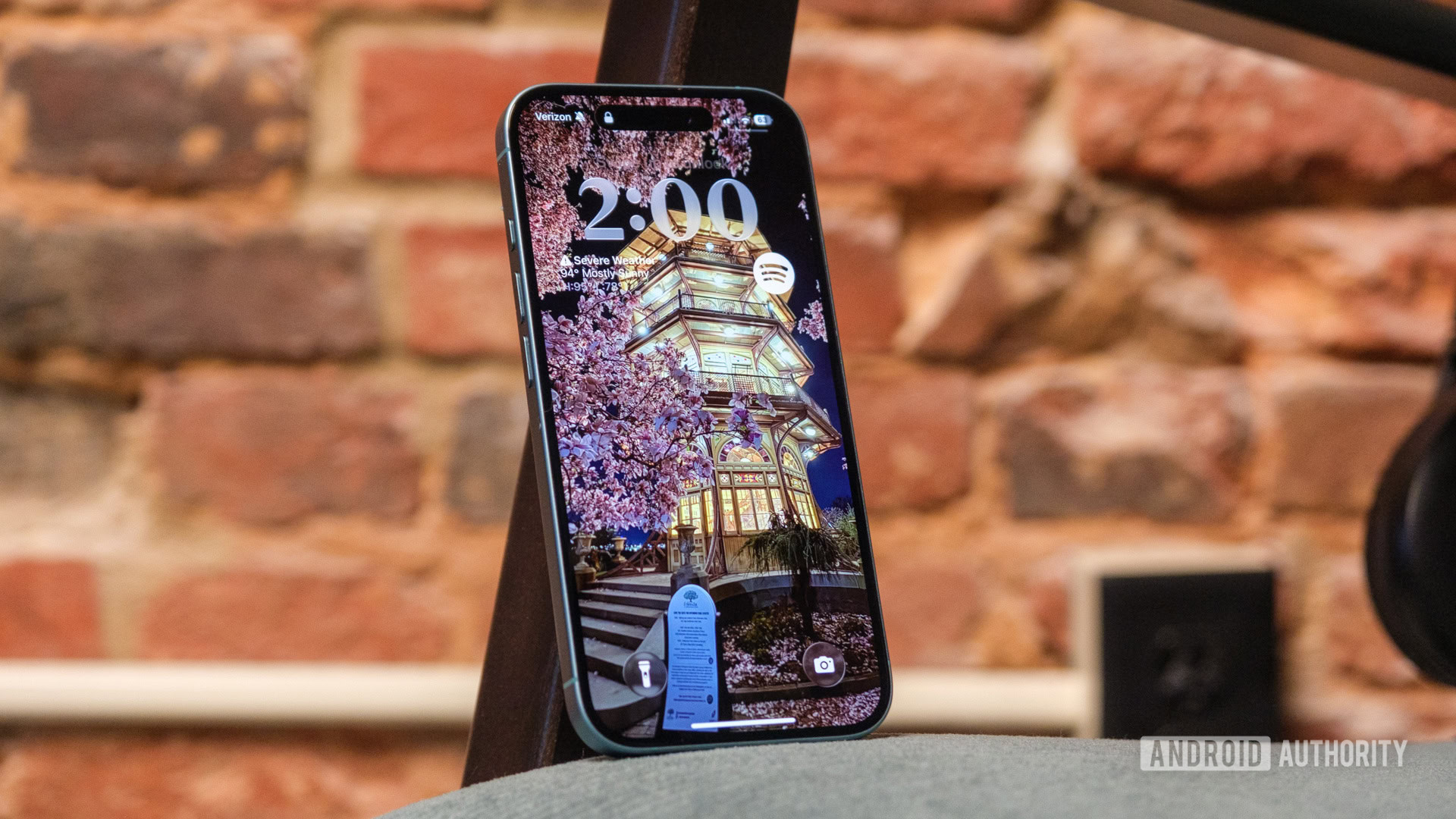
Apple's new Liquid Glass interface in iOS 26 has brought significant changes that have divided opinion. Initially criticised, the experience reveals nuances worth exploring.
In this article
First impressions of Liquid Glass
Trying iOS 26, the Liquid Glass interface came as a surprise. At first, it felt confusing and not particularly intuitive, but after getting used to it, I realised it offers a more polished design than its predecessor. The changes are most noticeable in app icons, which now stand out with a glass-like texture and subtle colours, making it easier to identify apps quickly. Still, the adjustment isn't always straightforward, especially when it comes to buttons and navigation.
Technical details
The Liquid Glass interface is applied extensively across iOS 26, transforming icons, widgets and folders. The visual changes come with a reorganisation of navigation elements. Buttons now take on a bubble shape, making it harder to find essential functions quickly. This shift is particularly striking in apps like Safari and Camera, where the new layout disorients users familiar with earlier versions.
Market impact
The introduction of Liquid Glass could influence consumer preferences. While some users appreciate the fresh aesthetic, others may be tempted to revert to earlier iOS versions or even switch platforms due to the learning curve involved. Apple faces the challenge of balancing innovation with usability to keep its user base loyal.
Future outlook
Apple is expected to refine iOS 26 in future updates, addressing criticism and tweaking features to improve the user experience. The community is waiting for improvements to navigation and button clarity, key factors for widespread acceptance of the Liquid Glass interface.
FAQ
- What is the Liquid Glass interface in iOS 26?
- The Liquid Glass interface is a visual update that transforms the design of icons, widgets and folders in iOS 26, giving them a glass-like, textured appearance.
- What are the main challenges of iOS 26?
- The main challenges include difficulty locating buttons due to the new bubble design and the need for users to adapt to the new layout of navigation elements.
Read also
What This Means For You
Technology moves fast. At iOutlet, we follow every update to make sure our refurbished products always deliver the best possible experience, with supported software updates and verified hardware.
Stay Informed
- Follow the iOutlet blog for the latest news on Apple, Samsung and technology
- Subscribe to our newsletter for exclusive offers on refurbished products
Get more articles like this one.
Refurbished tech analysis + €5 with BEMVINDO5 on your first order. Valid on your first order of €50 or more.





