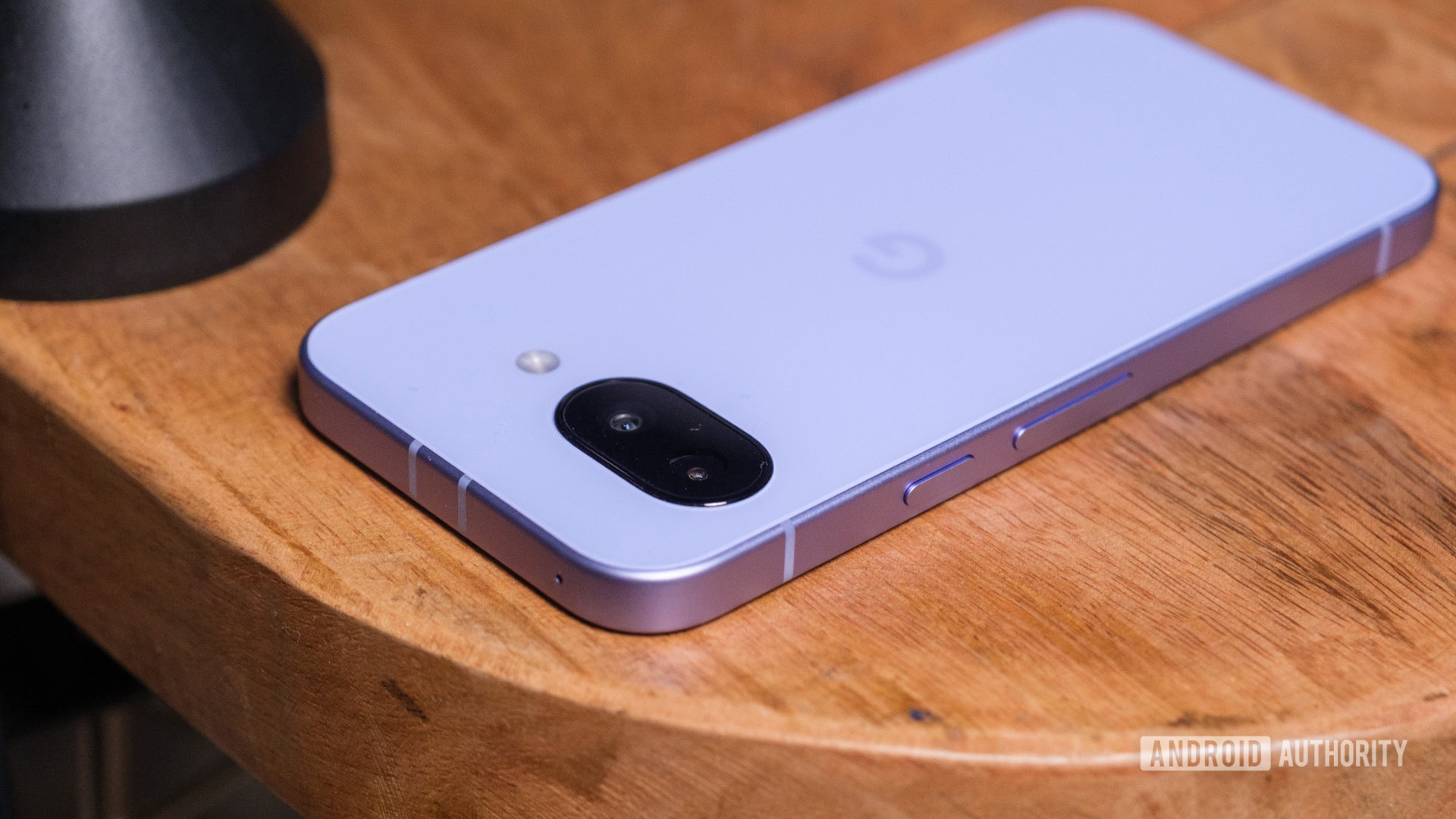
Topic Overview
The education hub is a significant addition to the Pixel Camera app, which already has a wide range of features. Aimed at maximising the user experience, this tool offers easy access to the knowledge needed to explore the camera's full capabilities.Context and Impact
The introduction of the education hub reflects Google's commitment to making its technologies more accessible and useful. By making it easier to learn about the camera's features, users are expected to get more out of the camera's capabilities, resulting in higher quality photos and videos.Key Features
- Access to photo and video modes with detailed instructions.
- Sample images displayed for each mode.
- Additional sections with tips for improving your photography experience.
FAQ
- What is the Pixel Camera Education Hub?
- It's a new feature that helps users learn how to use the various Pixel Camera options.
- Which models are compatible with this feature?
- It is available for the Pixel 6 and newer models.
- How do I access the education hub?
- Simply open the Camera app and tap the question mark icon in the top right corner.
- What kinds of modes are available in the hub?
- It includes modes such as Astrophotography, Night Sight, Macro and others.
Read also
What This News Means For You
Technology news moves fast. At iOutlet, we follow every update to ensure our refurbished products always deliver the best possible experience, with supported software updates and verified hardware.
In this article
Stay Informed
- Follow the iOutlet blog for the latest news on Apple, Samsung and technology
- Subscribe to our newsletter for exclusive offers on refurbished products
Get more articles like this one.
Refurbished tech analysis + €5 with BEMVINDO5 on your first order.
Refurbished tech with warranty
iPhones, MacBooks, iPads and more, tested and certified, with a 24-month warranty.
24-month warrantyShipping up to 8 business days
See products →