
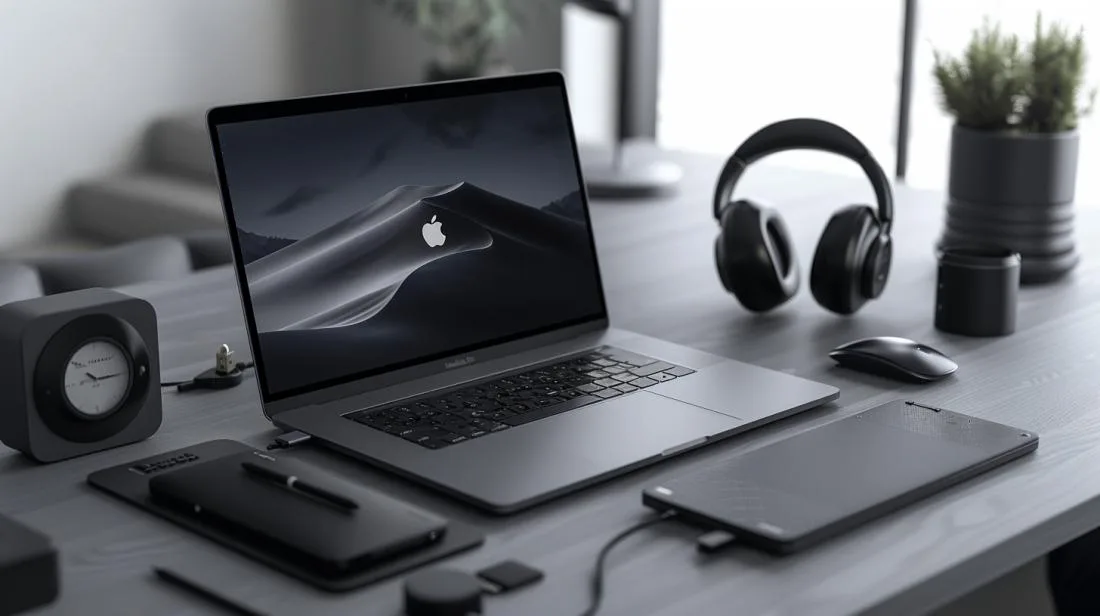
The MacBook Pro 2019 remains a capable machine in 2026: especially refurbished, with a 24-month iOutlet warranty. But it is also the last MacBook Pro with an Intel chip, with Touch Bar and with the unreliable butterfly keyboard. To get the most out of it and compensate for its limitations, choosing the right accessories makes all the difference. Here is the updated guide to the essentials.
In this article
- Cases and backpacks: protection first
- USB-C / Thunderbolt 3 hub: the key to the MacBook Pro 2019
- Charging and battery
- Peripherals for productivity
- Audio: AirPods and more
- External storage
- Is the MacBook Pro 2019 worth it in 2026?
- Frequently Asked Questions
- Do MacBook Pro 2019 USB-C accessories work with M1, M2, M3 and M4 models?
- Is it worth spending money on accessories for a MacBook Pro 2019?
- Is the MacBook Pro 2019 battery still reliable?
- Should I buy a MacBook Pro 2019 or a refurbished M1 model in 2026?
Cases and backpacks: protection first
The MacBook Pro 2019 has an anodised aluminium chassis: robust but vulnerable to scratches and dents. A neoprene or leather sleeve gives everyday protection without extra weight; a hard case fixed to the chassis prevents scratches on the top and bottom.
- 13" or 15" neoprene sleeve (Tomtoc, Inateck, MOSISO): basic protection for your backpack
- Clip-on hard case (Laut, Incase): keeps the chassis intact, ideal before reselling
- Backpack with dedicated compartment (Bellroy, Peak Design Everyday): for daily commuting
USB-C / Thunderbolt 3 hub: the key to the MacBook Pro 2019
The MacBook Pro 2019 only has Thunderbolt 3 ports (4× on the 13"/15" Pro, 2× on the base 13" models). This means that to connect a USB-A flash drive, HDMI monitor, SD reader or ethernet network, you need an adapter. A good hub solves everything with one port.
- Basic multi-port hub: USB-C → HDMI + 2× USB-A + SD/microSD reader + USB-C passthrough (Anker, Satechi, UGreen)
- Fixed Thunderbolt 3 dock: one single connection to the Mac, plus gigabit ethernet, multiple USB ports, audio (CalDigit TS3 Plus, OWC Thunderbolt 3 Dock): for those who work at a fixed desk
- Simple HDMI adapter: for occasional presentations
Charging and battery
The 13" MacBook Pro 2019 uses a 61W USB-C charger; the 15" uses an 87W one. In 2026, the advantage is that any compatible USB-C PD charger will work: including compact GaN chargers for travel.
- 65W GaN charger (for Pro 13"): fits in your pocket, lighter than the original
- 100W GaN charger (for Pro 15"): also powers tablets and phones
- 100W USB-C PD power bank with 20,000 mAh+ battery: emergency backup for travel or remote work
- Quality 100W USB-C cable (Anker, Belkin): the original cable gets lost or breaks
Peripherals for productivity
- Magic Mouse or Magic Trackpad Apple: perfect pairing with macOS
- Magic Keyboard with Touch ID (post-2021 version): works with any M1+ Mac and remains excellent on the MacBook 2019
- Ergonomic stand (Twelve South Curve, Rain Design mStand): raises the screen for correct posture
- 27" 4K USB-C external monitor: Dell, LG, BenQ: ideal for developers and designers
Audio: AirPods and more
The MacBook Pro 2019 still has a 3.5mm jack, unlike some later models. But in 2026 most users have moved to wireless. We recommend:
- AirPods Pro 2 or AirPods 4: instant pairing via Continuity
- AirPods Max: for studio audio and top-of-the-range cancellation
- USB microphone (Blue Yeti, Shure MV7): for podcasts, professional calls or streaming
External storage
The MacBook Pro 2019’s internal SSD is not easily expandable. An external Thunderbolt 3 or USB-C 10Gbps SSD solves this.
- Portable SSD Samsung T7, SanDisk Extreme, Crucial X9 Pro: 1-4TB, transfers up to 1,000 MB/s
- Thunderbolt 3 SSD (OWC Envoy Pro, Sabrent Rocket XTRM-Q): for video editing, 2,500 MB/s+ transfers
- Home NAS (Synology, QNAP): automatic Time Machine backup + media centre
Is the MacBook Pro 2019 worth it in 2026?
Refurbished, yes: as long as you accept the limits: an Intel chip slower than any Apple Silicon, lower energy efficiency, butterfly keyboard (already repaired by Apple under the service programme in many cases) and no Apple Intelligence. For general use, browsing, Office, light coding, it is a capable machine at an unbeatable price.
But if you plan on serious video editing, motion graphics, local ML or simply want the machine that will last another 5-7 years without feeling old, consider a refurbished MacBook Pro M1 or M2 from iOutlet. The price difference for refurbished Apple Silicon is smaller than it seems: and the performance jump is huge.
If you already have your MacBook Pro 2019 or are buying a refurbished one, see all refurbished MacBooks at iOutlet: with a 24-month warranty, free delivery within up to 8 working days and up to 60% savings vs new.
Frequently Asked Questions
Do MacBook Pro 2019 USB-C accessories work with M1, M2, M3 and M4 models?
Yes, mostly. USB-C / Thunderbolt 3 hubs, monitors and SSDs are compatible with Apple Silicon models. The only thing to check is Thunderbolt 4 on newer Macs: it is backwards compatible with Thunderbolt 3, so there are no issues.
Is it worth spending money on accessories for a MacBook Pro 2019?
Yes: and USB-C/Thunderbolt 3 accessories will work with any Mac you buy in the future, including M1+ models. It is not a wasted investment.
Is the MacBook Pro 2019 battery still reliable?
In a refurbished iOutlet device, the battery is tested with specialised technical software before dispatch. If performance is reduced, the unit is rejected. The battery is covered by the 24-month iOutlet warranty.
Should I buy a MacBook Pro 2019 or a refurbished M1 model in 2026?
For general use, either will do. For performance, energy efficiency and longevity, go for M1 (or higher). The price difference when refurbished is typically small and justifies the jump. Compare options at iOutlet to decide.
Get more articles like this one.
Refurbished tech analysis + €5 with BEMVINDO5 on your first order. Valid on your first order of €50 or more.





