
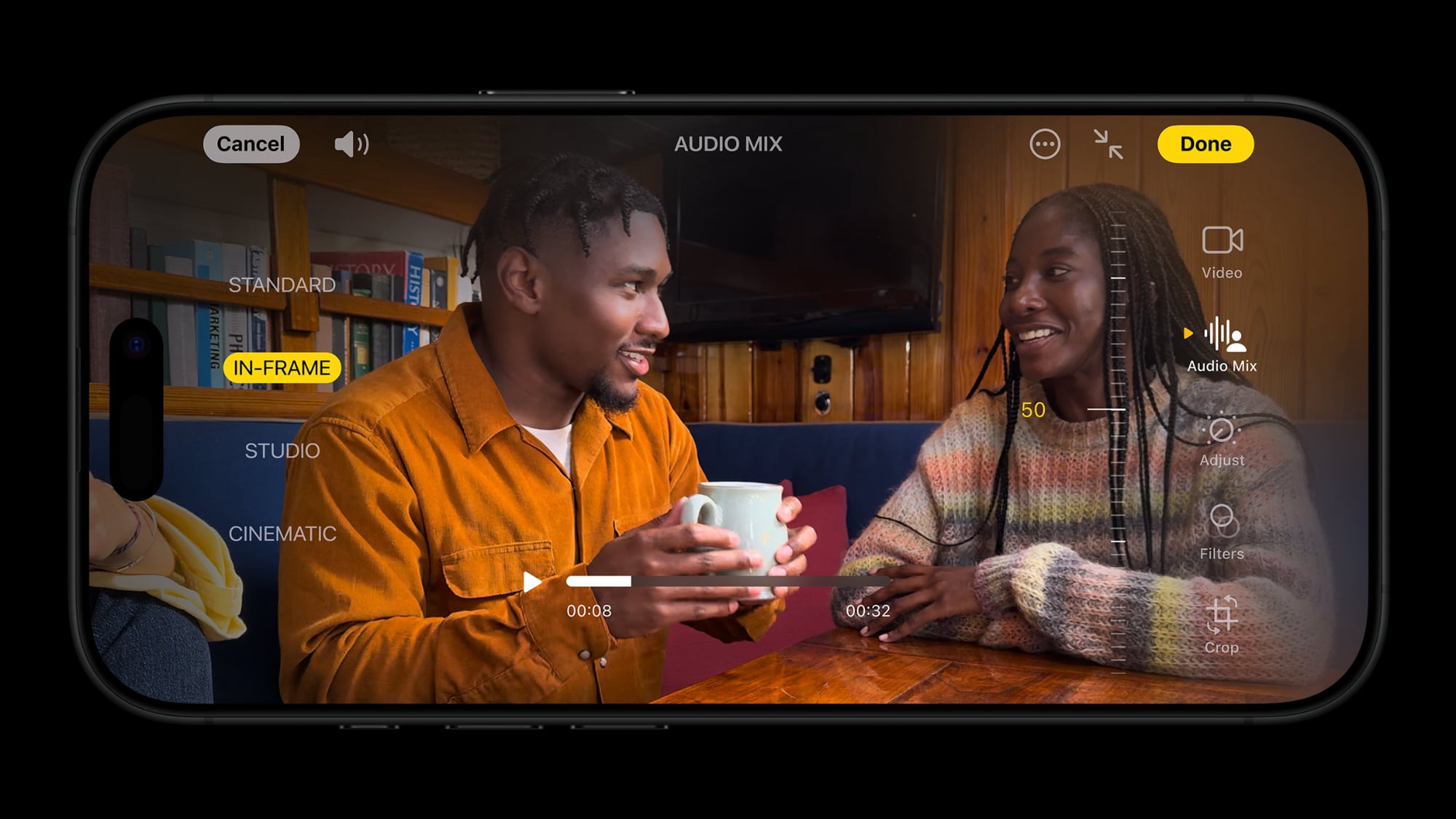
iPhone 16 introduces a new feature that allows you to edit the audio of recorded videos, improving sound clarity and reducing background noise.
In this article
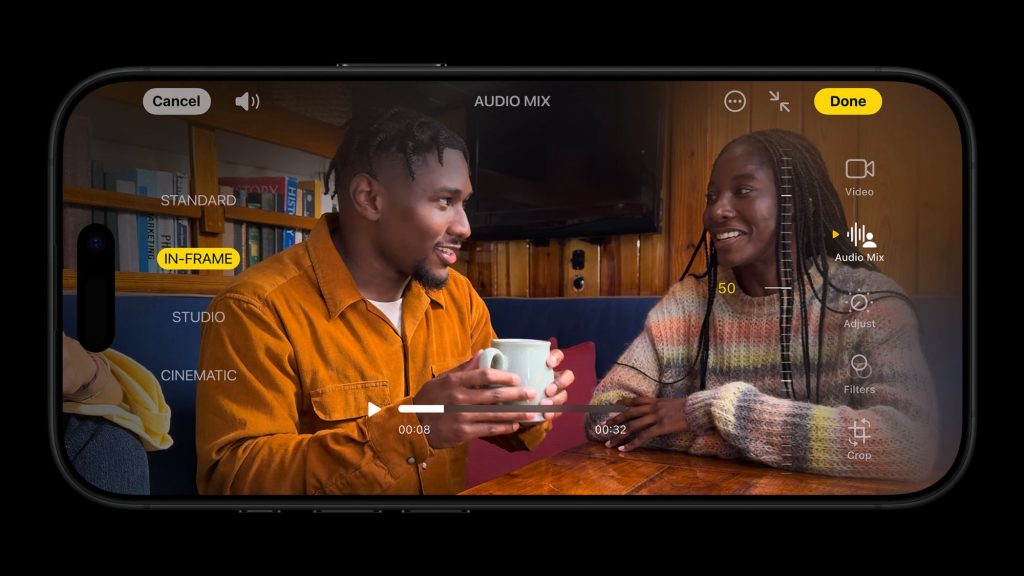
All five iPhone 16 models offer an Audio Mix feature in the Photos app, which allows you to edit a video's sound after recording. For example, you can reduce background noise, making the person speaking on camera clearer.
With iOS 26, Apple will allow third-party apps to offer the same Audio Mix controls that the Photos app provides on iPhone 16 and newer models.
Audio Mix, supported by machine learning, offers four main options:
- Standard: Play the original recorded audio.
- In-Frame: Reduce sounds and voices from sources not visible in the video frame.
- Studio: Full details of this feature will be provided soon.
Topic Overview
The introduction of audio editing functionality on iPhone 16 represents a significant advancement in how users interact with their audiovisual content. The ability to adjust audio after recording not only improves video quality, but also offers greater creative flexibility, allowing users to focus on narrative and visual presentation without worrying excessively about sound quality during recording. This feature is particularly useful for content creators, journalists, and anyone who wants to produce high-quality videos with ease.
Context and Impact
Audio editing in videos is a growing necessity in the digital world, where visual and sound content has become an integral part of communication. With the popularity of social networks and video platforms, the ability to edit audio directly on a mobile device becomes an indispensable tool. By introducing this feature, Apple not only improves user experience, but also positions its devices as professional tools for content creation. The impact of this innovation can be seen in the increased quality of videos shared online, allowing more people to stand out in content creation.
Key Mechanics or Features
- The Audio Mix function allows detailed adjustments to the sound of recorded videos.
- Use of machine learning to improve audio quality.
- Compatibility with third-party apps from iOS 26 onwards.
- Intuitive editing options that facilitate audio customisation.
FAQ
- What is the Audio Mix feature on iPhone 16?
- The Audio Mix feature allows you to edit the sound of recorded videos, improving clarity and reducing background noise.
- What are the main options available in Audio Mix?
- The main options include Standard, In-Frame and others that will be detailed in the future.
Read also
- Latest Apple 2022 news
- Latest Apple news!
- Investing in Apple shares: a complete analysis
- See refurbished iPhones at iOutlet
What This News Means for You
Technology news evolves rapidly. At iOutlet, we follow all updates to ensure our refurbished products always offer the best possible experience: with supported software updates and verified hardware.
Stay Informed
- Follow the iOutlet blog for the latest news on Apple, Samsung and technology
- Subscribe to our newsletter for exclusive offers on refurbished products
Get more articles like this one.
Refurbished tech analysis + €5 with BEMVINDO5 on your first order. Valid on your first order of €50 or more.





