
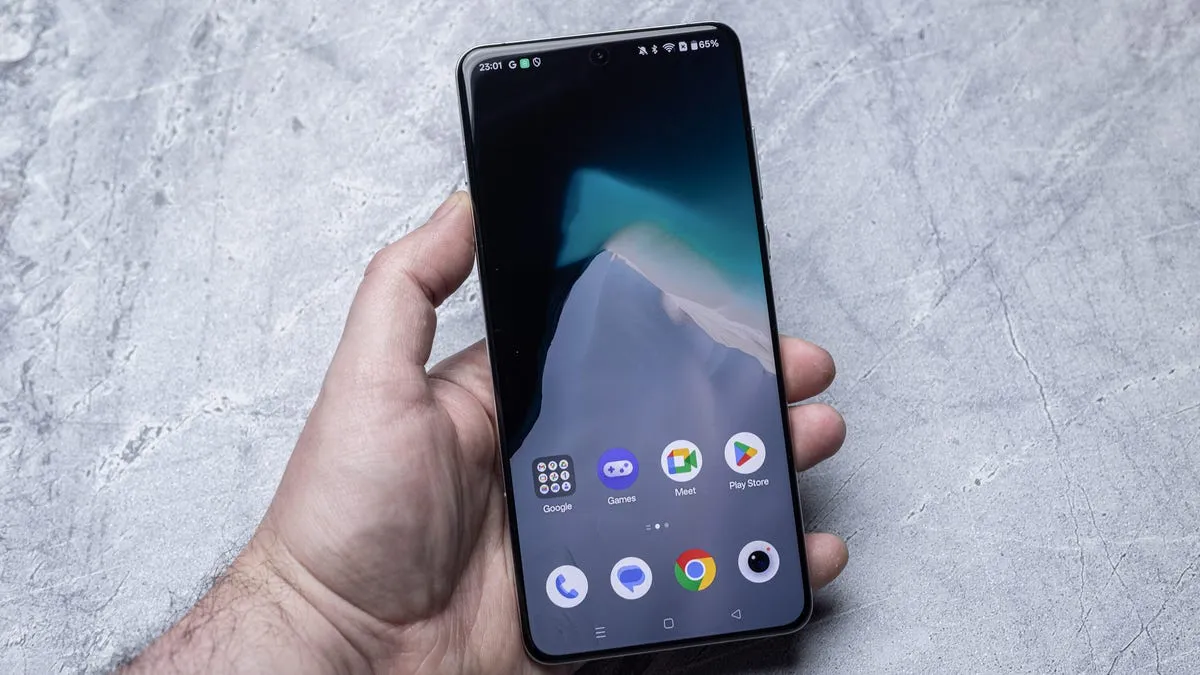
Clearing cookies and cache from your browser on Android can improve performance and protect privacy by removing unnecessary data.
In this article
Free Up Space and Protect Your Privacy
Browsers on Android devices accumulate data over time that can affect performance and compromise privacy. Cookies and cache are useful for keeping sessions active and loading pages faster, but they can also store information you don't need or prefer to keep private. Clearing this data regularly is a simple task that can be done in a few steps, depending on which browser you use.
Technical Details
In Google Chrome, clearing cookies and cache starts with tapping the menu button, followed by 'Clear browsing data'. You can choose the time period and types of data you want to remove. In Samsung Internet, the options are available both in the app and in your phone's settings. In Firefox, you also have the additional option to automatically delete data when you exit the app.
Practical Benefits
Removing cookies and cache regularly not only frees up storage space but also helps protect your online identity. Although you'll need to log back in to some websites, that's a small price to pay for enhanced security. Moreover, you can avoid unwanted tracking that uses cookies to personalise ads based on your browsing history.
Privacy Concerns
Online privacy is a growing concern for many users. Cookies can be used to track your online activity, creating detailed profiles without your explicit consent. By clearing this data, you reduce the risk of inadvertently sharing sensitive information with third parties.
FAQ
- Why should I clear cookies and cache frequently?
- Clearing cookies and cache helps protect your privacy and improves browser performance by removing unnecessary data.
- Do I lose all my saved passwords when clearing the cache?
- Not necessarily. You can choose to keep saved passwords when clearing other data such as cookies and cache.
- Is it safe to clear all browser data?
- Yes, but remember that you'll need to log back in to websites where you had active sessions.
Read also
What This News Means for You
Technology news evolves quickly. At iOutlet, we follow all updates to ensure that our refurbished products always offer the best possible experience: with supported software updates and verified hardware.
Stay Informed
- Follow the iOutlet blog for the latest news on Apple, Samsung and technology
- Subscribe to our newsletter for exclusive offers on refurbished products
Get more articles like this one.
Refurbished tech analysis + €5 with BEMVINDO5 on your first order. Valid on your first order of €50 or more.





