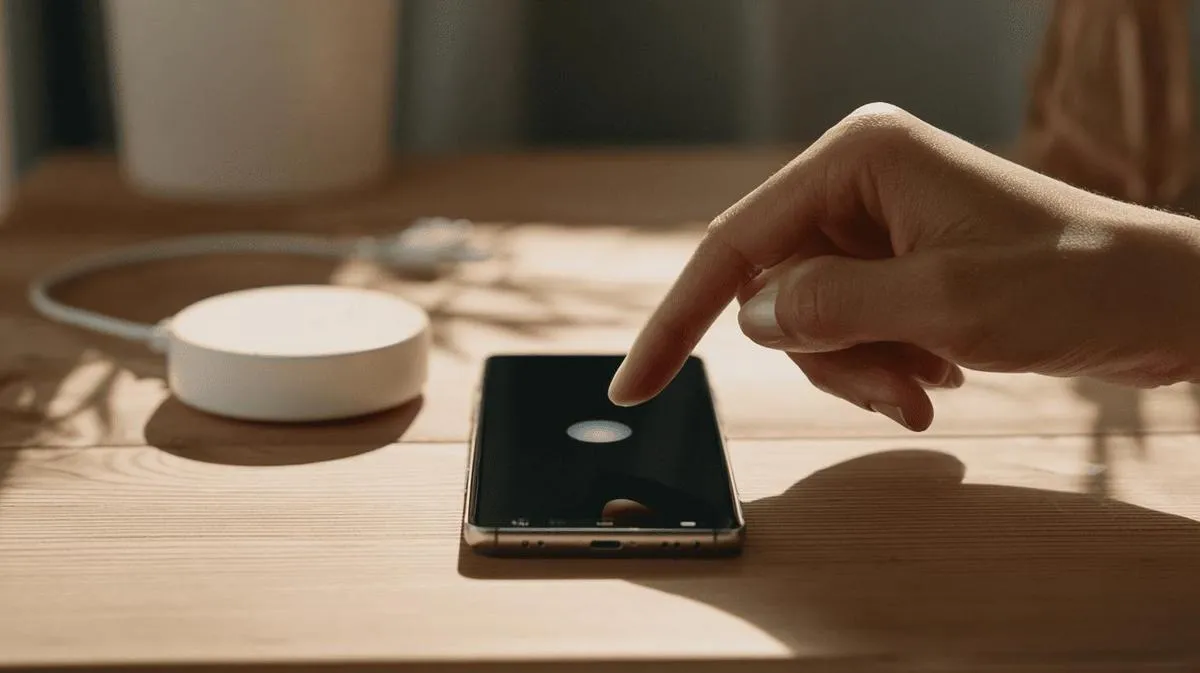
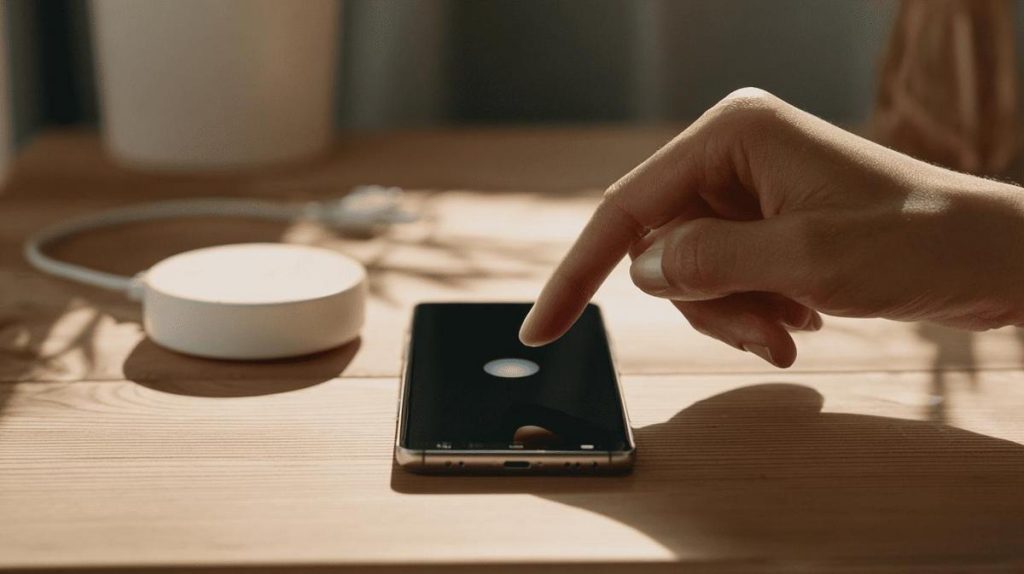
- To turn on your Samsung J5, press and hold the power button for 3 seconds.
- If it doesn't turn on, charge it with the original charger for 20 minutes.
- Check the cable and the socket.
- If it still doesn't turn on, press and hold the power and volume up buttons together to try recovery mode.
- If something appears on screen, follow the options.
- If that doesn't work, seek technical assistance, as this could be a problem with the battery or the main board.
- Always use original chargers and parts to avoid damage.
Do you want to turn on your Samsung J5 but don't know how? Or the device won't turn on and you don't know what to do? Don't worry, I can help. In this article I explain how to turn on your Samsung J5, give simple tips if it isn't responding and show you how to fix common problems. Let's make sure you get the most out of your smartphone: easily, safely and quickly!
How to turn on your Samsung J5 and what to do if it won't turn on
To turn on your Samsung J5, press and hold the power button for three seconds. If it doesn't turn on, try charging the device with an original charger for twenty minutes. Check that the cable is in good condition and that the socket is working. If the phone shows no sign of life, try pressing and holding the power and volume up buttons together. This forces recovery mode. If something appears on screen, follow the options there. If nothing works, your device may need technical assistance. This could indicate a problem with the battery or the main board. Always use original parts and chargers to avoid causing further damage to your Samsung J5.Conclusion
Turning on your Samsung J5 is simple: press the power button and follow the on-screen prompts. If the device won't turn on, check the battery and try charging it. Look for physical damage or a system error. Easy solutions fix the most common problems. To activate it for the first time, follow the manufacturer's steps. Persistent problems? Seek technical service. Value refurbished devices that have passed rigorous testing. Choosing well and looking after your investment also helps the environment.Read also
- How to install WhatsApp on a Samsung phone in 2025
- How to unlock your Samsung phone without knowing the password
- How to take a screenshot on your Samsung device the easy way
- See refurbished Samsung phones at iOutlet
Samsung at iOutlet
Samsung is the world's largest smartphone manufacturer. At iOutlet we offer refurbished Samsung Galaxy models: verified, with a warranty and at affordable prices.
In this article
- Galaxy S series for premium performance
- Galaxy A series for best value for money
Discover refurbished Samsung phones at iOutlet.
Diagnostic tools
Get more articles like this one.
Refurbished tech analysis + €5 with BEMVINDO5 on your first order.