
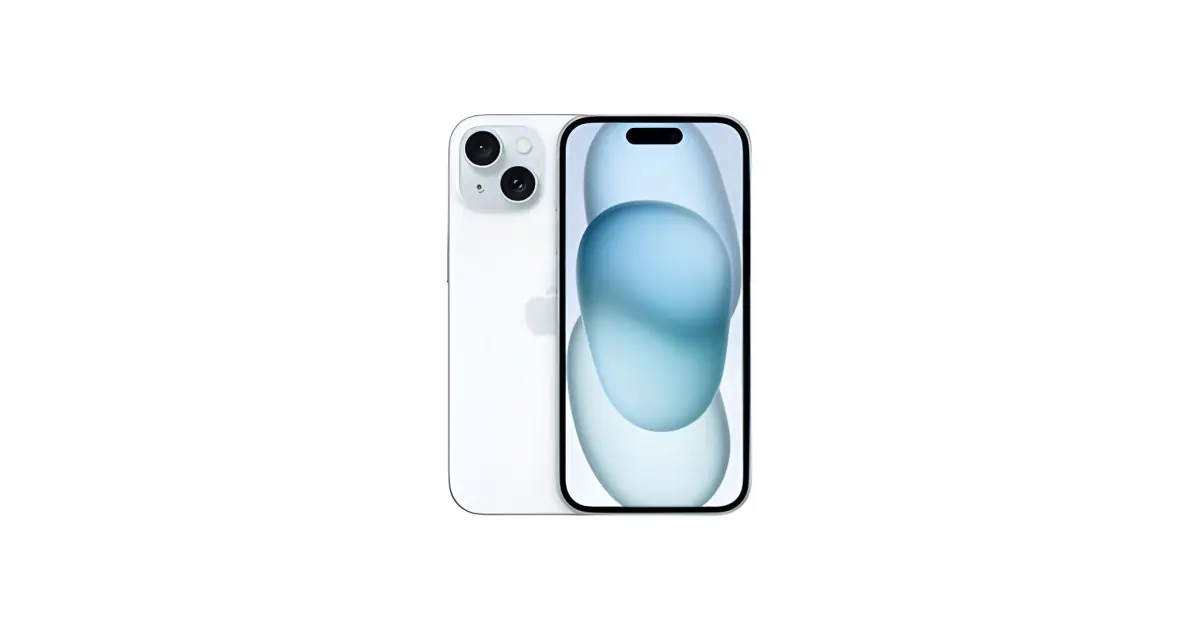
Apple has released an update that lets users block review requests on the App Store. Now, iPhone, iPad and Mac users can avoid being constantly bothered by pop-ups asking them to rate apps.
In this article
How to Block Review Requests on the App Store
On iPhone and iPad:
To block review requests on the App Store on iOS devices, users can follow these simple steps:
1. Open Settings:
Go to the Settings app on your device.
2. Go to the App Store:
Scroll down and tap "iTunes & App Store".
3. Turn Off Ratings:
In the App Store settings menu, turn off the "Ratings & Reviews" option.
On Mac:
Mac users can also block review requests by following these simple steps:
1. Open System Preferences:
Click the Apple icon in the top-left corner of the screen and select "System Preferences".
2. Go to the App Store:
Click "App Store" in System Preferences.
3. Turn Off Reviews:
Uncheck the "Automatic App Review Requests" option.
This Apple update came in response to user requests from people tired of being constantly interrupted by review pop-ups on the App Store. With this new feature, users can enjoy a smoother experience while browsing Apple's app store.
And so, Apple continues to show its commitment to listening and responding to the needs of its users, making the experience of using its devices more personalised and satisfying.
Made with AI.
Source: Killian Bell
link to the story
Reviewed by:
Also read
What This News Means For You
Technology news moves fast. At iOutlet, we follow every update to make sure our refurbished products always deliver the best possible experience, with supported software updates and verified hardware.
Stay Informed
- Follow the iOutlet blog for the latest news on Apple, Samsung and technology
- Subscribe to our newsletter for exclusive offers on refurbished products
Get more articles like this one.
Refurbished tech analysis + €5 with BEMVINDO5 on your first order. Valid on your first order of €50 or more.





