iOS 26 brings a significant update to CarPlay, making it smarter and more useful for iPhone users.
In this article
Smarter and more modern CarPlay
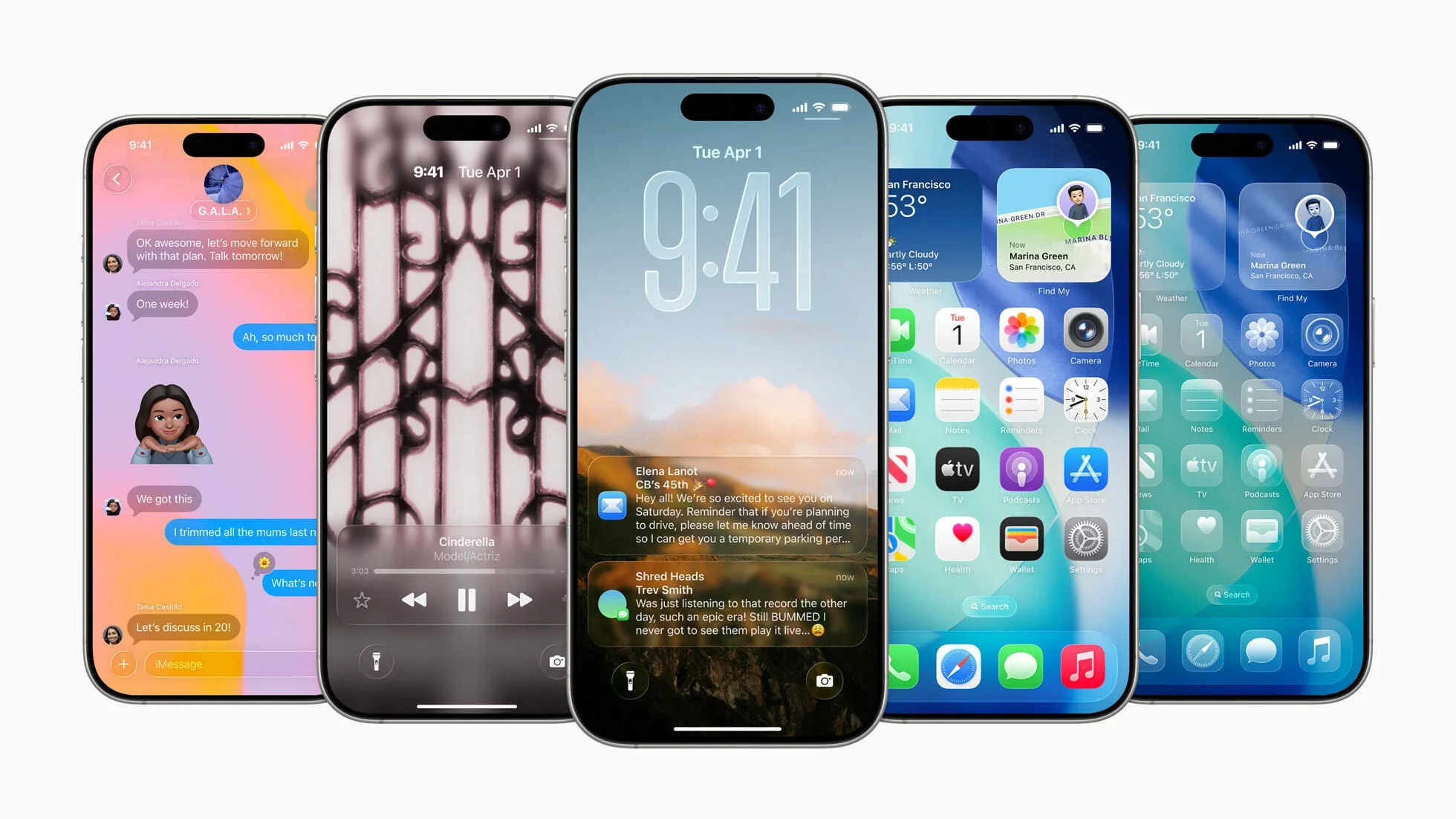
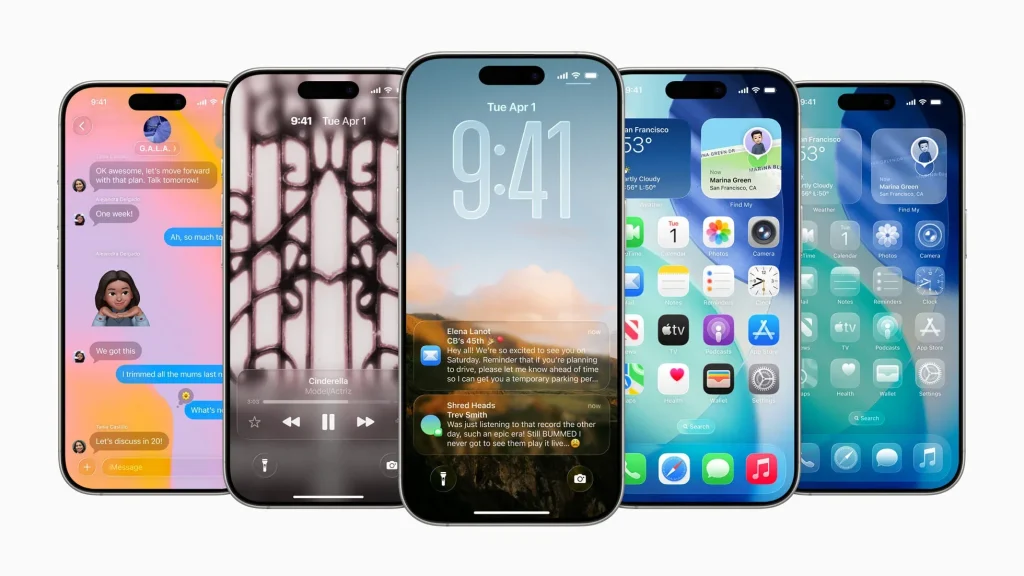
The iOS 26 release promises to transform the CarPlay experience with a cleaner design and improved features. The new Liquid Glass interface not only modernises the look but also introduces widgets previously exclusive to CarPlay Ultra, giving quick access to information like calendar and weather directly from the car's infotainment system.
Technical Details
With this update, CarPlay now supports live activities, letting users follow sports events or track packages in real time. The introduction of video streaming via AirPlay is another new feature, though it is limited to parked vehicles that support it.
Practical Benefits
The new widgets make CarPlay more accessible and functional, integrating smoothly with the Apple ecosystem. This update removes the need for any car adjustments, just update your iPhone to enjoy the improvements.
Next Steps
In the future, more car manufacturers are expected to add AirPlay support, expanding the entertainment possibilities in vehicles. iOS 26 sets a new standard for car connectivity, promising continued evolution in this area.
FAQ
- How do I update CarPlay to iOS 26?
- Just update your iPhone to iOS 26; CarPlay adjusts automatically.
- What is needed to use video streaming in CarPlay?
- The car must support AirPlay and be parked to use this feature.
Read also
Get more articles like this one.
Refurbished tech analysis + €5 with BEMVINDO5 on your first order. Valid on your first order of €50 or more.