
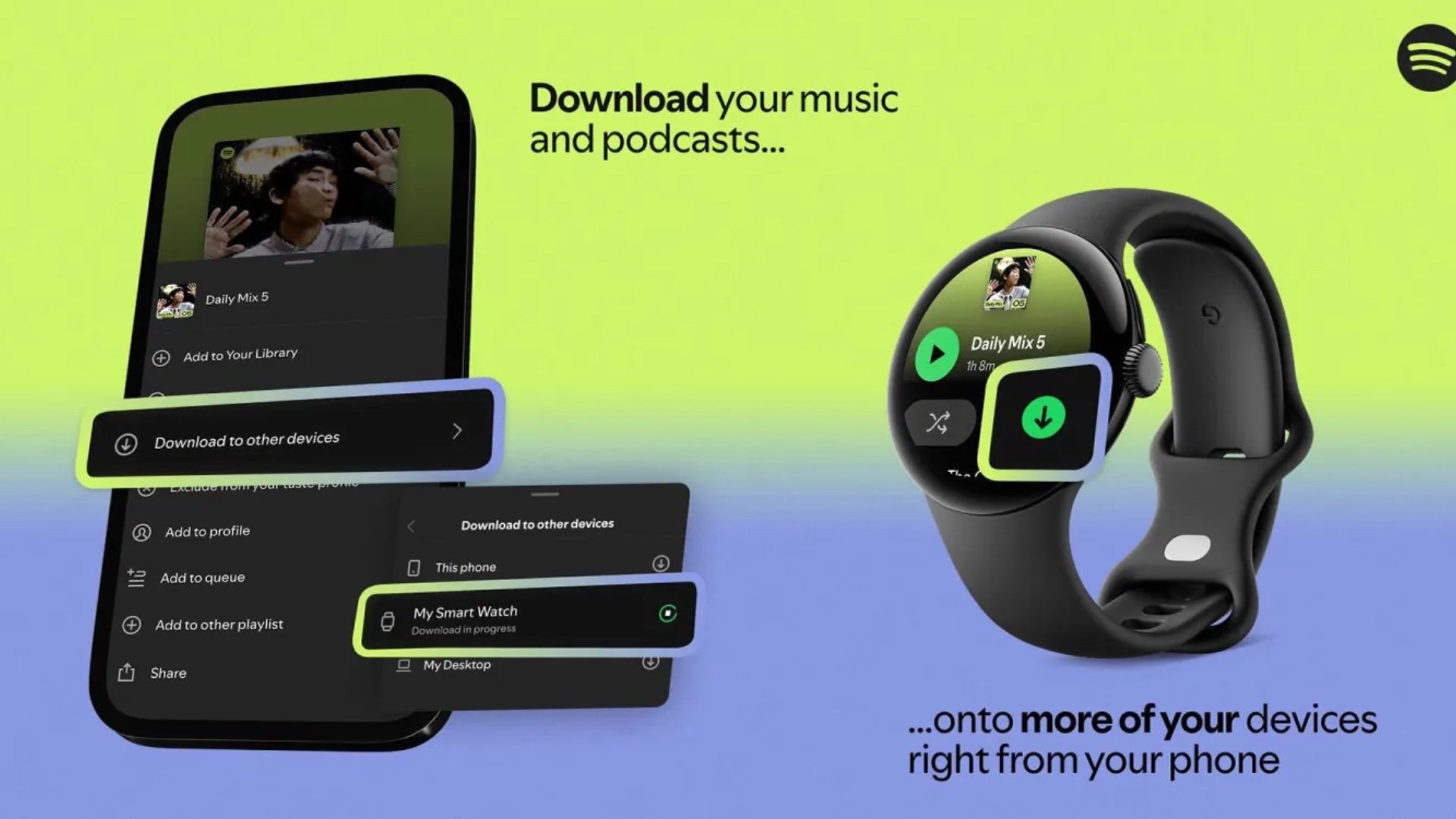
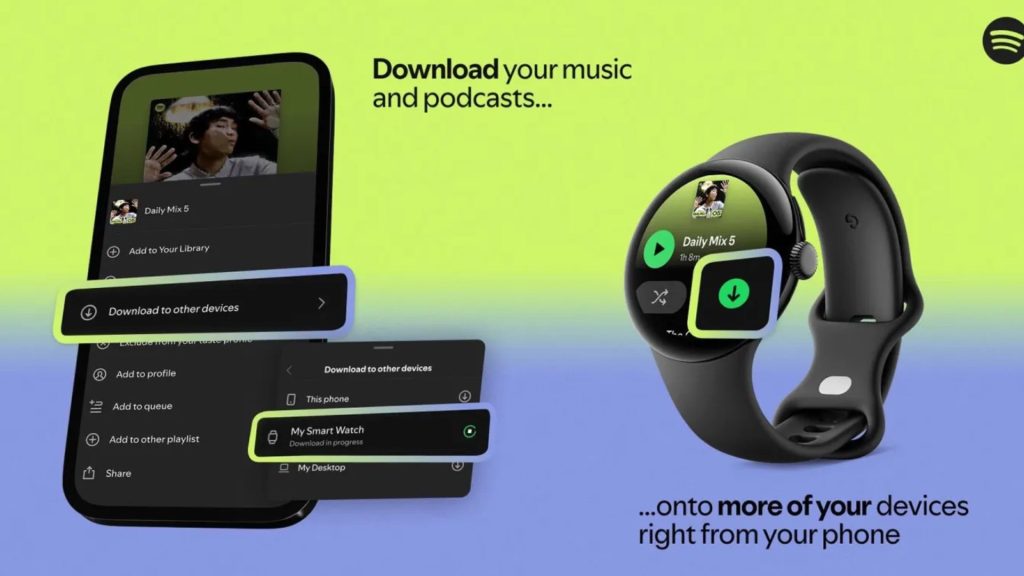
Spotify has released a new feature that lets you download playlists directly to your Galaxy Watch, making it easier to listen to music without relying on your phone.
In this article
Spotify, one of the most popular music streaming services, now allows users to download playlists directly to the Galaxy Watch. This feature is a significant development, particularly for those who exercise and prefer to listen to music without the hassle of taking their phone.
Topic overview
Spotify has been a leader in the music streaming market, offering a vast library and innovative features. This latest addition, which enables remote downloading of playlists to the Galaxy Watch, is an advance that improves the user experience by allowing people to listen to music more conveniently and independently.
Context and impact
As wearable devices such as the Galaxy Watch have grown in popularity, Spotify has adapted to meet user needs. The ability to download playlists directly to the watch is a response to demand for solutions that make music consumption more practical, especially during exercise. This feature not only improves the user experience but also positions Spotify as a service that continues to innovate and respond to market trends.
Key features
- Remote playlist downloads: lets users download their favourite playlists directly to the Galaxy Watch without having to interact with their phone.
- Ease of use: the feature is intuitive and accessible, allowing even less experienced users to make the most of this new option.
- Connectivity: via a Wi-Fi connection, users can sync their playlists quickly, ensuring they always have their favourite music to hand.
FAQ
- How can I download Spotify playlists to my Galaxy Watch?
- Use the new Spotify feature that allows remote download of playlists directly to the watch.
- Do I need a phone to use this feature?
- Yes, the initial sync is done through your phone, but after that you can listen to music directly on the Galaxy Watch.
Read also
What This News Means for You
Technology news moves fast. At iOutlet, we keep up with every update to ensure our refurbished products always deliver the best possible experience, with supported software updates and verified hardware.
Stay Informed
- Follow the iOutlet blog for the latest news on Apple, Samsung and technology
- Subscribe to our newsletter for exclusive offers on refurbished products
Get more articles like this one.
Refurbished tech analysis + €5 with BEMVINDO5 on your first order. Valid on your first order of €50 or more.





