
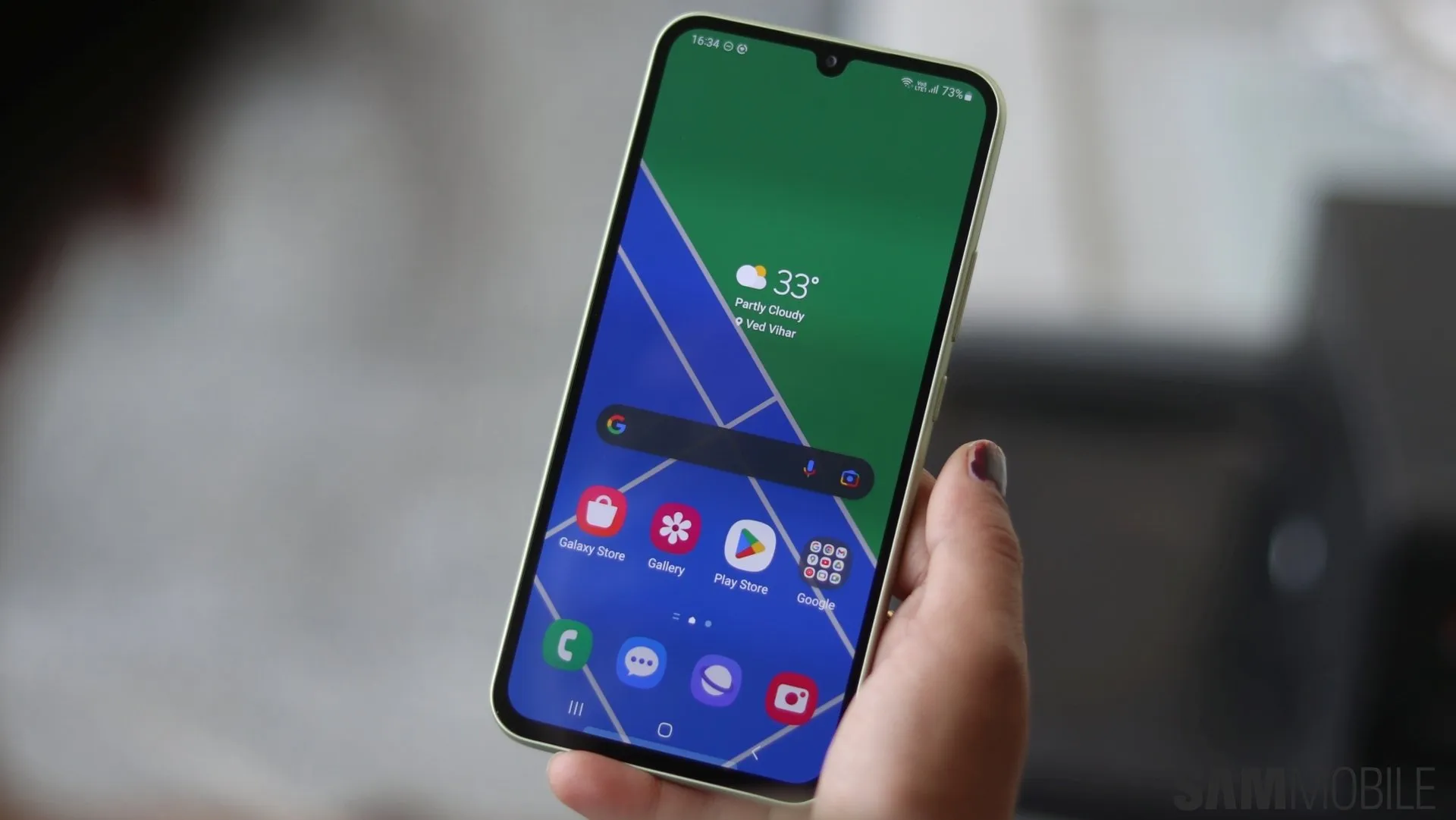
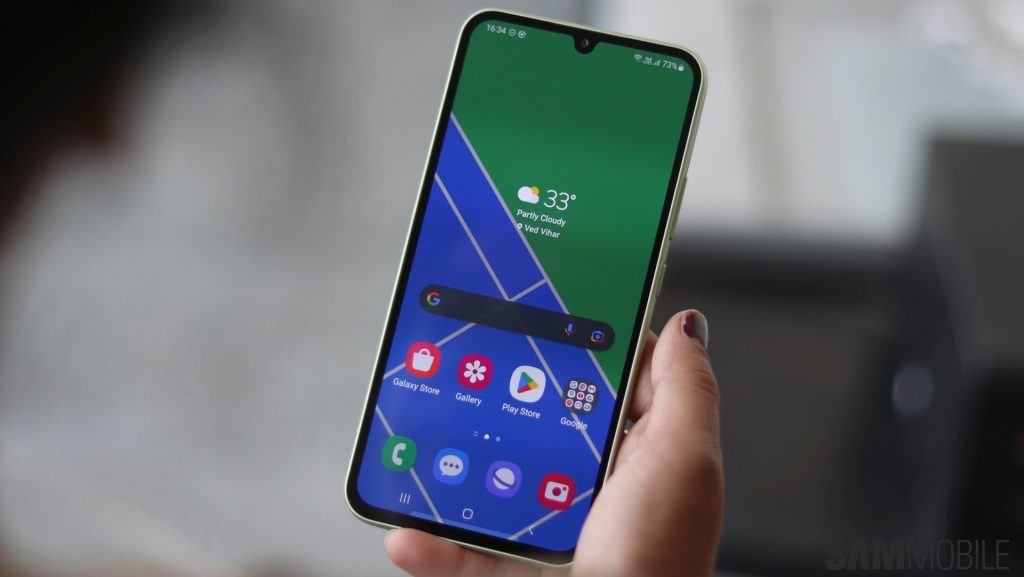
Samsung has expanded the rollout of the One UI 8.0 update, based on Android 16, to the Galaxy A34 in several international regions, including Africa, Asia and Europe.
In this article
Global Galaxy A34 Update
Samsung has released the One UI 8.0 update for the Galaxy A34, now available in Africa, Asia and Europe. This update brings a range of improvements and new features to the device, most notably the new firmware version A346EXXUAEY17. However, the update only includes the September 2025 security patch, not the latest one. Users should check availability manually through the device settings.
Technical Details
With a download size of around 2.3GB, the update introduces significant changes to the interface and features of the Galaxy A34. Quick Share becomes a dedicated app with a clear separation between sending and receiving files. In addition, Samsung Internet and the camera app have received notable improvements that should enhance the user experience.
Practical Benefits
One UI 8.0 offers more efficient management of the Alarm, Calendar and Reminder apps. Profile cards and the secure folder have been improved for greater security and personalisation. These enhancements make the Galaxy A34 more functional and secure for everyday users.
Looking Ahead
With this update, Samsung demonstrates its ongoing commitment to improving user experiences on its devices. Future updates are expected to continue expanding smartphone features and security, keeping them competitive in the global market.
FAQ
- How can I check if the update is available?
- Go to your device Settings, then Software update > Download and install to check manually.
- What are the main new features of One UI 8.0?
- The update brings a revamped Quick Share, improvements to the camera and Samsung Internet browser, among other features.
Read also
What This News Means for You
Tech news moves fast. At iOutlet, we follow every update to ensure our refurbished products always deliver the best possible experience, with supported software updates and verified hardware.
Stay Informed
- Follow the iOutlet blog for the latest news on Apple, Samsung and technology
- Subscribe to our newsletter for exclusive offers on refurbished products
Get more articles like this one.
Refurbished tech analysis + €5 with BEMVINDO5 on your first order. Valid on your first order of €50 or more.





