
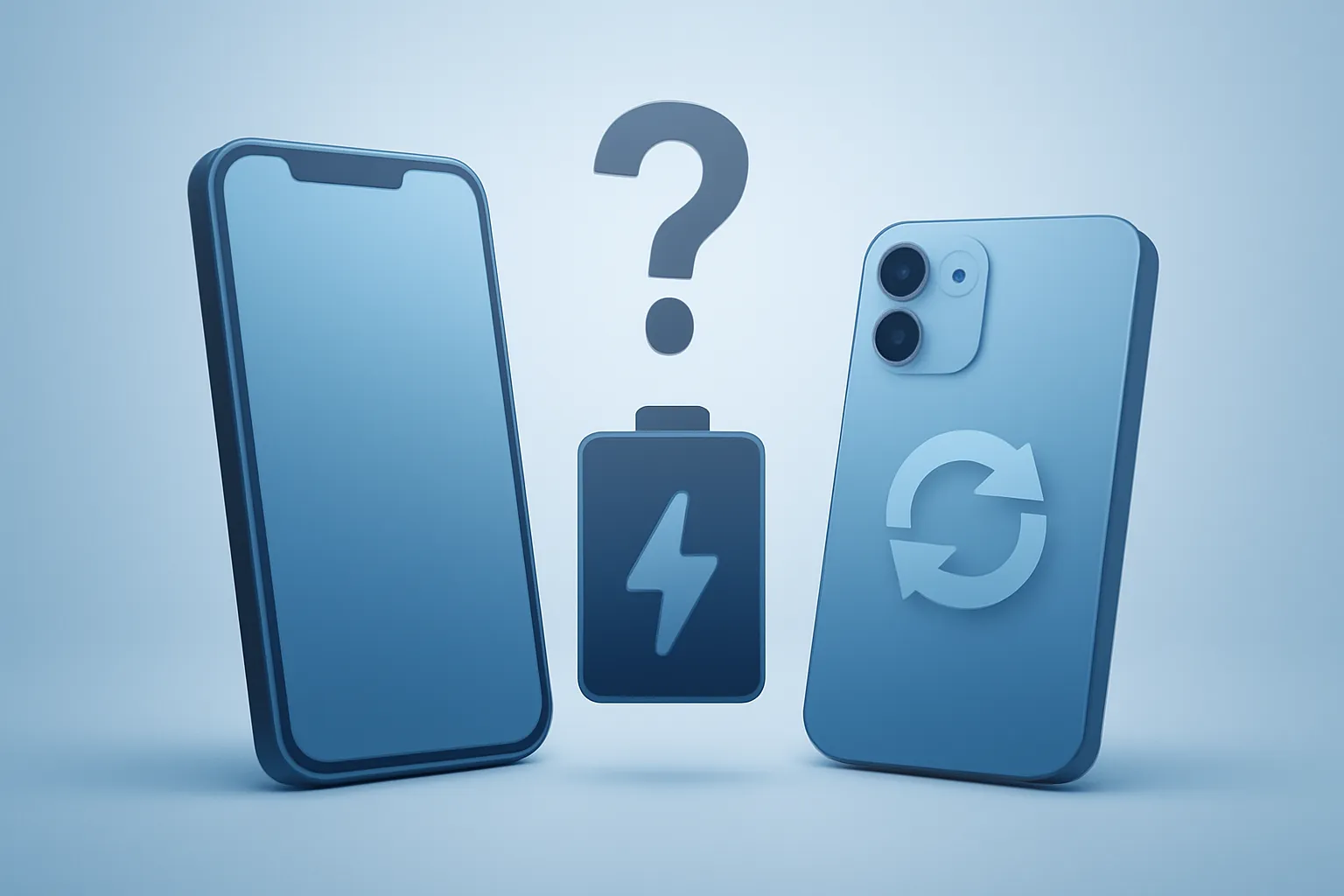
Replace iPhone battery or buy a refurbished iPhone: is it worth it?
In this article
- Quick diagnosis: when the battery is the problem (and when it isn’t)
- Battery replacement: what actually improves (and what doesn’t change)
- Buying a refurbished iPhone: real advantages and risks to manage
- How to decide: replace iPhone battery or buy a refurbished iPhone (practical matrix)
- Where it makes the most sense to buy and research (no shortcuts)
- What to do now
- FAQ
- When is it worth replacing the iPhone’s battery?
- Does replacing the battery improve iPhone performance?
- What does refurbished iPhone mean?
- What are the biggest risks when buying a refurbished iPhone?
- How to decide between replacing iPhone battery or buying a refurbished iPhone?
\r\n\r\nBetween replace iPhone battery or buy a refurbished iPhone, the answer is not universal: it depends on the device's condition, the iPhone generation and your usage profile. Replacing the battery can restore battery life and stability (fewer shutdowns and less performance throttling), but it does not improve the camera, display or storage. A refurbished iPhone, on the other hand, can be the most rational way to step up a generation with warranty and testing, reducing the risk of successive "patches". Below are practical criteria to decide with fewer guesses and more verifiable signals.\r\n\r\n
Quick diagnosis: when the battery is the problem (and when it isn’t)
\r\nBefore choosing between replace iPhone battery or buy a refurbished iPhone, confirm whether the bottleneck is actually the battery. On the iPhone, "battery health" is an estimate of chemical wear; when it is low, battery life decreases and the system may curb performance peaks to avoid unexpected shutdowns.\r\n
- Typical signs of a degraded battery: battery life has clearly dropped, percentage falls in "jumps", abnormal heating during simple tasks, shutdowns even with visible charge.
- Signs that it isn’t just the battery: display with spots/lines, unstable Face ID/Touch ID, cameras malfunctioning, storage constantly full, persistent sluggishness even after cleaning and updating.
\r\nIf the phone is otherwise "healthy", a battery replacement is usually the intervention with the best effort-to-benefit ratio. If there are several symptoms at once, a refurbished device starts to make more sense.\r\n\r\nFor technical reference, Apple explains how capacity and performance relate to battery ageing in iPhone Battery and Performance.\r\n
Battery replacement: what actually improves (and what doesn’t change)
\r\nReplacing the battery is a repair focused on battery life and power stability. In practical terms, it can:
- Improve battery life (more hours between charges) and smooth out abrupt percentage drops.
- Reduce unexpected shutdowns when the battery can no longer supply power spikes.
- Reduce performance limitations associated with power management in aged batteries (when applicable).
\r\nWhat doesn’t change: camera quality, display refresh rate, storage capacity, compatibility with new iOS features and, of course, the "weight" of older hardware compared with more demanding apps.\r\n\r\n
Risks and considerations: battery quality and the execution of the repair matter. An unknown-origin battery may degrade faster, heat more or give inconsistent readings. And a poorly performed opening can compromise sealing and internal components. If your priority is risk reduction, it is worth understanding what Apple regards as a genuine battery and service (even if you choose another route, you retain a benchmark for comparison).\r\n
Buying a refurbished iPhone: real advantages and risks to manage
\r\nA refurbished iPhone (refurbished = used hardware that has been tested, cleaned and, where necessary, repaired/replaced components before being resold) can be the most efficient option when you want to step up a generation without paying for a brand-new one.\r\n
- Typical advantages: better performance from a newer generation, potential camera/display improvement, longer iOS support, and purchase with warranty (depending on the seller).
- Typical risks: unclear repair history, non-original parts without transparency, battery with high wear, and ambiguous cosmetic grading.
\r\nWhat you should demand to reduce uncertainty: clear description of condition (grade/state), return policy, functional testing, and written warranty. If you are researching the topic, also explore content on technology on iOutlet’s blog to contextualise terminology and buying criteria.\r\n\r\n
How to decide: replace iPhone battery or buy a refurbished iPhone (practical matrix)
\r\nTo decide between replace iPhone battery or buy a refurbished iPhone, use these criteria as a "checklist":\r\n
- Is the rest of the iPhone in good condition? If so, a battery replacement is likely sufficient.
- Do you want improvements beyond battery life? If you want a better camera, more performance or longer iOS support, a refurbished device wins.
- Is there more than one costly issue? Display + battery + other symptoms usually push towards a refurbished device.
- Do you need predictability? A refurbished device with warranty and testing can reduce "surprises" compared with multiple repairs over time.
- Is your usage demanding? Gaming, photography/video and multitasking benefit more from a generation jump than from a new battery in an older model.
\r\nIf you are undecided, follow a simple rule: if the iPhone serves you in everything except battery life, replace the battery. If the iPhone already limits you on several fronts, buy a refurbished one and close the matter with a warranty.\r\n
Where it makes the most sense to buy and research (no shortcuts)
\r\nRegardless of the choice, avoid "blind" decisions. If you go for a refurbished device, favour sellers who explain the process, the condition of the hardware and the warranty/return terms. For research and comparison of related topics, you have more articles on iOutlet’s blog.\r\n\r\nIf you opt to replace the battery, confirm the component’s source and the service’s competence. The difference between a well‑done repair and a "quick swap" can be the difference between 18 more peaceful months and recurring issues.\r\n\r\n
What to do now
- Check the battery health and confirm whether the symptoms match wear (battery life, shutdowns, heating).
- List additional issues (display, cameras, storage, performance) and decide if you are "adding repairs".
- If you go for a refurbished device, demand written warranty, return policy and a clear condition description.
- If you replace the battery, choose a service that is transparent about the battery’s origin and the procedure.
FAQ
When is it worth replacing the iPhone’s battery?
\r\nWhen the iPhone is functional (display, cameras and performance acceptable) but battery life has dropped and there are typical signs of a degraded battery, such as unexpected shutdowns or abrupt percentage drops.\r\n\r\n
Does replacing the battery improve iPhone performance?
\r\nIt can improve stability and avoid performance limitations associated with power management in aged batteries, but it does not transform the hardware: it does not improve the camera, display or add storage.\r\n\r\n
What does refurbished iPhone mean?
\r\nIt is a used iPhone that has been tested and prepared for resale (cleaned, inspected and, where necessary, repaired/replaced components), normally with a condition rating and seller warranty.\r\n\r\n
What are the biggest risks when buying a refurbished iPhone?
\r\nUnclear repair history, non-original parts without transparency, battery with high wear and weak warranty/return conditions. These risks diminish when there is documented testing and a written warranty.\r\n\r\n
How to decide between replacing iPhone battery or buying a refurbished iPhone?
\r\nIf the iPhone serves you in everything except battery life, replacing the battery is usually the most straightforward choice. If you want a better camera/performance and longer iOS support, a refurbished device tends to pay off.\r\n\r\n
Get more articles like this one.
Refurbished tech analysis + €5 with BEMVINDO5 on your first order. Valid on your first order of €50 or more.
![iPhone 15 Pro Max Refurbished: Titanium for Less [2026]](https://ioutlet.pt/wp-content/uploads/2026/03/Apple-iphone-15-pro-max-azul-12-300x300.png.webp "iPhone 15 Pro Max Refurbished: Titanium for Less [2026]")
![iPhone 13 Pro Max Refurbished: Review and Price [2026]](https://ioutlet.pt/wp-content/uploads/2022/10/apple-iphone-13-pro-max-azul-300x300.png "iPhone 13 Pro Max Refurbished: Review and Price [2026]")
![iPhone 14 Pro Refurbished: Pro Camera at Half the Price [2026]](https://ioutlet.pt/wp-content/uploads/2026/03/Apple-iphone-14-pro-roxo-16-300x300.png.webp "iPhone 14 Pro Refurbished: Pro Camera at Half the Price [2026]")


