
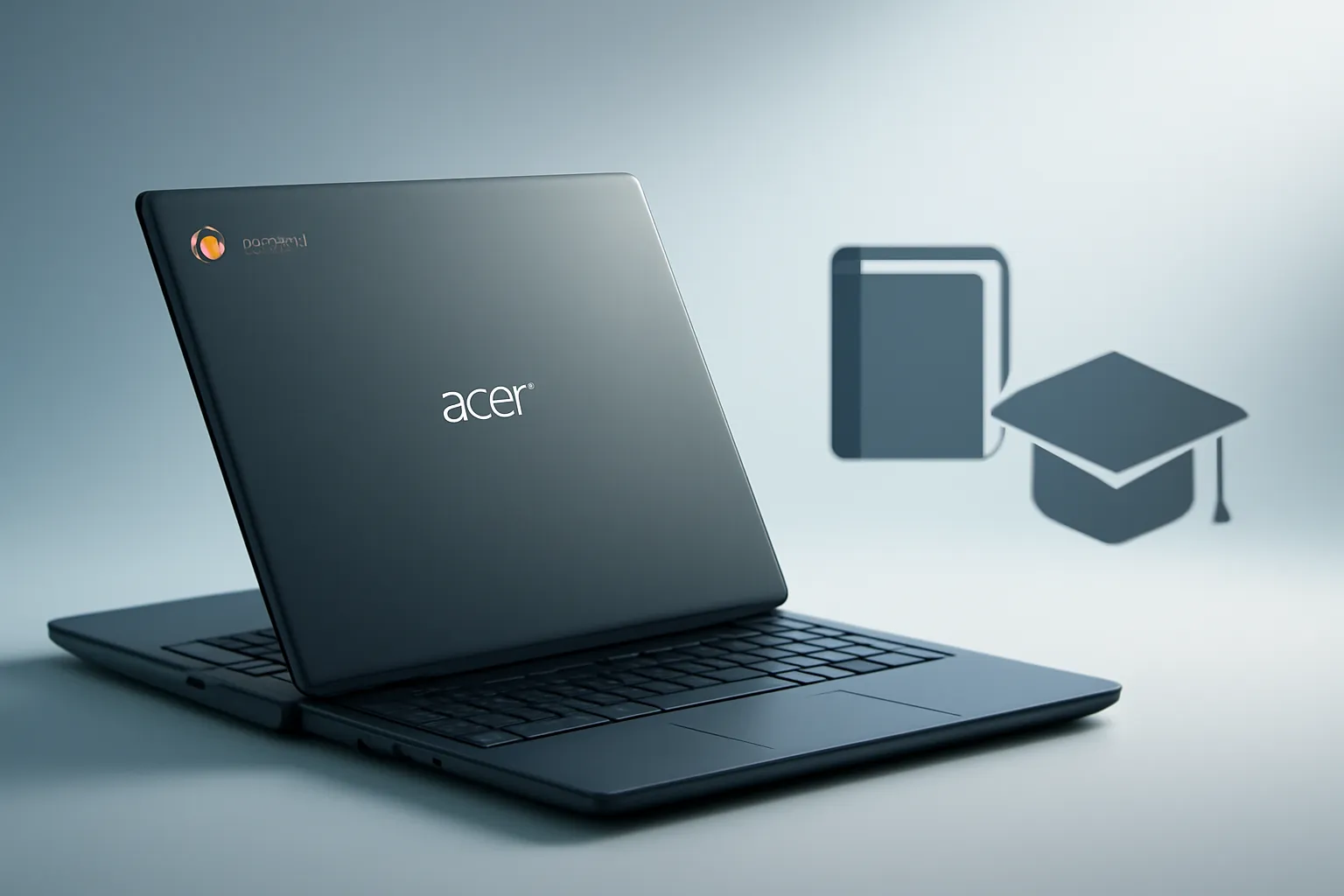
Acer Chromebook laptops for students: two new models focus on durability, battery life and easy repairs
In this article
- What changes in Acer Chromebook laptops for students (and why it matters)
- Architecture & Specifications: MediaTek Kompanio 540 and the focus on efficiency
- Durability, hygiene and accidents: the trio that determines lifespan
- Management for schools: what IT teams really want
- What to do next: quick checklist to choose the right model
- Final read: why these Chromebooks may gain ground in classrooms
- FAQ
Acer Chromebook laptops for students arrive in two versions, Acer Chromebook Spin 311 and Acer Chromebook 311, with a clear goal: to keep up with the pace of classrooms and daily study without complicating life for students and IT teams. Acer highlights a build that has passed military‑grade durability tests, promises extended battery life and modular components to simplify repairs. The main technical change is the debut of the MediaTek Kompanio 540 processor in these Chromebooks, a choice that points to energy efficiency and controlled costs in K-12 environments.
What changes in Acer Chromebook laptops for students (and why it matters)
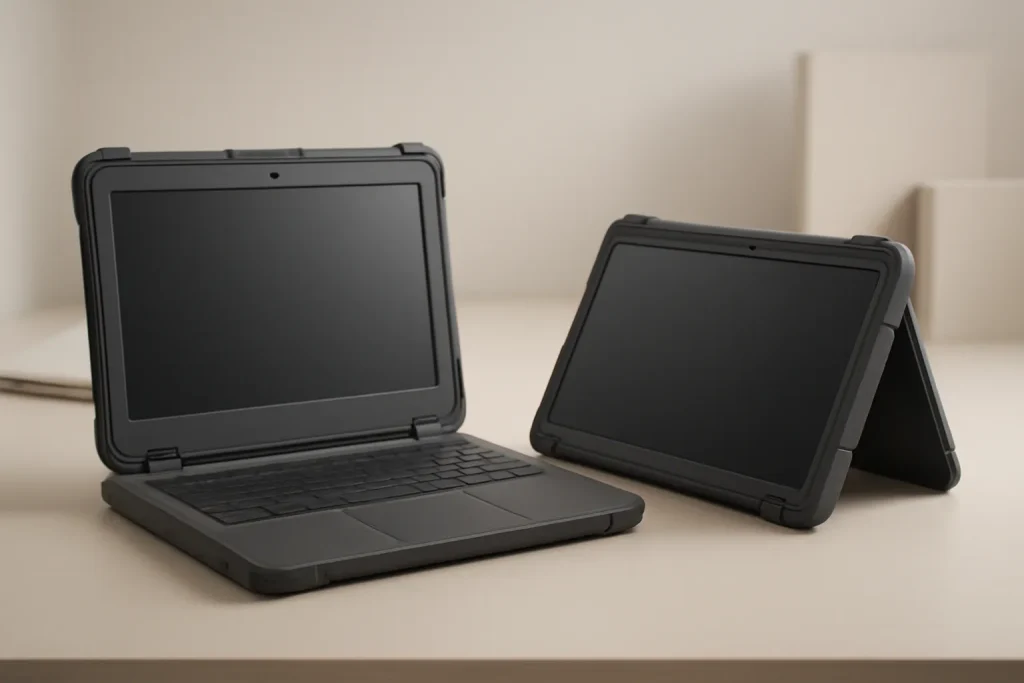
The announcement focuses on two formats that meet different needs. The Acer Chromebook 311 follows the classic “clamshell” design (traditional lid), simpler for continuous desk use. The Acer Chromebook Spin 311 is a convertible: its hinge allows several modes (laptop, tent, presentation and tablet), useful when the lesson switches between writing, reading and group work.
In a school context, the difference is not just ergonomics. A convertible tends to be more versatile for touch‑based activities and content consumption; a clamshell is generally more straightforward for prolonged typing and fleet management. In both cases, Acer positions these laptops as a “built‑to‑withstand‑bumps” platform and aims to reduce interruptions from failures.
Architecture & Specifications: MediaTek Kompanio 540 and the focus on efficiency
The most relevant point from a technical perspective is the debut of the MediaTek Kompanio 540. A SoC (System‑on‑a‑Chip) integrates the CPU, GPU and other controllers into a single chip, usually delivering efficiency and battery life, which is critical when the device spends the day between classes and assignments.
Acer did not detail, in the source text, performance figures, RAM, storage or measured battery life. Nonetheless, the choice of Kompanio 540 suggests a focus on moderate power consumption and a smooth experience for typical ChromeOS tasks: browsing, web applications, video conferencing and educational tools. For Acer Chromebook laptops for students, this tends to matter more than performance “peaks” in heavy software that rarely exists in a school environment.
Another real‑world impact is the inclusion of modular components. Practically, modularity means certain parts can be replaced with less time and lower labour cost, reducing equipment downtime. For schools, this helps keep classes working without relying on lengthy repair cycles.
Durability, hygiene and accidents: the trio that determines lifespan
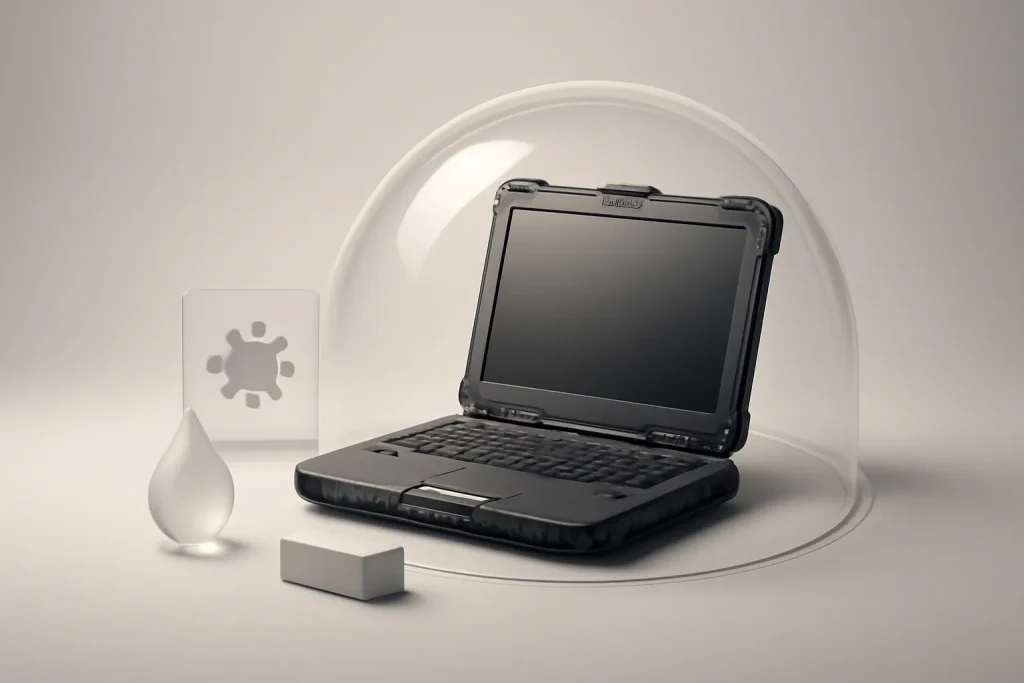
The two models are described as built to meet military‑grade durability testing (a common reference to test batteries for drop, vibration and environmental variation resistance). This should be read as “robustness orientation”, not as a guarantee of indestructibility: in real use, cases, transport and habits still matter.
There are also two choices aligned with everyday school life: spill‑resistant keyboards and screens with an antimicrobial option. A spill‑resistant keyboard can reduce damage from liquids, one of the most frequent incidents in classrooms and libraries. The “antimicrobial screen” is typically a coating designed to curb microorganism growth on the surface; it does not replace regular cleaning but can help in shared‑use environments.
Together, these points reinforce the proposition of Acer Chromebook laptops for students: fewer breakages, fewer downtime events and a more predictable lifespan, which in education is as valuable as top‑spec features.
Management for schools: what IT teams really want
Acer frames these Chromebooks as a “cost‑effective” platform with simplified management tools for IT departments. In general terms, the Chromebook ecosystem’s advantage lies in centralized administration, user policies and application control, especially when an institution needs to configure dozens or hundreds of machines consistently.
If you are evaluating Acer Chromebook laptops for students for a school, it makes sense to confirm in advance: how provisioning is done, which policies can be applied, how extension access is managed and how student and teacher accounts are handled. For day‑to‑day operational queries (for example, account recovery, sync and settings), the support documentation can be a starting point in official Google help.
For editorial transparency, the source information for this announcement was published in Student-Focused Laptop Models.
What to do next: quick checklist to choose the right model
Before deciding between the Spin 311 and the 311, it is worth mapping the actual use. If the priority is reading, screen rotation and more visual activities, the convertible may make sense. If the priority is typing, simplicity and standardisation, the clamshell tends to be more predictable.
For Acer Chromebook laptops for students, also confirm points that the source text does not specify and that may vary by configuration: screen type (and whether the antimicrobial layer is included), storage capacity, available ports, pen compatibility (if applicable) and warranty conditions. In a Portuguese context, it is also prudent to understand how timelines and procedures work should a return or repair be needed, for example, by consulting warranty conditions and return policy for rights and process framing.
Final read: why these Chromebooks may gain ground in classrooms
Acer is reinforcing a formula that makes sense in education: rugged devices, with battery life advertised as long, and designed for simpler maintenance. The debut of the MediaTek Kompanio 540 is the technical element that can help balance performance and efficiency on ChromeOS, without diverting focus from the essentials: availability, management and total cost of ownership.
If your priority is to reduce incidents and keep a functional fleet throughout the school year, these Acer Chromebook laptops for students are a proposition to watch, especially when full configuration details and support policies for each market are available.
FAQ
- What is the practical difference between the Acer Chromebook Spin 311 and the Acer Chromebook 311?
- The Spin 311 is a convertible with a 360° hinge for several usage modes; the 311 is a traditional laptop (clamshell). The choice depends on whether you need (or not) tablet/presentation‑style modes.
- What is the MediaTek Kompanio 540 and why is it relevant?
- It is a SoC (System‑on‑a‑Chip) used in Chromebooks, designed for energy efficiency. In a school context, it can translate into good battery life and suitable performance for web tasks and educational apps.
- Does “military‑grade testing” mean the laptop is indestructible?
- No. It usually indicates that it has passed a battery of resistance tests (drops, vibration, temperature, etc.). It helps durability but does not eliminate the risk of damage from misuse.
- Does a spill‑resistant keyboard solve liquid accidents?
- It reduces the likelihood of damage from small spills, but it is not an absolute guarantee. The extent of “resistance” varies by model and by the type/amount of liquid.
- What does “modular components” mean in these Chromebooks?
- It means certain parts have been designed for simpler replacement, which can lower repair time and cost in school fleets.
- Do antimicrobial screens eliminate cleaning?
- No. An antimicrobial coating can help reduce microorganism growth on the surface, but hygiene still depends on regular cleaning and good practices.
Get more articles like this one.
Refurbished tech analysis + €5 with BEMVINDO5 on your first order. Valid on your first order of €50 or more.





