
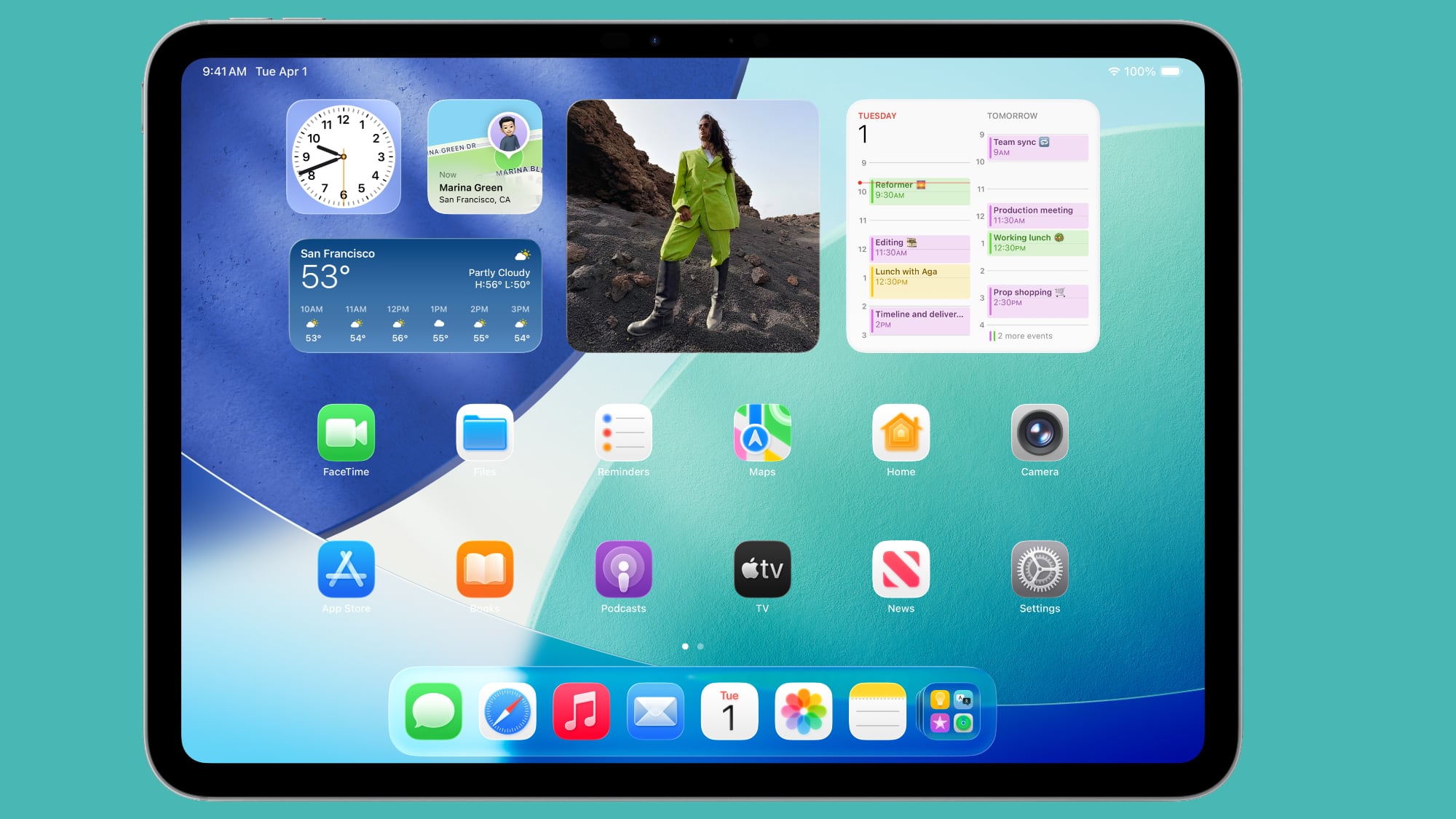
iPadOS 26 brings the iPad even closer to the Mac, introducing features that promise to transform the Apple tablet user experience.
In this article
New Features Inspired by macOS
iPadOS 26 is set to redefine how iPads work, bringing them even closer to Macs. With features like a Mac-style menu bar and windowed apps, users will enjoy a more flexible, intuitive interface. This update, expected later this month, aims to boost multitasking and advanced file management without losing the unique qualities that make the iPad so versatile. The addition of a Preview app and improvements to Files are just some of the highlights for demanding users.
Technical Details
The new menu bar in iPadOS 26 is dynamic and adapts to the app in use, offering specific menus such as File and Edit. Windowed Apps mode lets you arrange multiple windows in a single space, similar to the Mac desktop. Traffic light buttons in the top-left corner of windows make it easy to manage them, with options to resize and organise.
Practical Advantages
With iPadOS 26, users can expect greater efficiency when tackling complex tasks. App Exposé makes it easier to navigate between open apps, while Apple Pencil support in the Preview app expands creative possibilities. Advanced file management with list view and customisable folders significantly improves document organisation.
Future Outlook
The iPad's future looks increasingly integrated with the Mac ecosystem. Ongoing updates point to a path where Apple devices work in synergy, offering a unified experience. Future versions are expected to continue exploring this convergence, further unlocking iPad capabilities.
FAQ
- Does my iPad support iPadOS 26?
- The latest iPad models support iPadOS 26. Check your device specifications to confirm compatibility.
- What are the main improvements to Files?
- The Files app now includes a list view with resizable columns and customisable folders with colours and icons.
Get more articles like this one.
Refurbished tech analysis + €5 with BEMVINDO5 on your first order. Valid on your first order of €50 or more.





